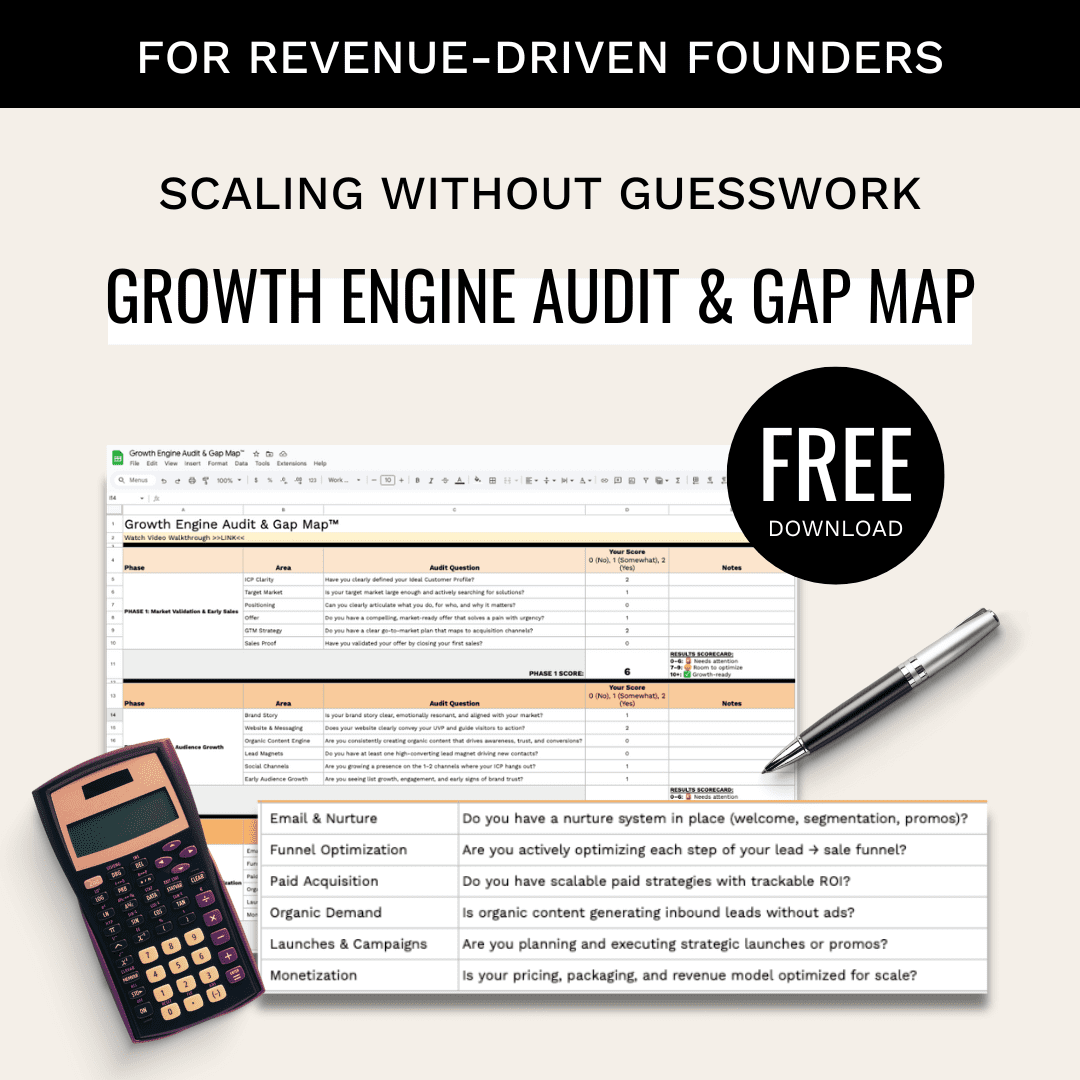

If your funnel data can’t tell you what to fix next, your dashboard is already behind.
I’d narrow this choice down fast by comparing the best attribution and pipeline analytics tools:
- Pick Coreworks if you need source-to-revenue reporting across campaigns, reps, and segments
- Pick Sourcetable if you need live pipeline views, funnel leak analysis, and forecast tracking in a sheet-style workflow
- Pick Docsumo if PDFs, forms, invoices, or bank statements are breaking your CRM data before reporting starts
It might surprise you to hear that the tool choice usually has less to do with features and more to do with where your data fails first. If attribution is the issue, start with Coreworks. If stage leakage and stalled deals are the issue, start with Sourcetable. If intake data is messy, start with Docsumo.
For most teams, I’d use 3 checks before I decide:
- Data path: Can I tie UTMs and web events to pipeline and closed-won revenue?
- Funnel visibility: Can I see stage drop-off, stalled leads, and pipeline velocity by rep or source?
- Data input quality: Is CRM data clean, or am I feeding it bad fields from documents and forms?
Quick Comparison
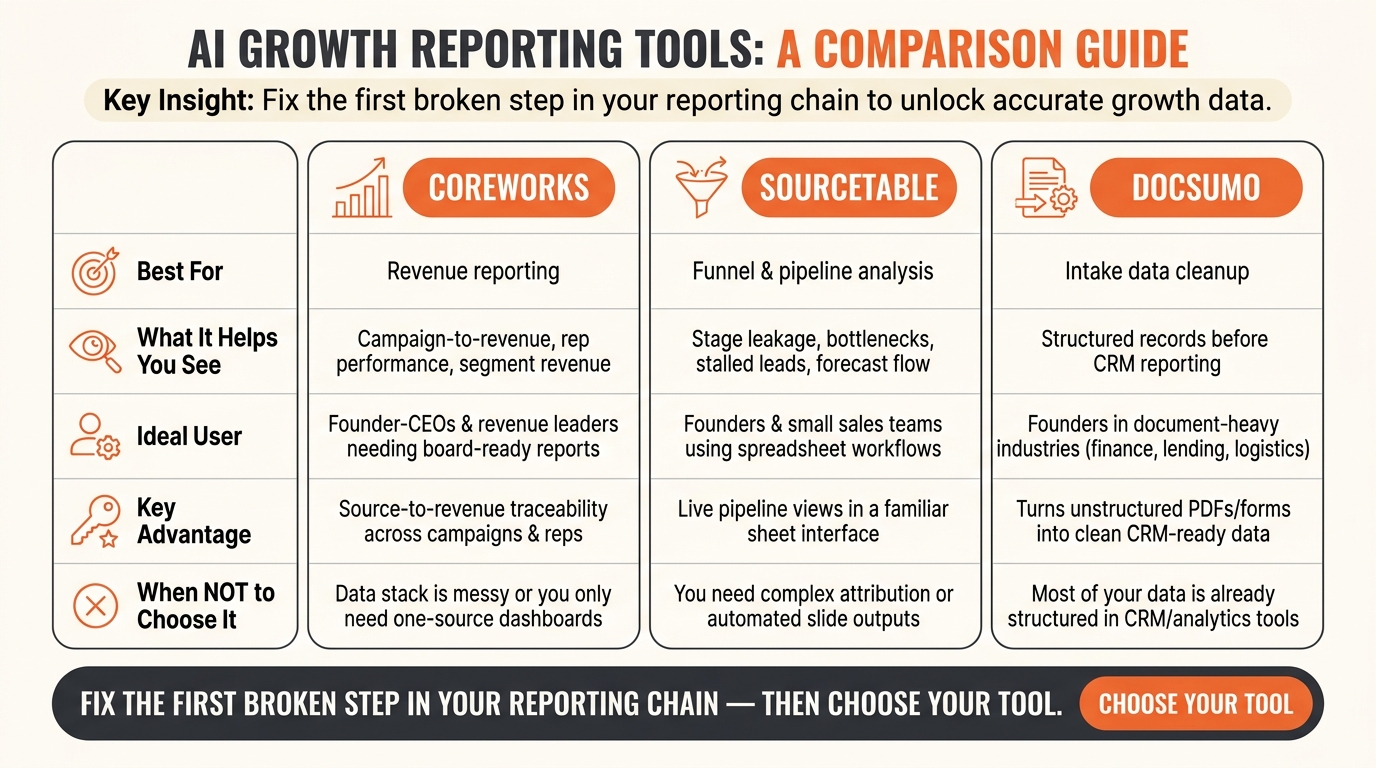
Coreworks vs Sourcetable vs Docsumo: AI Growth Reporting Tools Compared
| Tool | Best for | What it helps me see | Best starting point |
|---|---|---|---|
| Coreworks | Revenue reporting | Campaign-to-revenue attribution, rep performance, segment revenue | Clean data, revenue questions |
| Sourcetable | Funnel and pipeline analysis | Leakage, bottlenecks, stalled leads, forecast flow | Spreadsheet-heavy teams |
| Docsumo | Intake data cleanup | Better structured records before CRM reporting | Document-heavy intake |
My short take: use the tool that fixes the first broken step in your reporting chain. That’s how I’d get from raw funnel data to decisions people can act on right away.
1. Coreworks
Coreworks is the best fit when you need one clear view from source to pipeline to revenue.
Source-to-Revenue Depth
Coreworks connects UTMs and lead sources to CRM outcomes, including opportunities and closed-won revenue.
Attribution
Coreworks breaks revenue down by campaign, sales rep, and customer segment.
When It’s Most Useful
Use it when you need source-to-revenue reporting by campaign, rep, or segment.
2. Sourcetable
If Coreworks ties source data to revenue, Sourcetable gives you a better view of friction inside the funnel.
It shines in pipeline and funnel reporting. You can spot bottlenecks, stalled leads, and stage leakage fast. That helps founders see where the funnel breaks and which fixes are most worth their time.
Pipeline and Funnel Depth
Track each stage so you can see where conversion drops, where leakage starts, and which steps slow pipeline velocity. Once those leaks are out in the open, attribution and forecasting rely on cleaner event-to-CRM matching.
Attribution and Forecasting
Good attribution depends on tight alignment between web events like GA4‘s generate_lead and CRM outcomes such as new contacts and deal stages. Forecasting works best when CRM milestones are tracked with consistency from qualified_lead to closed_opportunity.
When the problem is document-heavy intake or inconsistent source data, the next tool is the better fit.
3. Docsumo
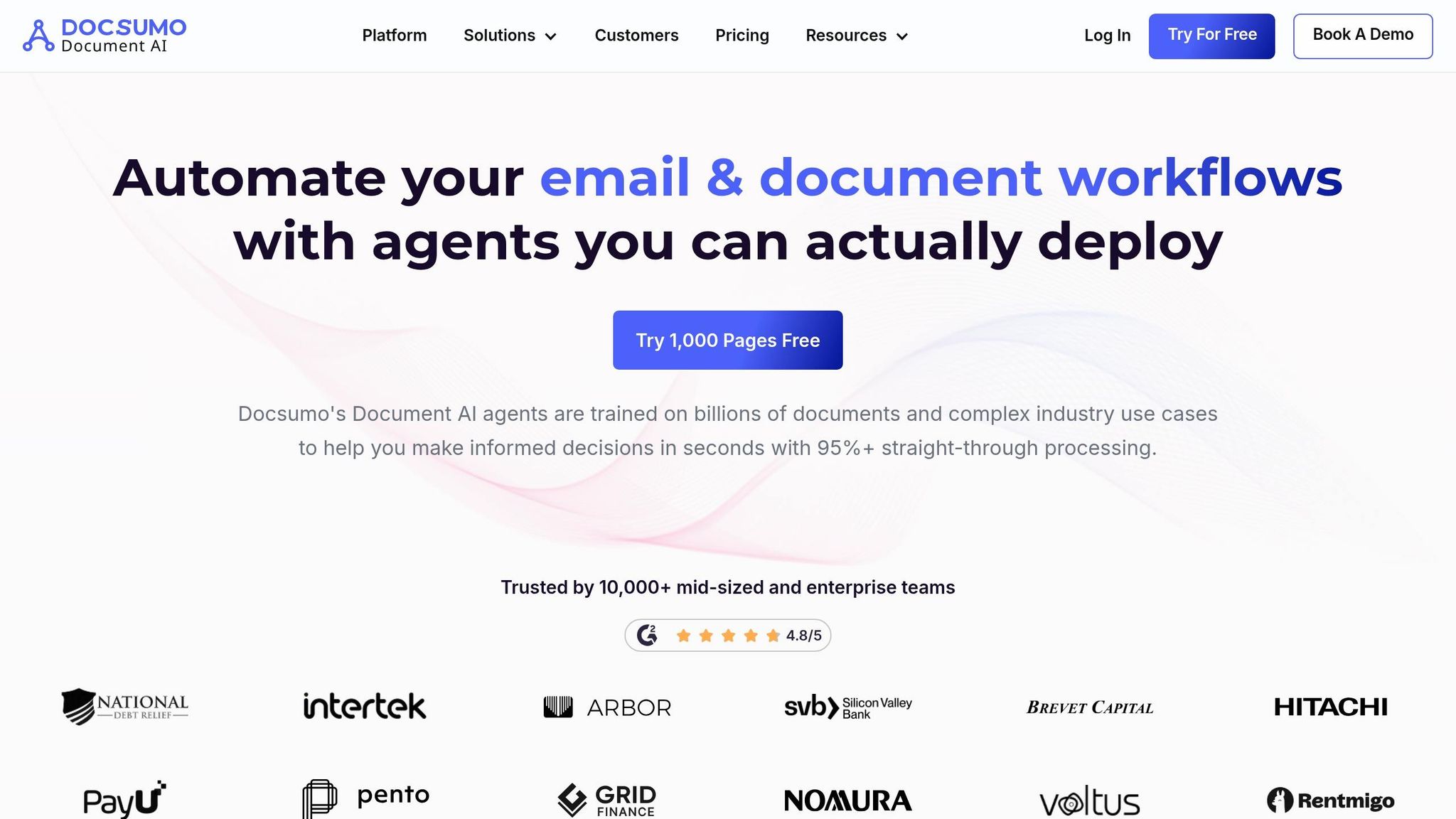
Docsumo makes sense when messy document intake wrecks growth data before it ever hits reporting. For service businesses with document-heavy intake, the job is simple: turn raw files into structured data that can support downstream pipeline reporting. If the data going into your CRM is shaky, your pipeline metrics will be shaky too.
Pipeline and Funnel Depth
Docsumo helps when funnel data breaks before analysis even begins. It takes messy document intake and turns it into structured data, so your CRM is reliable enough to report on.
Once intake is structured, marketing attribution gets easier to trust.
Attribution and Forecasting
Cleaner intake data makes source-to-CRM matching more reliable across long sales cycles [1].
Data Automation and Integrations
Docsumo improves web-to-CRM reconciliation, which makes growth reporting easier to trust [1].
Best Fit
Use Docsumo when intake data is the bottleneck, not the dashboard. You end up with cleaner pipeline data, but the best tool still depends on where reporting breaks first.
Pros and Cons of Each Tool
Use this table to match each tool to the reporting bottleneck it solves. The main difference comes down to where each tool sits in your reporting workflow. The table below keeps the comparison tight and focused on where each one helps most.
| Tool | Major Advantages | Major Limitations | Ideal Buyer | When Not to Choose It |
|---|---|---|---|---|
| Coreworks | Connects multiple core data sources into polished growth reports and decks | Works best when your data is already clean and connected; weak for ad hoc spreadsheet analysis | Founder-CEOs and revenue leaders who need a finished, shareable report for board or leadership meetings | Your data stack is still messy, or you only need a simple dashboard from one source; a native CRM dashboard may be enough |
| Sourcetable | AI-powered spreadsheet for live pipeline questions, tables, charts, and dashboards | Less suited to complex attribution and polished slide outputs | Founders and small sales teams that want live pipeline, forecast, and rep-performance views in a familiar sheet interface | You already have a governed BI environment, or you need fully automated slide-based outputs |
| Docsumo | Automates extraction and structuring of unstructured documents into clean data tables that can feed downstream reporting | Not a reporting layer | Founders in financial services, lending, insurance, logistics, or B2B marketplaces where document volume slows decisions | Most of your growth data is already structured in CRM or product analytics tools |
Use this summary to match the tool to the point where your reporting breaks.
Which Tool Should You Choose?
Choose based on funnel complexity, data cleanliness, and how much of your reporting already runs on autopilot.
Use the bottleneck from the comparison table to guide the call.
If your team already works with clean CRM data in spreadsheets, Sourcetable is the best place to start. It fits spreadsheet-heavy teams, and it handles live pipeline views and simple funnels well.
If your reporting needs to answer attribution and revenue questions, Coreworks is the better fit. It turns connected pipeline and CRM data into board-ready reports with source-level traceability.
If reporting breaks at intake, fix the source first. If key funnel inputs show up as PDFs, like contracts, bank statements, or invoices, start with Docsumo. It turns unstructured documents into structured data [2], which helps keep downstream reporting clean. Once fields and IDs are clean, add Sourcetable or Coreworks on top.
FAQs
How do I know which reporting problem to fix first?
Start by auditing your funnel so you can see exactly where leads drop off. Put your attention on high-intent channels, then review MQL-to-SQL conversion rates by channel and ICP segment. If the top-line numbers look off, channel-level segmentation can reveal a mix problem instead of a conversion problem.
From there, prioritize the data points most tied to your goals. Set a baseline for your key metrics, then run a 30-day pilot with two attribution models before you make broader changes.
Can I use more than one of these tools together?
They should be integrated, not isolated. When tools sit apart, you get data silos, conflicting insights, and wasted spend.
Connect your CRM, marketing platforms, and analytics software through native bi-directional CRM sync and centralized databases. In other words, you want one shared view of the customer journey, so attribution gets more accurate and decisions stay consistent.
What data should I clean before building AI growth reports?
Clean the data that has the biggest impact on report accuracy first. Start with duplicate contacts, internal traffic, source verification errors, and inconsistent campaign names and parameters.
Before you generate summaries, do a quick pass on the gaps that can throw off the story. Check for missing spend data, direct traffic spikes you can’t explain, and CRM sync delays. Also make sure every data field has a clear owner, plus documented PII and retention policies.
Related Blog Posts
- GTM Engineering Benchmarks 2026: Time-to-First-Revenue, CAC Payback, and Pipeline Velocity for B2B SaaS
- 29 Best AI Tools for Marketing in 2026 & How To Choose
- AI Marketing Automation vs. AI Marketing Operations: What Lean Startups Actually Need in 2026
- How to Automate Marketing Reporting & Traffic-Acquisition Analytics with AI (Step-by-Step Workflow)