
Startup marketing teams lose most of their week to manual work, the copy-paste, the report-building, and the data cleanup that never ends. The tools below hand that work to AI so your team can spend its time on the thinking that actually grows the company. I’ve taught more than 45,400 people to build these automations, and this list is the shortlist I’d actually start with.
Here’s a quick look at 10 standout tools for lean marketing teams:
- n8n: Flexible, developer-friendly workflows with over 1,500 integrations and execution-based pricing starting at $20/month.
- Zapier: No-code automations with 8,000+ integrations, starting at $19.99/month. Great for quick setups.
- Make: Visual workflows with branching logic, starting at $9/month.
- Gumloop: AI-driven workflows for unstructured data, starting at $30/month.
- Relay.app: Combines automation with manual approvals, starting at $38/month.
- Pipedream: Developer-focused platform for custom scripts, free for up to 100 daily invocations.
- AirOps: Tailored for SEO and content teams, free for 1,000 tasks/month.
- Clay: Data enrichment powerhouse with 150+ integrations, starting at $134/month.
- Hightouch: Syncs data from warehouses to marketing tools. Pricing available via sales.
- Browse AI: Simplifies web scraping and data extraction. Pricing varies.
I run these automations in my own business. When I built my own content system this way, it took the cycle from two weeks down to minutes, replaced a $61,920-a-year freelancer cost, and now runs on under an hour of my time a week.
These tools help with tasks like lead routing, campaign automation, content production, and data enrichment. Whether you’re a technical founder or a marketer, there’s an option that fits your AI marketing system building blocks, budget, and goals.
Quick Comparison:
| Tool | Starting Price | Best For | Key Feature |
|---|---|---|---|
| n8n | $20/month | Developers | Custom code fallback (JS/Python) |
| Zapier | $19.99/month | Quick setups | 8,000+ integrations |
| Make | $9/month | Visual thinkers | Drag-and-drop workflows |
| Gumloop | $30/month | Managing unstructured data | AI reasoning in workflows |
| Relay.app | $38/month | Teams needing manual approvals | Human-in-the-loop automations |
| Pipedream | Free (100/day) | Technical teams | Code-based workflows |
| AirOps | Free (1,000 tasks) | SEO and content marketers | Prebuilt SEO templates |
| Clay | $134/month | Lead enrichment | 150+ data providers |
| Hightouch | Contact sales | Data-driven campaigns | Warehouse-first design |
| Browse AI | Varies | Web scraping and competitive research | Click-to-train data extraction bots |
I’d have you resist the urge to automate everything at once. Pick the one workflow that costs your team the most hours right now, map out exactly how it runs today, then hand that single workflow to one of these tools. Prove it saves the time you expected, and only then move to the next. Automation compounds when each piece is solid, so the win comes from getting one right before you stack the second on top.
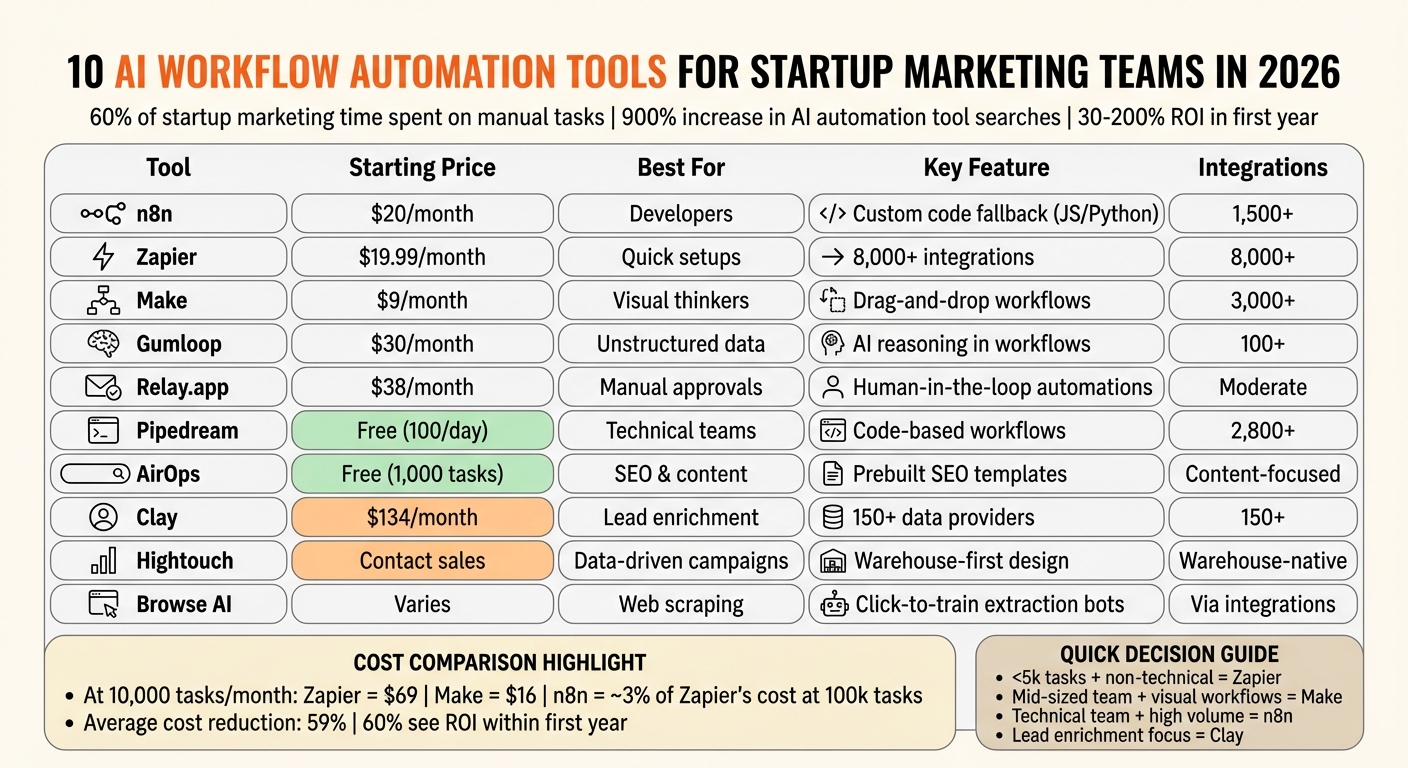
AI Workflow Automation Tools Comparison: Pricing, Features, and Best Use Cases for Startups 2026
1. n8n
n8n is a flexible workflow automation platform designed to give technical startup teams complete control over their processes. Operating on a "fair-code" source-available model, it allows users to either self-host or opt for the cloud version – ensuring full data sovereignty [1].
Workflow Flexibility
n8n introduces an execution-based pricing structure that redefines the cost dynamics of marketing automation. Instead of charging per task, it charges per workflow execution, reducing expenses by approximately 60% compared to traditional task-based pricing models [2].
One standout feature is its code fallback capability. When visual tools fall short, users can seamlessly switch to native JavaScript or Python nodes to handle unique cases [1].
Integration Depth
With over 1,500 native integrations and a universal HTTP Request node for interacting with any REST API, n8n offers extensive connectivity. For startups with strict data requirements, the self-hosted Community Edition supports direct SQL connections to data warehouses like Snowflake and BigQuery. Additionally, 4,000+ pre-built community templates accelerate deployment [1] [2].
This strong integration framework supports n8n’s advanced AI capabilities, making it a versatile tool for technical teams.
AI Agent Readiness
By late 2025, more than 80% of workflows built on n8n incorporated AI agents, showcasing its readiness for agentic automation [7]. The platform includes an "AI Agent" node with native LangChain integration, enabling multi-agent orchestration and persistent memory using Postgres Chat Memory [1].
In early 2026, the SanctifAI development team used n8n’s visual builder to deploy their first AI-powered workflow in just 2 hours – three times faster than their previous approach of manually coding Python controls for LangChain [5]. This speed is a game-changer for lean marketing teams aiming to launch campaigns without long engineering delays.
These AI capabilities directly enhance marketing workflows, making them faster and more efficient.
Best Marketing Use Cases
n8n is particularly effective for automating lead scoring, managing high-volume content operations, and enhancing sales intelligence. Tasks like engagement tracking, content analysis, and prospect research become streamlined and scalable [1] [5].
"n8n is the clear choice for developers because it offers real code fallback in JavaScript and Python in addition to preconfigured integration nodes, plus source-available licensing."
- n8n Blog [1]
Pricing starts at $20/month (2,500 executions, unlimited steps), scales to $50/month for 10,000 executions, and goes up to $667/month for Enterprise features like SSO and advanced RBAC. For those seeking complete infrastructure control, the self-hosted Community Edition is available for free [1].
2. Zapier
Zapier is a go-to tool for lean marketing teams needing quick solutions without diving into technical complexities. With over 8,000 app integrations – more than twice what most automation platforms provide – it offers one of the largest ecosystems available [6].
Workflow Flexibility
Zapier has grown far beyond its roots in simple trigger-and-action automations. It now operates as a full AI orchestration system, combining workflows with AI agents, tables, and forms [6]. Marketers can create automations easily using a no-code interface, while the "Paths" feature introduces conditional logic to route leads based on factors like engagement, source, or score [5].
For those needing more advanced functionality, "Code by Zapier" supports JavaScript and Python, though these features come with execution limits [5][2]. The "Zapier Canvas" tool further simplifies the process by allowing teams to visually map out complex workflows before deploying them, cutting down on potential debugging time [6].
Integration Depth
Zapier integrates seamlessly with major tools like HubSpot, Salesforce, Marketo, Mailchimp, and Google Analytics, along with hundreds of specialized AI platforms. These connections help businesses save time and money – reducing costs by 59% and saving 12.5 hours per week on average [5][2][1]. The platform’s integrations enable AI agents to execute real-time actions across workflows without friction.
AI Agent Readiness
As of 2026, Zapier supports the Model Context Protocol (MCP), which allows AI models like Claude to directly trigger Zaps using natural language commands [3]. Zapier’s AI agents can handle tasks like analyzing spreadsheets, conducting web searches, and drafting responses across thousands of applications – all without requiring manual input [5].
"Zapier is the AI orchestration platform that helps AI, apps, and teams work together as complete systems."
- Nicole Replogle, Staff Writer, Zapier [6]
Best Marketing Use Cases
Zapier shines in scenarios like lead qualification and routing tools, where AI can analyze form submissions, calculate lead scores, and direct high-value leads to sales. Meanwhile, lower-priority leads can be sent into nurture sequences [5]. This versatility is especially helpful for startups that need efficient lead management, campaign setup, and cross-platform data syncing.
Pricing begins at $19.99/month for the Professional plan, which includes 750 tasks and multi-step Zaps. For teams, the plan scales to $69/month, offering 2,000 tasks and shared workspaces. A free tier is also available, providing 100 tasks per month for basic two-step automations. AI Agent add-ons start at $33.33/month for 1,500 activities [6][1].
3. Make
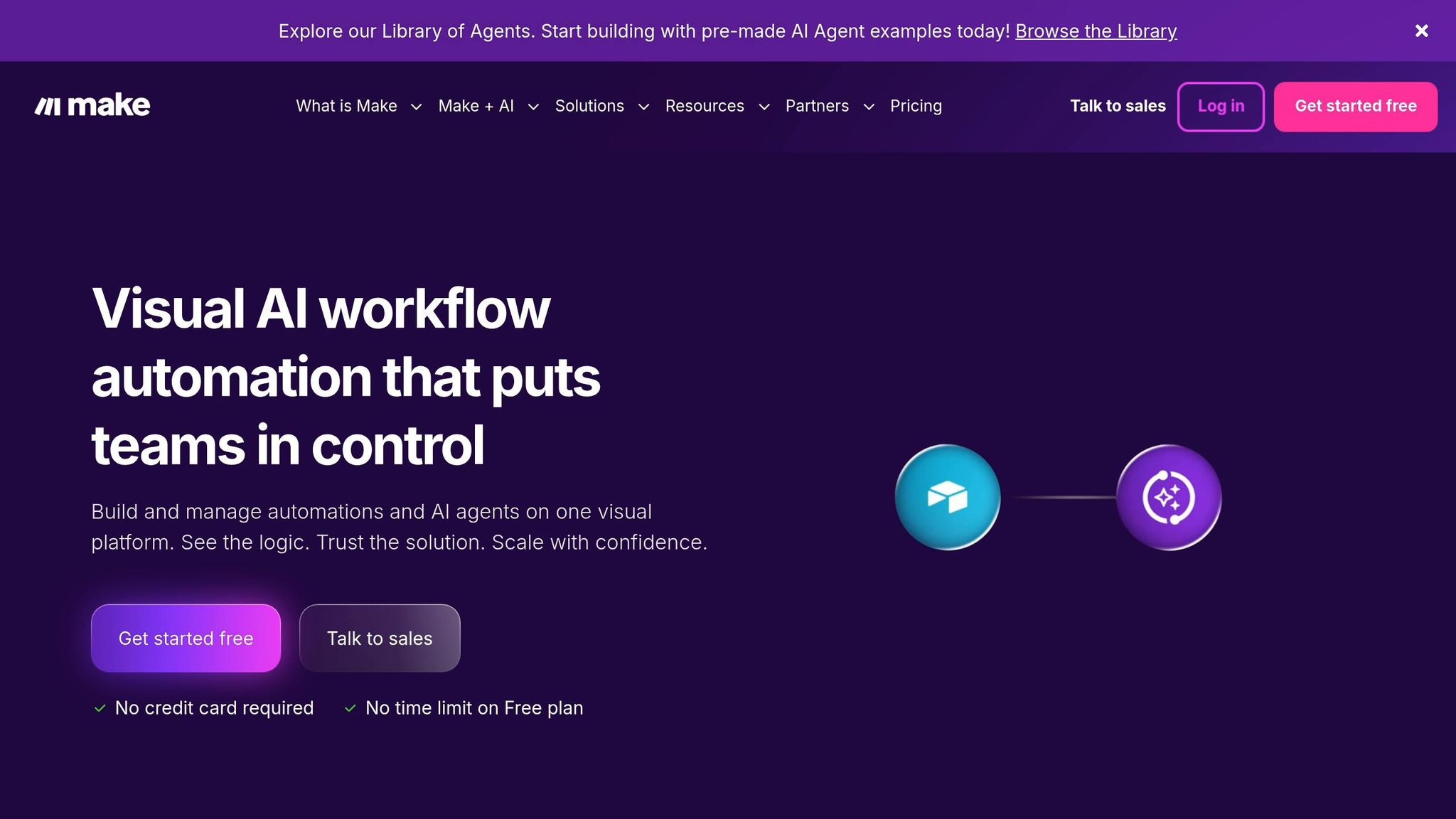
Make provides startup marketing teams with a visual approach to managing complex, multi-step automations. Instead of relying on basic trigger-action setups, Make uses a drag-and-drop canvas to map workflows as interconnected modules. This design not only makes it easier to identify bottlenecks but also simplifies debugging. Similar to tools like n8n and Zapier, Make uses its visual interface to streamline intricate marketing processes.
Workflow Flexibility
With its visual scenario builder, Make supports branching logic using features like routers, iterators, and aggregators. This allows you to manage conditional paths and process data in batches – all without writing code. For instance, a single scenario can evaluate signals from multiple sources and route leads accordingly. Make also includes built-in tools like data parsers, formatters, and error handlers to automatically address API call failures, ensuring smoother workflows.
Integration Depth
Make connects with 1,000 to 3,000 apps, including popular tools like HubSpot, Salesforce, Slack, Mailchimp, and Google Analytics. For tools without native connectors, the HTTP Request module enables integration with any REST API. This flexibility is especially useful for startups that depend on niche or custom-built systems alongside their primary marketing platforms.
AI Agent Readiness
Make’s AI agents work directly on its visual canvas, incorporating reasoning logs for dynamic decision-making. This approach avoids the limitations of rigid, hardcoded logic. Its "Grid" feature provides a centralized view of active agents, apps, and workflows, making it easier for teams to monitor and debug AI-driven processes across multiple operations.
Best Marketing Use Cases
Thanks to its flexible logic and wide range of integrations, Make is ideal for tasks that require complex data handling. Examples include coordinating multi-channel product launches, running programmatic SEO pipelines, or creating collaborative lead scoring systems that pull data from email, web, and CRM platforms simultaneously. Pricing starts at $9/month (billed annually) for the Core plan, which includes 10,000 operations and unlimited active scenarios – about 60% less expensive than similar tools [2]. For teams looking to test the platform, a free tier offers 1,000 operations per month.
4. Gumloop
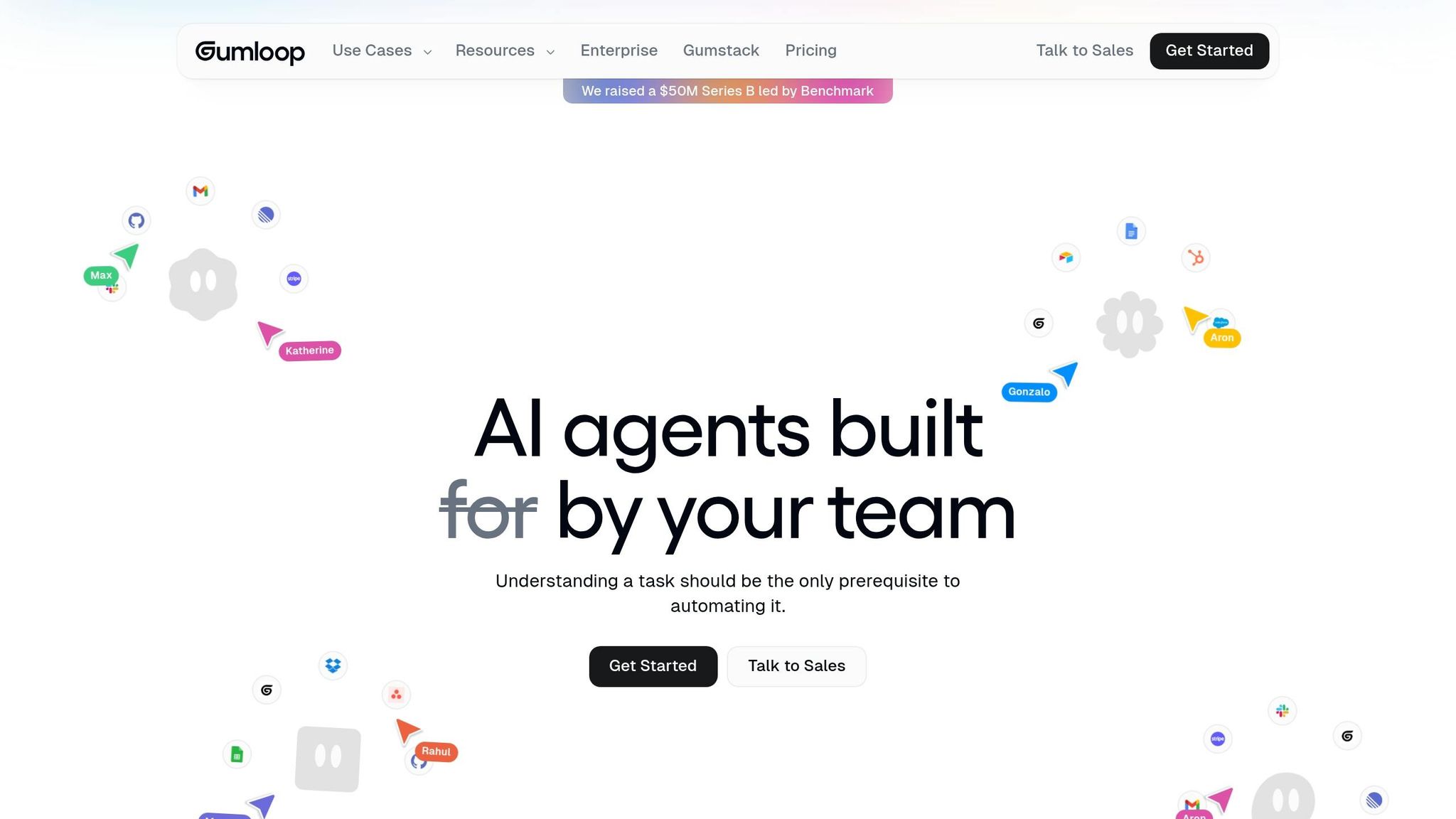
For startup marketing teams looking for AI automation tools that prioritize workflows, Gumloop stands out by embedding AI reasoning directly into each workflow node. This approach allows tasks like text analysis, classification, and summarization to happen seamlessly within the workflow itself. It’s particularly effective for managing unstructured data such as customer feedback, social media posts, or research documents.
Workflow Flexibility
Gumloop uses a node-based canvas where teams can drag and drop elements to create pipelines. The platform differentiates between two key tools: "Workflows", which are linear pipelines, and "Agents", which are autonomous assistants capable of making multi-step decisions. Additionally, Gummie, a meta-agent, can generate workflows from plain language descriptions, simplifying setup. Other features include "Subflows" (modular workflows that can be embedded into larger automations) and an "AI Router", which applies branching logic to handle multiple data inputs. These features make it easy for marketing teams to design custom automations tailored to their needs.
Integration Depth
Gumloop supports over 100 native integrations. While its library may not be as extensive as some older platforms, it compensates with support for MCPs and custom API/webhook connections, making it compatible with niche tools. The platform uses a credit-based pricing model, where more complex AI nodes (like those using GPT-4) consume more credits than simpler functions. You should keep an eye on usage to optimize costs.
AI Agent Readiness
"Gumloop is what happens when you combine no-code automation and AI agents in one platform – visual, fast, and backed by $50M in Benchmark funding."
- Till Freitag, monday.com Partner [8]
With $50M in Series B funding, Gumloop’s AI agents are designed for autonomous multi-step reasoning. Unlike traditional trigger-based automation tools, these agents can independently evaluate context and make nuanced decisions. This makes them ideal for tasks requiring more than just simple data transfers.
Best Marketing Use Cases
Gumloop shines in areas like content enrichment, where it adds depth or personalization to marketing materials automatically. It’s also a powerful tool for trend monitoring, offering real-time tracking of industry changes and social media activity. Other standout applications include lead tagging based on unstructured inputs (like email replies or form submissions), automated web scraping for SEO or ad research, and real-time personalization that interprets customer signals instantly. These capabilities streamline campaign creation and improve personalization, making Gumloop a great fit for lean marketing teams.
Pricing starts at $30/month (billed annually), which includes 20,000+ credits, unlimited triggers, and webhooks. A free tier is also available, offering 5,000 credits and access to the Workflow Builder.
5. Relay.app
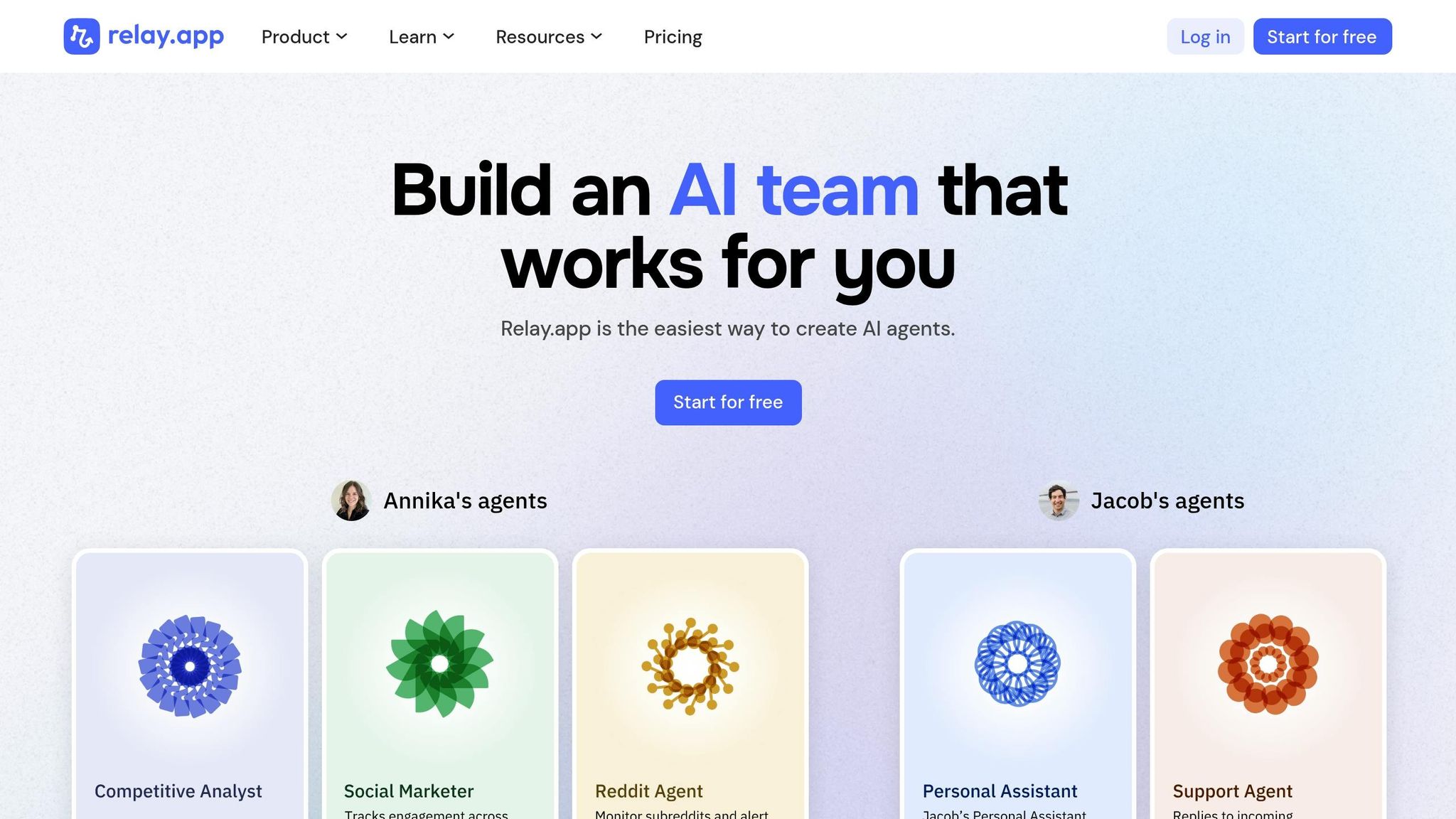
Relay.app stands out as a top choice for AI workflow automation, particularly for lean marketing teams. Its combination of automation and manual oversight ensures efficiency without sacrificing control.
Relay.app’s defining feature is its human-in-the-loop automation, which integrates manual approvals into workflows. This hybrid approach automates repetitive tasks while allowing for human review to maintain brand consistency. Unlike fully automated tools, Relay.app strikes a balance between AI-driven speed and human quality control.
Workflow Design Made Simple
Relay.app provides a visual drag-and-drop builder to create multi-step workflows. These workflows can incorporate AI actions like data extraction, content generation, and email management. It also handles API calls and includes AI usage credits, removing the need for separate API keys. The free tier offers 500 AI credits monthly, making it accessible for smaller teams [9].
Seamless Integration
Relay.app connects with key workplace tools like CRMs, Slack, Google Workspace, and email platforms. While its integration library is still expanding, it already supports essential apps for most marketing operations. With strong ratings on platforms like G2 and Capterra, Relay.app is a reliable choice for startups [9].
AI Actions and Templates
Although Relay.app doesn’t include a built-in AI assistant, it offers pre-configured AI actions and templates for tasks such as CRM enrichment and social media management [9][10]. The platform’s human-in-the-loop approach is particularly beneficial for tasks that require oversight, like finalizing email drafts or social media posts before they go live.
Ideal Use Cases for Marketers
Relay.app excels in areas such as CRM enrichment, lead routing, and customer success tasks like support ticket management and drafting initial responses. It’s also effective for community management, with features like AI-powered Discord bots, and supports approval-based workflows for content that needs sign-off before publishing.
Pricing starts at $38 per month for the Professional plan (5,000 AI credits and 1 seat) and $138 per month for the Team plan (5,000 AI credits and 10 seats). Annual plans come with a 20% discount, offering cost savings for long-term users [9].
6. Pipedream
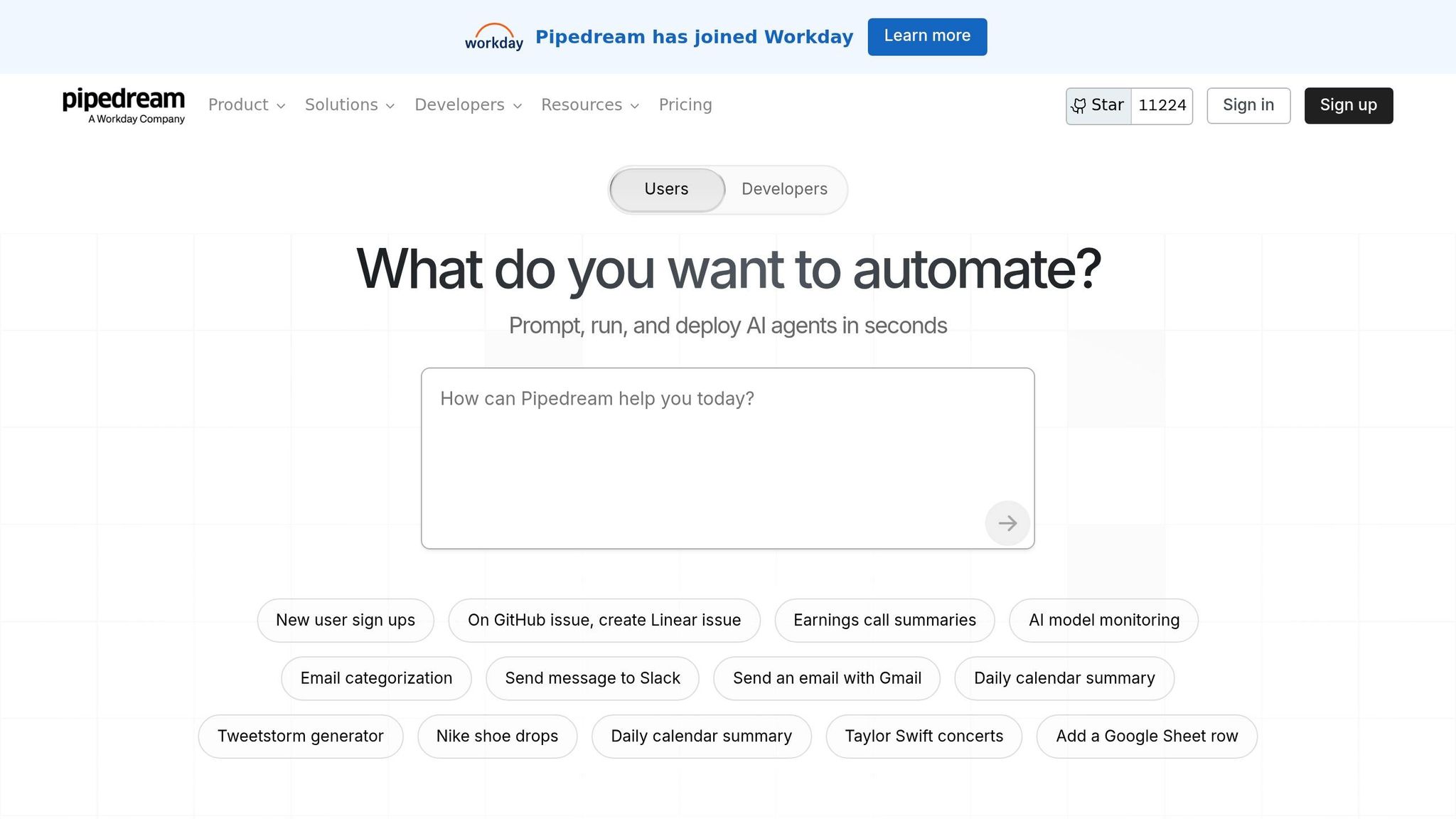
Pipedream is designed with technical startup teams in mind, offering a developer-centric approach to workflow automation. Unlike platforms that prioritize visual interfaces, Pipedream empowers users to write custom logic in Node.js, Python, Go, or Bash for any step in a workflow. This makes it a great choice for handling complex marketing operations that no-code tools often can’t manage.
Workflow Flexibility
Pipedream operates on a serverless environment, allowing event-driven code to run without the hassle of managing infrastructure. Developers can embed custom scripts in Node.js, Python, Go, or Bash directly into workflows to transform data or address unique scenarios. The platform also simplifies OAuth and authentication for over 1,000 apps, making integration straightforward.
Integration Depth
With connections to over 2,800 apps and access to more than 10,000 tools via its Model Context Protocol (MCP) server, Pipedream offers an impressive integration ecosystem [11][10]. Its single SDK streamlines managing these integrations, and it works seamlessly with popular platforms like Slack, Salesforce, Stripe, LinkedIn, and Gorgias [11][10]. Additionally, Pipedream includes an AI agent builder that enables users to create automations using natural language prompts [10]. These features make it particularly effective for real-time marketing operations.
Best Marketing Use Cases
Pipedream shines in event-driven marketing workflows, especially for teams that need to respond to signals in real time. Examples include routing high-intent leads from your product to Slack and your CRM simultaneously, syncing campaign data across disconnected systems, or creating custom reporting pipelines that aggregate data from multiple sources. It’s particularly valuable for teams with standardized tech stacks that require custom code to handle advanced logic beyond the capabilities of visual builders [10].
Pricing and Feedback
Pipedream offers several pricing tiers:
- Free Plan: $0/month – Includes 100 credits/month, 3 active workflows, and 2 million AI tokens.
- Basic Plan: $45/month – Includes 2,000 credits/month, 10 active workflows, and 20 million AI tokens.
- Advanced Plan: $74/month – Includes 2,000 credits/month, unlimited workflows, and 50 million AI tokens [10].
Users appreciate the platform’s ability to incorporate custom code and its robust API integration options. However, some have noted that the interface can feel cumbersome at times, and debugging workflows may be challenging [11][10].
7. AirOps
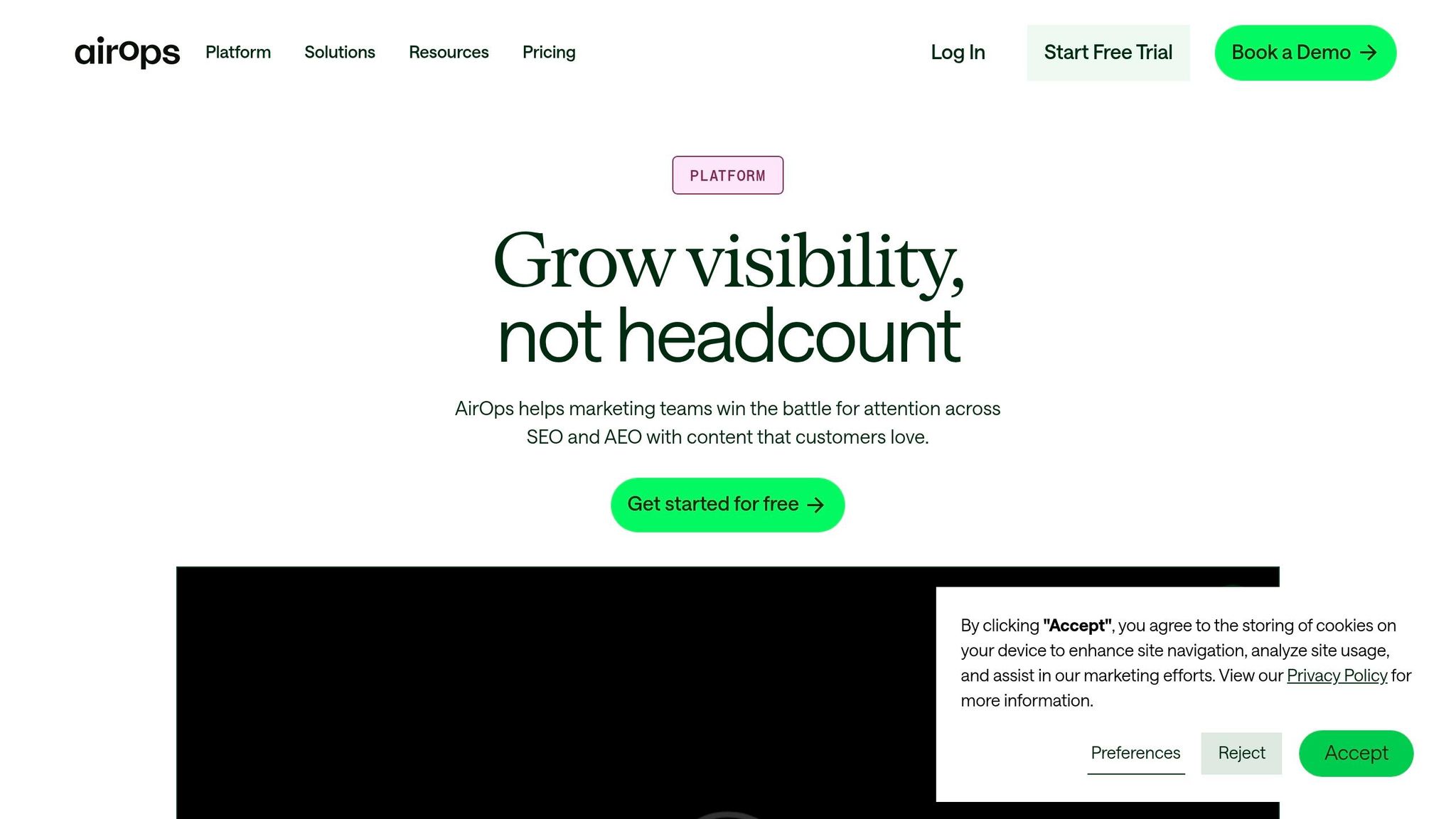
AirOps is tailored for content and SEO teams looking to scale their content production using AI workflows. Unlike general-purpose automation tools, it caters specifically to the needs of technical SEOs and content marketers who regularly deal with specialized data sources and require outputs that align with their brand’s voice and standards.
Workflow Options
AirOps stands out with its "Power Agents", which are prebuilt templates designed for common SEO and content marketing tasks. These templates save teams from starting workflows from scratch. For those needing more advanced customization, the platform supports adding custom code steps and integrating personal API keys into workflows. Additionally, features like a knowledge base and brand kit help teams align AI-generated content with their brand guidelines, ensuring consistency and quality.
Seamless Integrations
The platform connects with major SEO tools like Semrush and Moz, while also integrating with essential platforms such as Slack, Google Docs, and WordPress. This connectivity allows you to move quickly from SEO research to content creation and publishing, ensuring a smooth and efficient workflow. These integrations make it easy to combine industry-standard data with content production, streamlining the entire process.
Ideal Use Cases
AirOps is particularly effective for repurposing structured data into ready-to-publish content. Teams rely on it for tasks like converting AI notetaker transcripts (e.g., from Fireflies.ai) into structured outlines and action items, automating SEO data analysis through Semrush and Moz, and managing content lifecycles with direct publishing to WordPress. It’s an excellent choice for technical SEOs handling complex data needs and marketers managing repetitive workflows that demand brand consistency.
Pricing and Training Resources
AirOps offers a Free plan that includes 1,000 tasks per month, while paid plans – featuring more tasks and advanced integrations – require contacting the sales team. A free trial is available for testing premium features. While the platform has a steeper learning curve compared to simpler tools, AirOps provides robust learning resources, including "AirOps University" (a self-paced course) and live training cohorts. These resources help users navigate the platform’s advanced features and take full advantage of its capabilities. For lean teams, AirOps delivers an AI-powered solution to simplify complex publishing workflows.
8. Clay
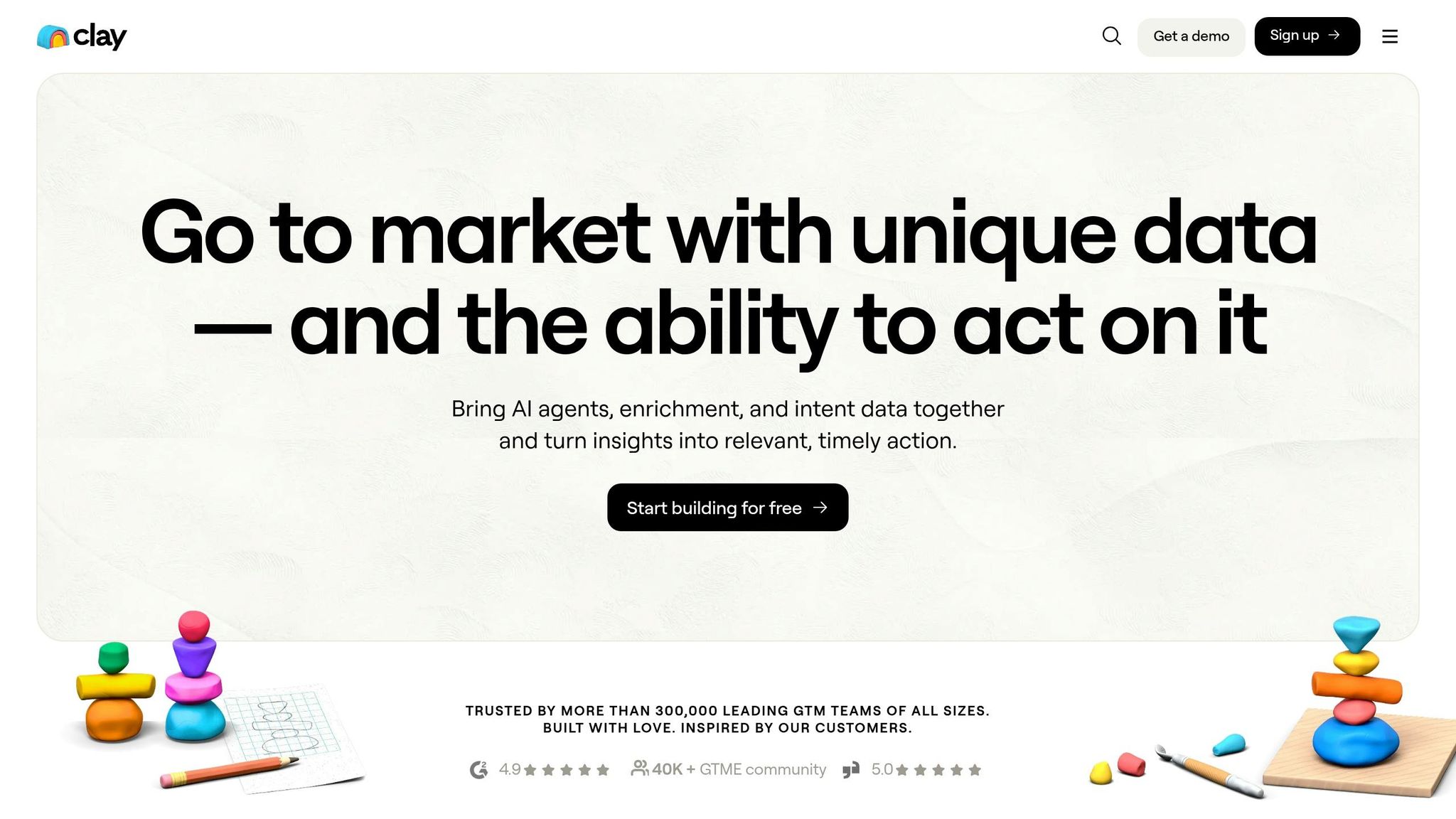
Clay turns raw prospect data into actionable insights, making it a powerful tool for data-heavy workflows. With impressive growth – reaching $100M ARR in December 2025, a 263% YoY increase, and a $5B valuation by January 2026 – it’s clear Clay plays a key role in modern go-to-market strategies [7]. This success highlights its value and the strength of its integration capabilities.
Integration Depth
Clay simplifies data enrichment by connecting to over 150 data providers through one interface. This eliminates the need for multiple enrichment subscriptions, making it a cost-effective solution [12]. Its waterfall enrichment feature ensures maximum data coverage by automatically moving to the next provider if the first one doesn’t have the required data, like a mobile number or job title. It natively integrates with key CRMs like Salesforce and HubSpot, as well as tools like Autobound and popular email sequencers.
For technical teams, the Explorer plan (starting at $314/month) includes webhooks and HTTP API access. The Pro plan, priced at $720/month, offers full CRM integration for more advanced workflows [7].
AI Agent Readiness
Claygent, Clay’s AI-powered agent, takes automation to the next level. It autonomously visits websites, scans job postings, and summarizes company news, providing deep insights for targeting high-intent prospects [7]. It identifies specific signals, such as hiring trends or product launches, enabling outreach that feels genuinely personalized. Unlike rigid workflows based on predefined rules, Claygent allows users to define the research goal while the AI determines the best way to achieve it [7].
Best Marketing Use Cases
Clay shines in areas like account-based marketing (ABM), lead scoring, and large-scale personalized outbound campaigns [7]. Teams use it to create enriched prospect lists, score accounts based on firmographic and intent data, and seamlessly push this information into CRMs or sequencers. Its spreadsheet-like interface is user-friendly and requires no coding, making it accessible for a wide range of teams. Trusted by over 10,000 customers, including OpenAI and Anthropic, Clay has become a go-to for these workflows.
One thing to watch out for: credit usage. Complex workflows can quickly consume credits, and additional top-up credits may come with a 50% markup over standard rates [7].
9. Hightouch
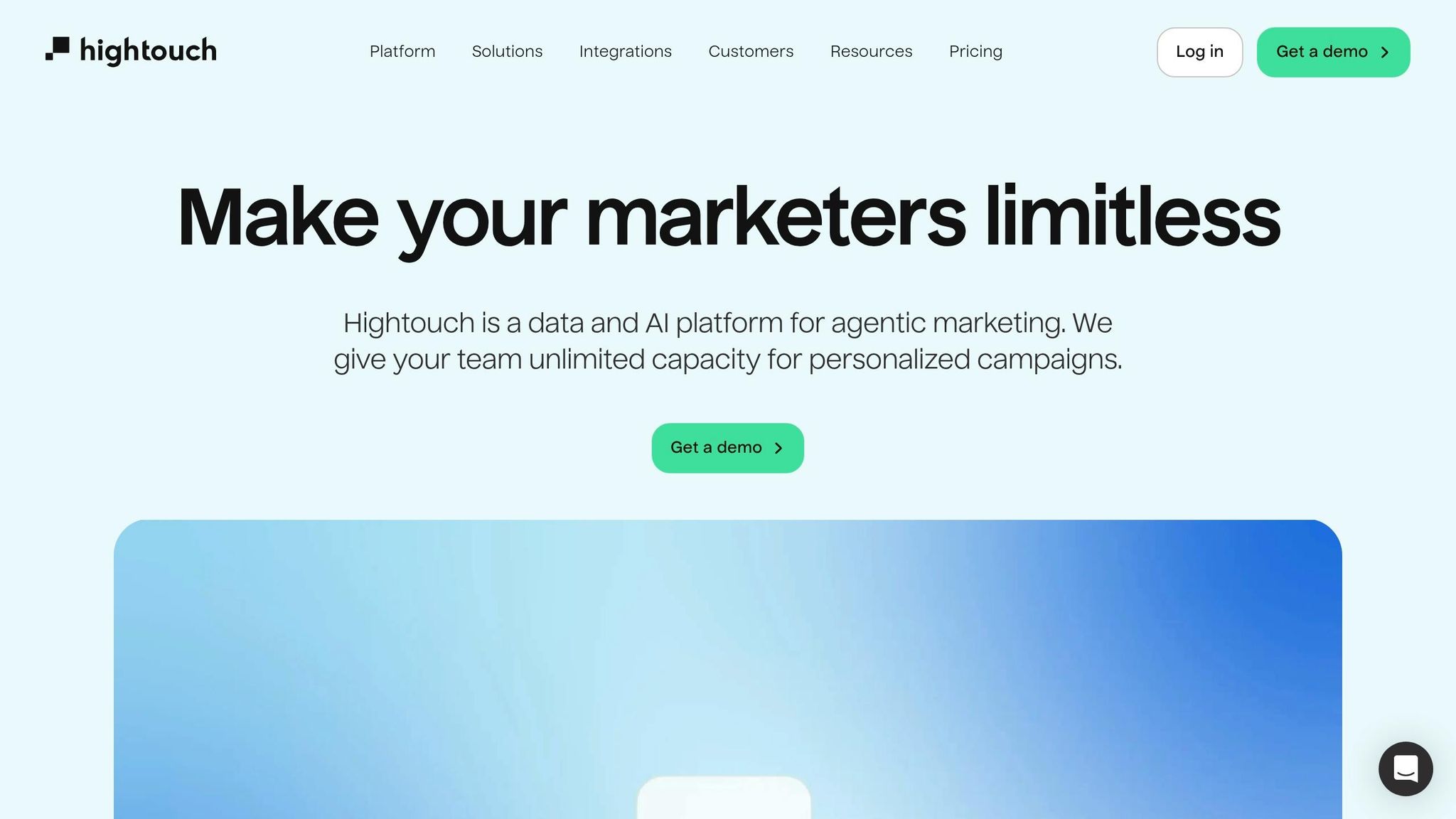
Hightouch takes a fresh approach to workflow automation by positioning your data warehouse as the core source of truth. Instead of relying on manual integrations, it syncs customer data and audience segments straight from leading data warehouses into your marketing tools. This warehouse-first design is especially useful for startups that have already centralized their data and need scalable, reliable activation workflows. It provides a strong foundation for running effective, data-driven campaigns.
Integration Depth
Automation is more than just basic webhooks. Hightouch integrates deeply with data warehouses, allowing you to push customer segments directly into your marketing tools. These connections make it easy to trigger multi-channel campaigns and log events in a coordinated way [2].
Best Marketing Use Cases
Hightouch shines when it comes to audience activation and real-time personalization. Marketing teams use its features for tasks like AI-powered trend tracking, content enrichment, and building dynamic audiences that adapt to behavioral signals stored in the warehouse [7]. Startups with a modern data stack will benefit the most, as Hightouch thrives in environments where marketing and revenue operations are tightly orchestrated. For those still relying on spreadsheets or disconnected SaaS tools, centralizing data in a marketing data warehouse is essential to fully leverage what Hightouch offers.
10. Browse AI
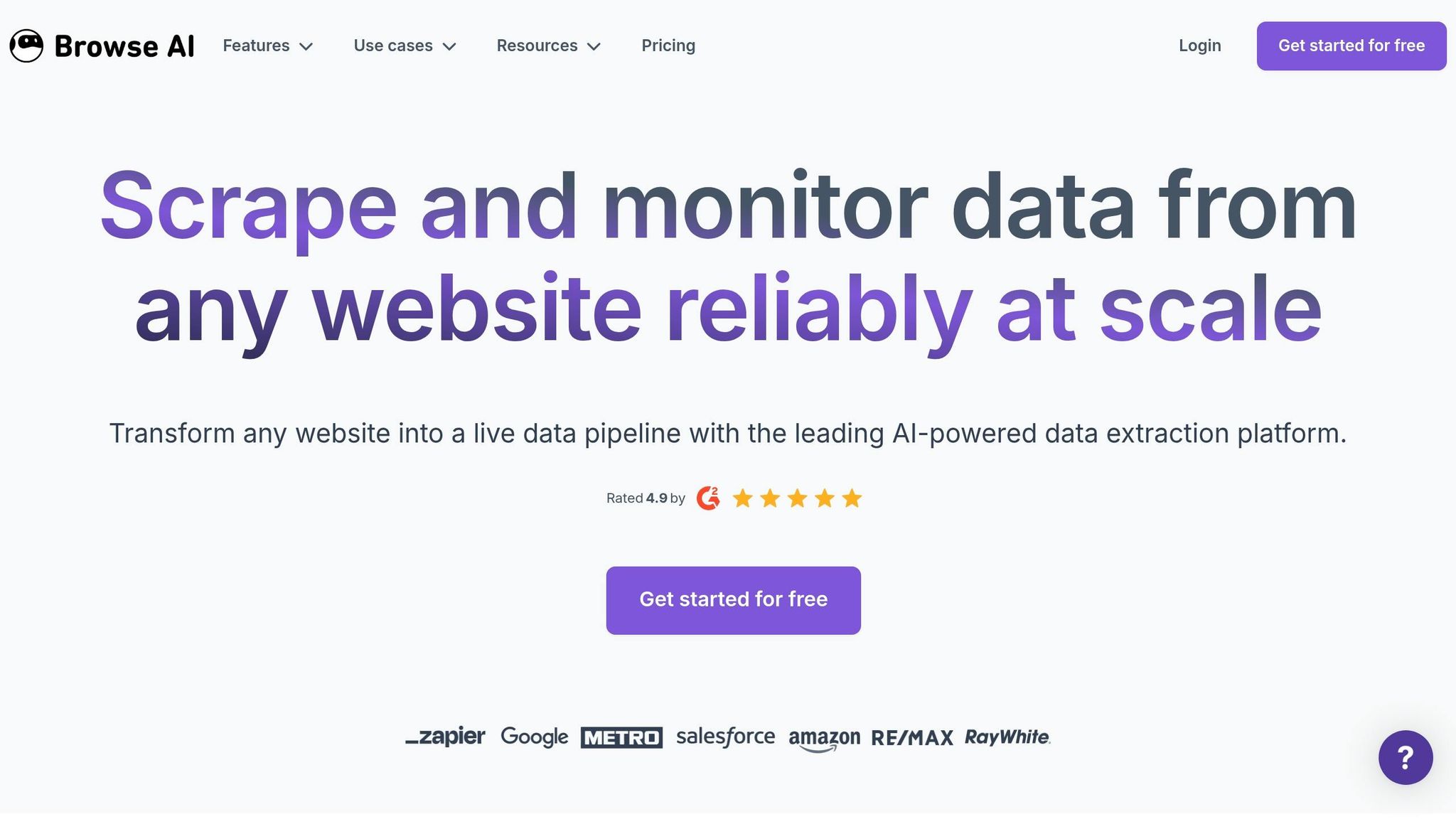
Browse AI simplifies web data extraction by eliminating the need for custom scrapers or coding skills. Instead of hiring a developer, you can train a robot just by clicking through a website. Browse AI records your actions and transforms any webpage into a data source you can monitor, extract from, or connect with other tools.
Workflow Flexibility
This platform handles tasks that would normally require technical expertise. It can navigate pagination, bypass CAPTCHAs, log into secure sites, and even pull data from hidden elements on a webpage. You can schedule robots to keep an eye on changes – like competitor pricing, job postings, or product availability – and automatically trigger workflows. This means you’re not just scraping static data; you’re automating tasks that would otherwise take hours of manual effort each week.
Integration Depth
Browse AI works as a data extraction hub, seamlessly feeding information into broader automation tools. It integrates naturally with platforms like Zapier (offering over 8,500 integrations), Make, and n8n. This allows you to send extracted data straight into your CRM, Slack, or other campaign tools [4] [2] [1]. While it’s not designed to manage entire workflows on its own, it fits perfectly into your existing automation stack, making it easy to direct web-scraped data wherever it’s needed [13].
Best Marketing Use Cases
Browse AI shines in scenarios where structured web data is essential. Startups often rely on it for competitive intelligence, lead generation strategies, and content tracking. For example, you can monitor competitor pricing, extract contact details, track brand mentions in news articles, or pull product data from ecommerce sites. When a monitored page updates, Browse AI can trigger workflows in Zapier or Make to notify your team, update a spreadsheet, or launch a follow-up campaign. It’s especially useful for teams needing data from sites that lack APIs or export options.
Tool Comparison Table
Selecting the right AI workflow automation tool means aligning your team’s technical skills, budget, and marketing goals. Below is a detailed comparison of top AI workflow automation tools, emphasizing pricing, integrations, AI capabilities, and their best use cases for startup marketing teams. This table evaluates how these tools support lean teams with AI-powered workflows.
| Tool | Pricing Model | Starting Price | Integrations | AI Agent Features | Best Marketing Use Cases | Key Limitation |
|---|---|---|---|---|---|---|
| n8n | Execution-based | $20/mo (2,500 executions) or free self-hosting | 400–500+ native, unlimited via API | LangChain-native agents, custom JS/Python, self-hosting | High-volume lead routing, custom enrichment pipelines, API-heavy workflows | Steeper learning curve for non-technical teams |
| Zapier | Task-based | $19.99/mo (750 tasks) | 8,500+ apps | Zapier Agents for 24/7 decision-making, no-code setup | Fast deployment, broad app coverage, simple lead handoffs | Costs increase quickly at scale |
| Make | Operation-based | $9/mo (10,000 operations) | 3,000+ apps | Visual AI agent workflows, branching logic | repeatable GTM workflows, complex data transformations | – |
| Gumloop | Credit-based | $30/mo (120k credits/year) | Fewer native integrations | No-code AI workflows for research, extraction, and execution | Content research, competitor monitoring, data extraction tasks | Smaller ecosystem compared to larger platforms |
| Relay.app | TBD | TBD | Moderate | Human-in-the-loop AI automations for approvals and routing | Marketing operations requiring manual review and approval workflows | Less suited for fully autonomous workflows |
| Pipedream | Invocation-based | 100 daily invocations (free) | Extensive via code | Developer-friendly event and API handling | Low-frequency, high-complexity developer tasks, webhook processing | Requires coding skills |
| AirOps | Task-based | Contact Sales (1,000 tasks/mo free) | Focused on content tools | AI workflows for structured inputs and repeatable processes | SEO content production, publishing operations | Limited to content-focused use cases |
| Clay | Credit-based | $134/mo (2,000 credits) | 150+ data providers | Enrichment waterfalls with AI-driven research | Lead enrichment, GTM research, personalized outreach at scale | Higher entry price |
| Hightouch | TBD | Contact Sales | Data warehouse–native | AI-driven audience sync and activation | Warehouse-based audience sync, customer data activation | Requires existing data warehouse infrastructure |
| Browse AI | TBD | TBD | TBD | Web monitoring and structured extraction triggers | Competitive intelligence, lead generation, content tracking | Not a full workflow platform – needs pairing with other tools |
At 10,000 tasks per month, Zapier costs $69, while Make, using its operation-based model, starts at just $16. Meanwhile, n8n’s execution-based pricing can bring costs down to about 3% of Zapier’s rate for 100,000 monthly tasks [14][5].
"The execution-based pricing revolution changes everything – while Zapier charges per task and Make.com per operation, n8n’s execution-based model means multi-step workflows can cost substantially more on traditional task-per-step platforms." – Matteo Tittarelli, GTM Strategy Expert [5]
For teams with fewer than 5,000 tasks per month and limited technical expertise, Zapier’s ease of use and broad integrations make it worth the premium. On the other hand, Make strikes a great balance between affordability and advanced features for mid-sized teams needing visual workflows. Technical teams managing millions of executions often find n8n’s cost structure the most efficient [14][5]. If lead enrichment is your priority, Clay’s integration with over 150 data providers offers a streamlined solution at a per-record cost [7].
Organizations adopting workflow automation typically see an average cost reduction of 59%, with 60% reporting a return on investment within a year , which can be tracked using a B2B marketing ROI scorecard [5][7]. The secret lies in aligning your workflow complexity and volume with the right pricing model before scaling.
Conclusion
After reviewing the options, your choice ultimately depends on how well each tool aligns with your startup’s specific needs and goals.
When selecting an AI workflow automation tool, consider factors like your team’s technical expertise, the complexity of your marketing workflows, and your scaling ambitions. Zapier, with over 8,000 integrations and an easy setup, is perfect for teams looking to get started quickly. For visual thinkers who need advanced branching logic but want to avoid coding, Make offers a cost-effective alternative, operating at roughly 60% of Zapier’s costs at scale while maintaining clarity in pricing [2]. For teams with developer resources and high-volume automation needs, n8n’s execution-based pricing provides a more predictable model as task volumes grow.
As marketing evolves from simple automation to AI-powered orchestration, choosing the right tool becomes essential for maintaining efficiency and scalability. Some tools excel in areas like data enrichment, content workflows, or human-in-the-loop approvals. Your key is to match each tool’s capabilities with your specific use cases – whether that’s streamlining lead routing, implementing AI marketing personalization systems, managing campaign production and product marketing, or activating data from a warehouse. Your decision should align with your team’s operational goals and capabilities.
"The workflow automation platform decision facing marketing leaders extends far beyond simple app connectivity – it fundamentally determines whether your GTM operations can scale without proportional headcount increases." – Matteo Tittarelli, Genesys Growth [5]
Start small by automating just one workflow that saves at least two hours per week, then expand as you see results. Many platforms offer free tiers, making it easy to test workflows without any upfront investment. Try running your core workflow on two different platforms to determine which one your team will stick with over time [2].
Ultimately, pick the tool your team will consistently use, avoid unnecessary complexity, and grow alongside your marketing operations.
FAQs
Which AI workflow automation tool fits my team’s skill level?
When choosing an AI workflow automation tool, it’s all about matching the tool to your team’s skill set. For teams with strong technical expertise, n8n stands out with its advanced API management and deep customization options. If your team is less technical or operates with limited resources, Zapier shines with its simple setup, wide app integrations, and AI agent capabilities. For those who value visual workflows but still want a good level of control, Make is ideal for creating clear, multi-step automations.
How do I estimate costs across executions, tasks, operations, and credits?
To get a clear picture of costs for AI workflow automation tools, start by examining how each platform structures its pricing. Break your workflow into components like executions, tasks, or operations, and estimate how often you’ll use them. For instance:
- Zapier charges based on tasks.
- Make calculates costs per operation.
- n8n uses an execution-based pricing model.
Don’t forget to factor in potential extra expenses like AI credits or API usage fees. Keep an eye on your usage regularly so you can fine-tune and manage your expenses effectively over time.
What’s the first marketing workflow I should automate to prove ROI fast?
The most effective workflow to start automating for a fast return on investment is lead routing and campaign triggers. By automating lead routing, new leads are immediately directed to the appropriate team member, reducing response times and increasing the likelihood of conversions. Similarly, automating campaign triggers – such as follow-ups tied to user actions – eliminates repetitive manual tasks, allowing teams to see tangible improvements in efficiency and results right away.