
Personalization is where a lot of marketing budgets get wasted, because most teams buy a tool before they decide what they’d personalize and why. I’m Lillian Pierson, a fractional CMO and licensed Professional Engineer who’s spent more than 20 years driving growth for tech companies. The ten tools below are the ones I’d actually reach for. In this post, I’ll show you what each one does and the kind of team it fits, so you can match the tool to the job in front of you. If you’re an early-stage startup, start with the three gates I run before letting a client buy any of these, because most teams at your stage shouldn’t buy one yet.
Here are 10 AI tools that help marketers deliver personalized experiences:
- Optimizely: A/B testing and content personalization for improving conversion rates.
- Dynamic Yield: Real-time personalization engine with predictive models.
- Segment: Customer Data Platform (CDP) for unified customer profiles.
- HubSpot AI: Marketing automation tools like predictive lead scoring and content optimization.
- Adobe Sensei: AI-powered suite for automated personalization and analytics.
- Evergage (Salesforce MCP): Real-time personalization for websites, apps, and emails.
- BlueConic: Customer profile management using first-party data.
- Pega CDH: AI decision engine for real-time customer interactions.
- Algonomy: Retail-focused AI platform for campaign orchestration and engagement.
- Persado: AI content generation for personalized messaging.
Why These Tools Matter
- Boost Revenue: AI personalization drives measurable results like increased conversions and sales.
- Save Time: Automate tasks like A/B testing, segmentation, and campaign management.
- Improve Customer Experience: Tailor every interaction to customer preferences.
Quick Comparison
| Tool | Focus Area | Key Features | Best For |
|---|---|---|---|
| Optimizely | A/B Testing, Personalization | Visual editor, real-time segments | Experimenting with content |
| Dynamic Yield | Real-Time Personalization | Predictive models, cross-channel sync | E-commerce and retail |
| Segment | Customer Data Platform | Unified profiles, identity resolution | Data-driven marketing |
| HubSpot AI | Marketing Automation | Predictive scoring, data enrichment | Small to medium businesses |
| Adobe Sensei | AI Marketing Suite | Automated personalization, analytics | Enterprise-level campaigns |
| Evergage (MCP) | Real-Time Personalization | Cross-channel engagement, AI insights | Salesforce users |
| BlueConic | Profile Management | Identity resolution, consent tracking | Privacy-compliant marketing |
| Pega CDH | AI Decision Engine | Predictive analytics, real-time actions | Financial services, retail |
| Algonomy | Retail Personalization | Campaign orchestration, engagement | Retailers |
| Persado | AI Content Generation | Language data, personalized messaging | Content-focused campaigns |
With personalization, the tool is the easy part. The hard part is deciding what to personalize, and for whom, so the message actually lands. I’d have you start at your highest-value moment, which for most products is activation, that first session where a new user finds the value or drifts away. Personalize that one moment well before you touch anything else. Get it right and the rest of your funnel gets easier, because a user who felt understood on day one is a user who comes back.
How I’d Choose, If You’re an Early-Stage AI-Native Startup
Almost every tool on this list is built for companies that already have traffic. If you’re pre-Series A with a few thousand visitors a month, the honest answer is that most of them can’t work for you yet, and buying one early is how personalization budget gets wasted.
I run three gates before I let a client buy any of these. They go in order, and if you fail the first one the other two don’t matter.
The volume gate
Personalization is an experimentation engine. Experiments need sample size, and sample size is arithmetic you can check yourself. The first gate asks whether you have enough traffic for any of these tools to learn something true.
At a 3% conversion rate, detecting a 10% lift at 95% confidence takes roughly 53,000 visitors per variant. That’s about 106,000 visitors to finish one test. At real traffic levels that works out to:
- 5,000 visitors a month: 21 months for a single result
- 10,000 a month: 11 months
- 25,000 a month: 4 months
- 50,000 a month: 2 months
Under about 25,000 monthly visitors, a personalization engine will spend your runway producing results you can’t act on. You’ll get a dashboard full of numbers that haven’t reached significance, and you’ll make decisions on them anyway.
Below that line, hand-written rules beat machine learning. Segment by plan tier, by referral source, by whether they’ve hit your activation event. You’ll get most of the lift, and you’ll understand why it happened.
The ownership gate
The second gate is about staffing. Every tool on this list needs someone to define audiences, write variants, read results, and shut down the losers. That’s a real job, not a setup task.
If nobody on your team owns it by name, the tool decays into an expensive tracking script within a quarter. I’ve watched that happen more than once, and the tool always gets blamed for what was really a staffing decision.
So before you sign, put a name next to it. If you can’t, you’re not ready.
The build-versus-buy gate
The third gate is specific to the companies I work with, and it’s the one most founders skip.
If your team already ships models, you own the hard part. Ranking, scoring, and segmentation are problems your engineers have solved before. What a personalization platform sells you on top of that is a UI, a rules engine, and a delivery layer.
That’s worth real money when it saves your engineers from building an experimentation surface. It’s worth nothing when you’re paying enterprise pricing for inference your team could run for the cost of the compute.
Ask your lead engineer one question: “Could we ship a v1 of this against our own event stream in two weeks?” If the answer is yes, buy the delivery layer and keep the intelligence in-house.
What to use instead, under 25,000 visitors
None of the ten. The tools that fit this stage sit in a different category, and most of them cost nothing until you grow into them.
For experimentation and targeting, I point early-stage teams to PostHog. Product analytics, session replay, feature flags, and A/B testing in one place, and the free tier is a working plan rather than a trial: 1 million events, 1 million feature-flag requests, and 5,000 session replays a month. Experiments bill against the flag allowance, so testing is included. (Allowances verified September 2026.)
Feature flags are the part people underrate. A flag is a personalization rule you can turn off, which is exactly what you want while you’re still learning what matters. You get the targeting without committing to a platform.
For the data layer, look at your warehouse before you look at a CDP. If your events already land somewhere queryable, you can build audiences with SQL and push them out through an activation layer. That path costs a fraction of an enterprise CDP and it keeps the logic somewhere your engineers can read it.
Then the sequence is simple. Instrument activation, upgrade, and churn properly. Write three targeting rules by hand. Measure them for a quarter. Let the results tell you whether a platform would pay for itself.
Once you clear 25,000 visitors a month, the ten tools below are where I’d start looking. Each one gets a breakdown of what it does and the kind of team it fits.
1. Optimizely: A/B Testing and Content Personalization
Optimizely stands out as a go-to platform for marketers looking to refine their A/B testing and content personalization strategies. Recognized as a leader in The Forrester Wave™ [1], it provides a range of tools to experiment with content and deliver tailored user experiences.
One of its standout features, Feature Experimentation, allows you to test different content variations and manage rollouts using feature flags. By leveraging both first- and third-party data, Optimizely ensures that users see content tailored to their interests. For instance, a news website can automatically show financial articles to readers interested in finance and sports updates to those who follow athletics.
"Every personalization campaign we run through Optimizely has resulted in significant improvements in conversion rate. And we have much higher levels of engagement, because we have an experience that’s relevant to what you’re doing and the stage you’re at, as a customer."
Key Features of Optimizely
| Feature | What It Brings to the Table |
|---|---|
| Visual Editor | Allows marketers to create targeted experiences without needing coding skills |
| Real-Time Segments | Adapts content delivery based on users’ current behavior |
| Unified Analytics | Tracks performance across all campaigns for a complete overview |
| Pre-built Templates | Simplifies campaign creation with ready-to-use designs |
| Direct Integrations | Connects seamlessly with tools like Google Analytics, Amplitude, and HotJar |
Optimizely’s CDP further enhances its capabilities by combining data from multiple touchpoints into unified customer profiles. This comprehensive view enables you to offer highly personalized experiences based on user interactions with specific content or products.
Marketers can start simple with A/B testing, gradually incorporate automated content recommendations, and eventually use the CDP for advanced personalization. This step-by-step approach ensures a smooth learning curve while delivering increasingly tailored experiences.
2. Dynamic Yield: Real-Time Personalization Engine
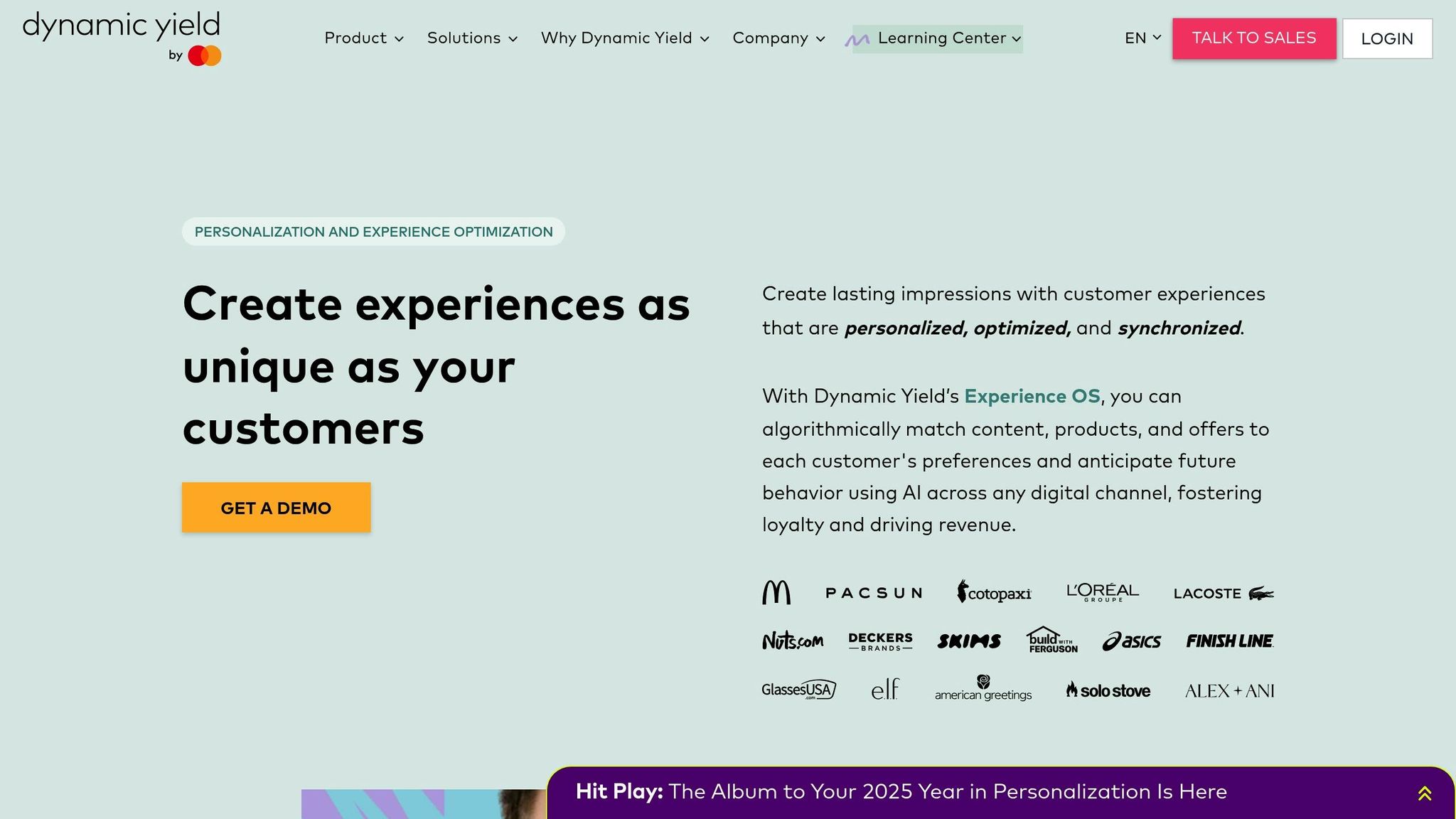
Dynamic Yield takes A/B testing a step further by offering real-time personalization. If you already run A/B tests on email, this is where you extend them across every channel. It creates tailored, cross-channel experiences by aligning offers with customer preferences and predicting future needs through advanced modeling.
Core Capabilities and Performance
Dynamic Yield delivers measurable results across key metrics:
| Metric | Impact |
|---|---|
| Revenue from Recommendations | 25% of total revenue |
| Mobile Conversion Rate Increase | +40% |
| Multi-touch Campaign Results | +27.6% conversion rate |
| Behavior-focused Personalization | +89% increase in purchases |
| Product Page Recommendations | +4.2% ARPU increase |
The platform’s real-time analytics are where you will see your lead engagement actually move.
"Dynamic Yield is integrated throughout the user journey for our web and app, offering essential features. We’ve stayed agile even with our recent transition to server-side, and we continue to see great results. 348x ROI speaks for itself." [3]
Key Features for Marketers
Dynamic Yield gives you four tools for building personalized experiences:
- Precision Targeting: Relies on machine learning and predictive models to deliver relevant content.
- Integrated Real-time Data: Utilizes behavioral and contextual data instantly for better decision-making.
- Enterprise Scalability: Supports cross-channel personalization with a unified system.
- Privacy-First Design: Includes features to ensure compliance with privacy regulations.
"Dynamic Yield has been instrumental in helping us uncover the different types of audiences coming to and interacting with the e.l.f. site, enabling us to truly cater to each beauty lover’s specific needs. The platform has allowed us to easily test new strategies and optimize on the fly for quick, meaningful results." [3]
For example, New Zealand’s The Warehouse Group achieved 11% of its revenue through personalization while saving 28 hours per week on email tasks. Similarly, luxury retailer LUISAVIAROMA took a 25% lift in direct mobile app revenue, which is the kind of number you can model against [2].
Integration Capabilities
Dynamic Yield integrates seamlessly with various marketing platforms, including email services, DMPs, e-commerce systems, web analytics tools, SMS platforms, and Salesforce Marketing Cloud. This wide network ensures personalized, cohesive customer experiences without compromising operational efficiency.
3. Segment: Customer Data Platform
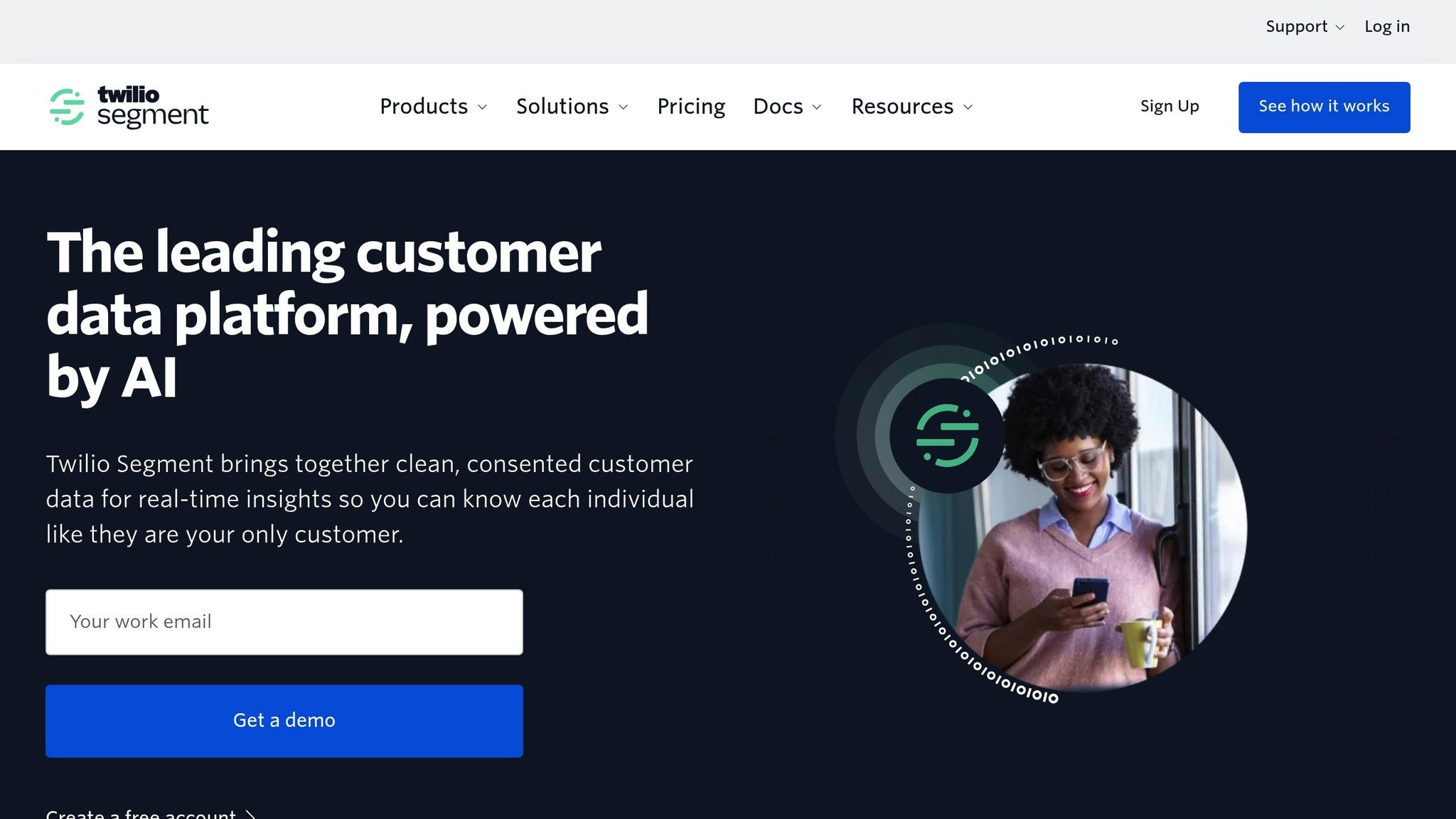
Segment is a leading CDP that handles an impressive 12.1 trillion API calls annually and serves over 25,000 companies. It stands out for its ability to unify customer data from various sources, creating detailed user profiles for personalized marketing efforts [5].
Performance Metrics and Capabilities
| Capability | Performance |
|---|---|
| Peak Event Processing | 2.5M+ events/second |
| Monthly Event Volume | 1.2 trillion events |
| Data Warehouse Syncs | 6 trillion rows/month |
| Platform Uptime | 99.99% |
| Available Integrations | 450+ pre-built connectors |
That scale matters to you because it means Segment will not be the bottleneck, enabling businesses to improve tracking and analysis.
Advanced Data Collection Features
Segment captures customer data using both client-side and server-side tracking [4]. Its identity resolution system combines data from multiple channels into a single, unified profile, making targeting more precise. For instance, MongoDB has experienced measurable success through this approach.
"Since implementing Segment we have seen a significant increase in revenue which we attribute to the improved targeting and personalization of our communications" [5].
Real-World Implementation Success
Here is what that produced for a customer you can compare yourself to. Sanofi, for example, improved its marketing operations by consolidating scattered data into a unified "Golden Profile."
"The process before Segment was much more cumbersome and difficult to explain to marketers. Now, Segment allows us to compile data all in one place, forming a Golden Profile, and allows for other teams to easily utilize and activate data" [5].
Another company reported a 65% reduction in customer acquisition costs by using Segment’s integrated data flows.
Security and Compliance
If governance is your constraint, Segment leans hard on security and privacy, offering built-in tools for governance, privacy management, and compliance. This is especially critical for businesses dealing with sensitive customer information [6].
For marketers aiming to improve personalization, Segment also provides advanced audience management tools. These allow users to create detailed customer segments based on specific behaviors and traits, making it easier to run highly targeted campaigns that boost engagement and conversions [4].
4. HubSpot AI: Marketing Automation Tools
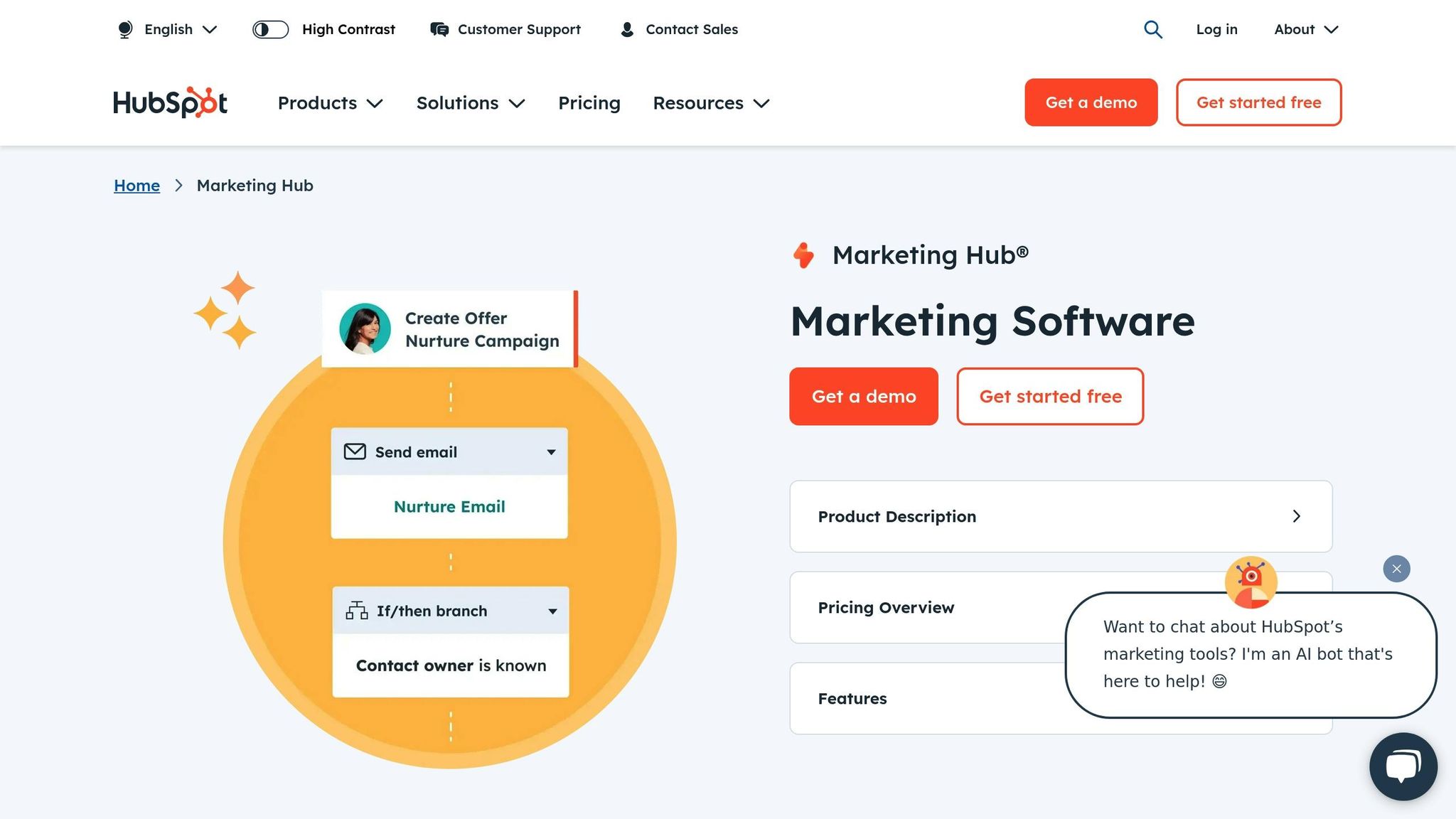
HubSpot’s AI suite, powered by Breeze, offers a range of tools like Copilot, Agents, and Intelligence to help marketers personalize their strategies.
Core AI Features and Performance
| Feature | Capability | Impact |
|---|---|---|
| Breeze Copilot | Uses CRM data for generative AI | 95% of customers find it easy to use |
| Breeze Agents | Automates workflows with AI | Boosts prospect engagement by 25% |
| Breeze Intelligence | Enriches CRM data | 92% of companies gained new data points |
| Predictive Lead Scoring | Prioritizes leads using AI | Drives better conversion rates |
| Content Optimization | Analyzes SEO and performance | Improves content results |
Together they sharpen your personalization, and the enrichment is the part that does most of the work.
Advanced Personalization Capabilities
HubSpot’s AI enriches data from a massive database of over 200 million buyer and company profiles[7]. This allows marketers to create highly targeted content and communications that resonate with their audience.
"HubSpot’s AI has been a game-changer for our marketing and sales teams, helping both groups create personalization at scale with outbound messaging, actionable insights, and increasing new prospect engagement with our brand by 25%."
Emily Davidson, Marketing Director, Enterprise at Sandler[7]
Data-Driven Success
Enrichment is where you should expect campaign results to shift, and Phocas Software puts it this way:
"HubSpot’s data enrichment feature quickly improved our data quality, leading to more effective campaigns and better alignment. 92% of companies in our CRM had at least one new enrichment property populated by the new feature."
Josh Ames, RevOp Manager at Phocas Software[7]
AI content creation and optimization
HubSpot’s AI simplifies content creation across platforms like websites, emails, blogs, social media, and chatbots. A survey found that 85% of marketers and sales professionals consider HubSpot’s AI effective for content creation. And 86% get their best results treating AI as a starting point and refining the output themselves, which is how you should plan to use it[8].
Pricing and Accessibility
HubSpot offers flexible pricing to suit its diverse AI tools. Marketing Hub Professional starts at $15/month per seat, scaling up to $800/month for enterprise use[8]. The platform enjoys strong user reviews, with Sales and Marketing Hub rated 4.4/5 from over 11,000 reviews and CMS Hub receiving 4.5/5 from more than 1,500 reviews[8].
5. Adobe Sensei: AI-Powered Marketing Suite
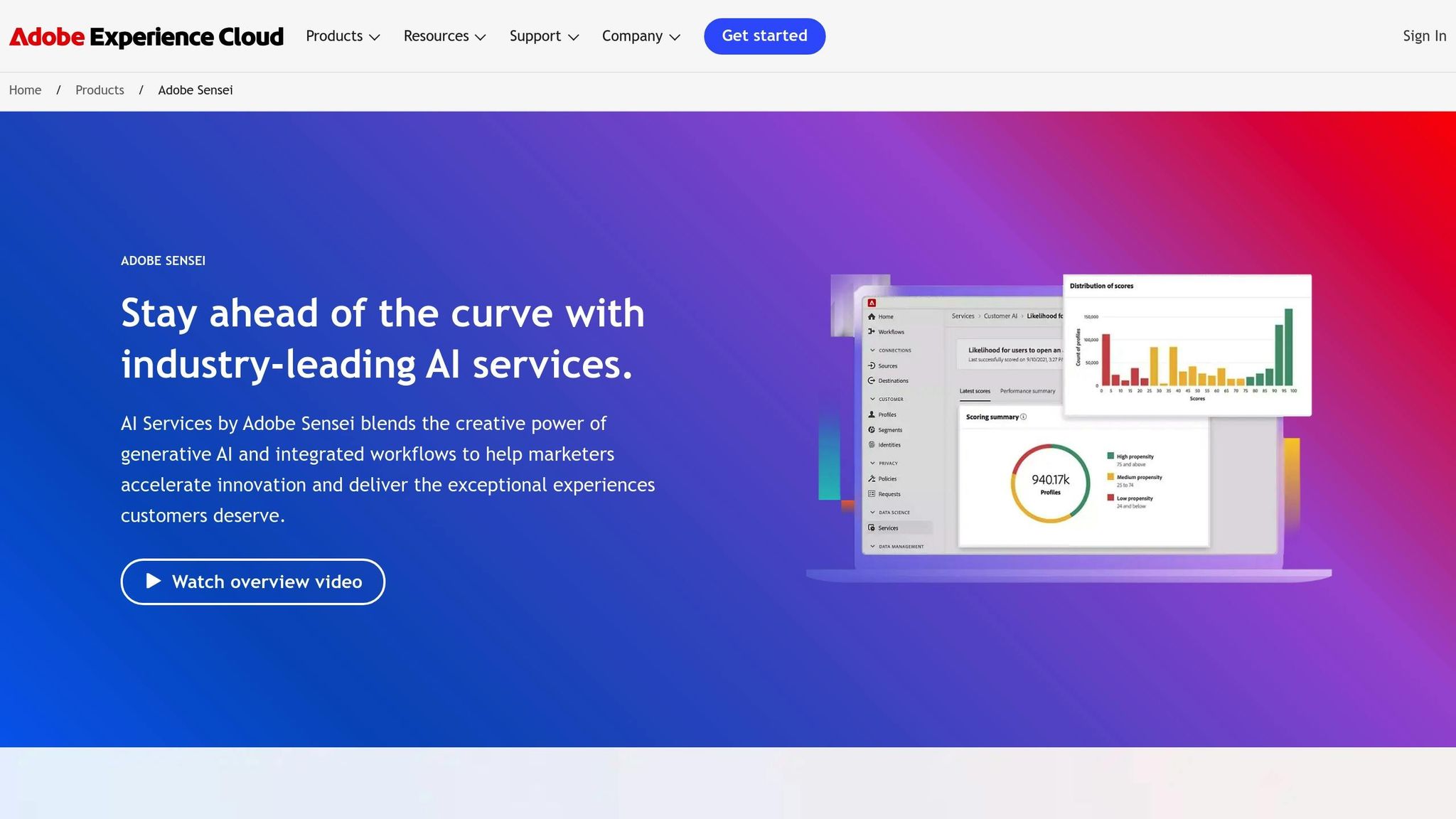
Adobe Sensei leverages machine learning to deliver personalized marketing solutions within the Adobe Experience Cloud.
AI Personalization Features
| Feature | What It Does | Why It Matters |
|---|---|---|
| Auto-Allocate | Optimizes A/B/N tests by focusing on top-performing variants | Boosts conversions by prioritizing what works best |
| Auto-Target | Uses algorithmic decision trees to personalize experiences | Matches users with their ideal content based on behavior |
| Automated Personalization | Chooses the best content for each user dynamically | Ensures tailored experiences that resonate with individuals |
| Personalization Insights | Offers in-depth analytics on optimization factors | Helps refine strategies to increase engagement |
| Smart Tagging | Automatically tags assets with relevant keywords | Simplifies asset management and streamlines workflows |
Advanced Machine Learning in Action
Adobe Sensei turns your customer data into detailed profiles and predicts what those customers do next. Tools like Adobe Target and Customer Journey Analytics enable you to act on these insights effectively.
Performance Backed by Results
Adobe Sensei drives measurable outcomes. Steve Schultz, Head of Marketing Technology at Esri, shared:
"We’ve learned that customers in the propensity score range of 90 to 100 converted three times higher than average, that’s a 3x higher conversion rate." [9]
That is the order of improvement you would be buying.
Smarter Asset Management
Beyond personalization, Adobe Sensei improves digital asset management. For example, Rightpoint used Smart Tagging to process thousands of assets quickly and accurately, thanks to confidence-based filtering [10].
Why Marketers Love Adobe Sensei
Adobe Sensei supports marketers in three key areas:
- Predictive Analytics: Identifies top customers and predicts behavior for more targeted campaigns.
- Content Intelligence: Automates workflows and optimizes content reuse across multiple platforms.
- Experience Delivery: Crafts personalized customer journeys using behavioral data and preferences.
Its integration with Adobe Experience Cloud ensures marketers can easily deliver tailored experiences across all touchpoints [10].
6. Evergage by Salesforce: Customer Experience Platform
Evergage, now Marketing Cloud Personalization (MCP), gives you real-time personalization for websites, mobile apps, and emails. By combining artificial intelligence with customer data, it delivers tailored experiences instantly. Its Salesforce integration provides a deeper understanding of customer behavior compared to similar tools.
Core Personalization Features
| Feature | Functionality | Business Impact |
|---|---|---|
| Real-Time Data Processing | Processes and analyzes data instantly | Enables on-the-spot personalization |
| Cross-Channel Engagement | Syncs web, email, and app experiences | Ensures consistent customer journeys |
| Anonymous Visitor Tracking | Tracks preferences without logins | Personalizes for all users, logged in or not |
| AI-Powered Recommendations | Uses Einstein tools for suggestions | Offers smarter product recommendations |
Advanced Tools for Personalization
With its JavaScript beacon, MCP simplifies deployment. This means businesses can test and refine personalization quickly without relying on developers [12].
Practical Use Cases
Two customer journeys worth comparing against your own:
"Evergage’s mission has always been to personalize the world, and we’ve been doing that one client at a time for nearly ten years. Our real-time, cross-channel personalization and machine learning capabilities complement Salesforce Marketing Cloud’s robust customer data, audience segmentation and engagement platform, enabling companies to deliver more relevant experiences during moments of interaction across the entire customer journey."
- Karl, CEO and Co-founder, Evergage [13]
Industry Applications
For instance, a luxury club improved its booking process using MCP. Your agents would recognize a VIP caller on pickup and have the booking detail in front of them through Journey Builder [14].
AI-Powered Features
MCP uses AI to:
- Process real-time intent signals.
- Pinpoint customer preferences.
- Offer personalized recommendations.
- Customize email content dynamically when opened.
Cost and Value
Budget $108,000 a year for MCP [11]. This includes access to features like:
- Advanced segmentation tools.
- A/B/N testing with detailed reports.
- AI-powered next-best-action suggestions.
- Email personalization that updates in real time.
Seamless Integration
The platform processes customer data almost instantly, speeding up web personalization efforts [12].
7. BlueConic: Customer Profile Management
BlueConic specializes in managing customer profiles by utilizing real-time, first-party data. It pulls your customer information out of websites, mobile apps, CRMs and point-of-sale systems into one hub. These are the tools you would actually operate day to day [15].
Core Profile Management Capabilities
| Feature | Purpose | Business Benefit |
|---|---|---|
| Identity Resolution | Combines profiles using specific rules and models | Provides a single customer view across platforms |
| Progressive Profiling | Gathers data from various interactions | Develops detailed customer profiles over time |
| Consent Management | Tracks privacy preferences for each profile | Ensures compliance with privacy regulations |
| Machine Learning | Automates data accuracy | Minimizes manual upkeep of profiles |
Real-World Success Stories
HEINEKEN USA revamped its personalization efforts with BlueConic’s tools. Their Director of Consumer Data Strategy highlighted:
"For the first time ever, we can use HEINEKEN’s owned segments instead of relying on third-party data. With that data in hand, we can design robust, personal journeys for our various audiences" [16].
Measurable Results
- Telia Company tripled its cross-sell and upsell conversion rates [17].
- Endeavor Business Media achieved a 50% click-through rate on bottom-funnel content after adopting BlueConic [17].
BlueConic backs that up with targeting and engagement tooling you can run without a data team.
Advanced Profile Features
The platform includes features like household grouping, privacy controls, data governance, and integration across multiple channels to refine profile management.
AI-Powered Insights
With machine learning at its core, BlueConic ensures profiles remain accurate while offering tailored recommendations. Rob Velders, Business Product Owner at Signify, describes the result you would be aiming at:
"BlueConic’s CDP easily integrates with many other applications out of the box. It’s powerful in building customer profiles on a global scale" [16].
Practical Applications
Vanarama runs BlueConic for real-time behavioral insight, which is the clearest use case to borrow. Their Head of Acquisition, Kristina Kalpokaite, explains what changed, and it is the change you would be buying:
"BlueConic Lifecycles is not just a visualization, it’s a tangible, actionable customer journey map that allows us to drive insights and activate coordinated multi-channel marketing" [17].
8. Pega Customer Decision Hub: AI Decision Engine
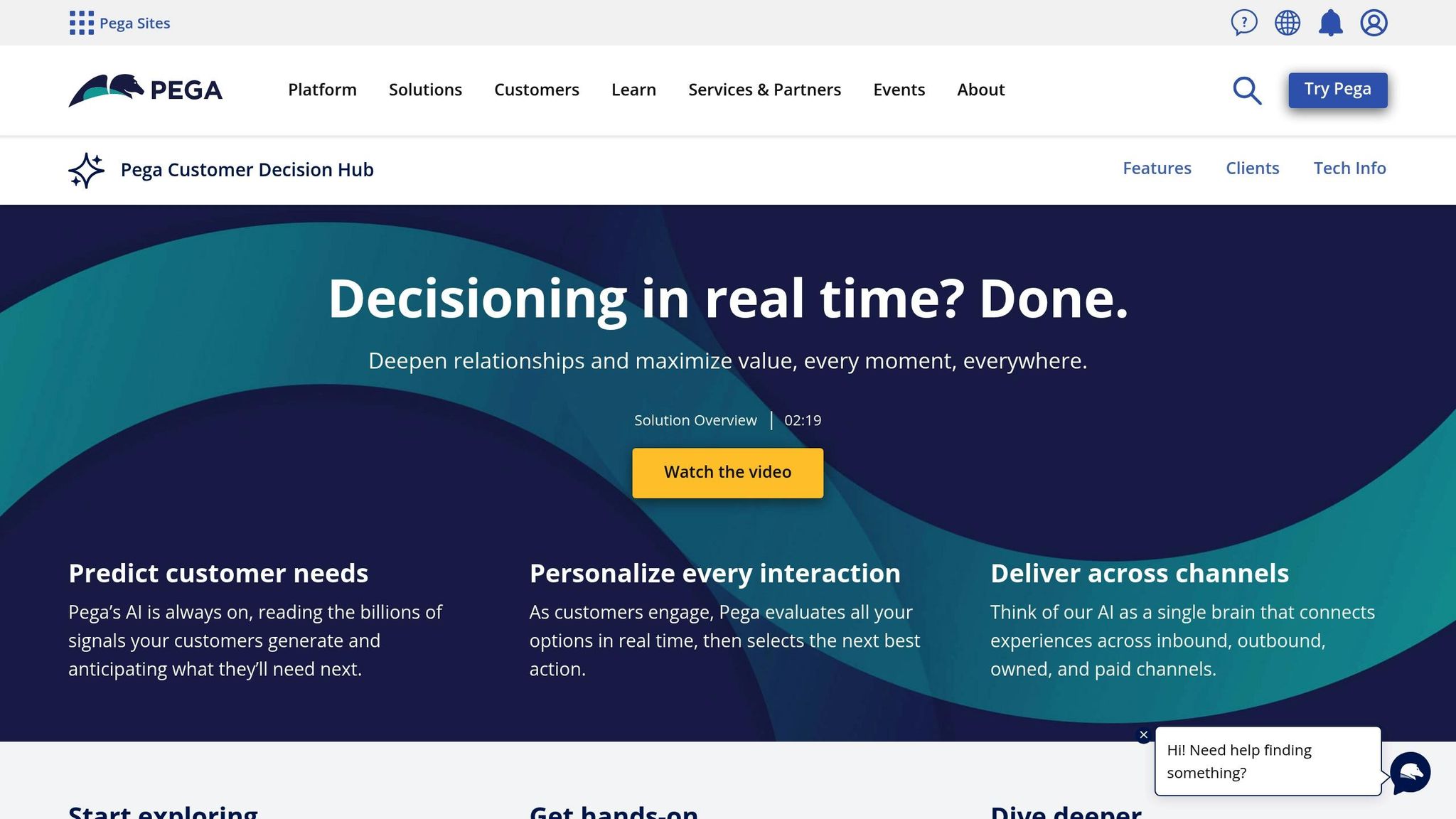
Pega’s Customer Decision Hub (CDH) uses AI to enable real-time, personalized interactions across various channels. Its standout feature is the ability to instantly process and analyze customer data, making it a powerful tool for businesses aiming to deliver tailored experiences.
AI-Powered Decision Making
Three components do the work, and you will touch all three:
| Component | Purpose |
|---|---|
| Predictive Analytics | Analyzes past data to forecast customer behavior and support proactive engagement |
| Adaptive Models | Self-learning algorithms that refine predictions over time |
| Real-time Arbitration | Determines the best action by evaluating context and value |
These elements work together to improve customer engagement outcomes efficiently.
Success Stories in Action
A major retailer saw a 25% boost in loyalty member engagement after implementing Pega’s Decision Hub [20].
"Pega unifies customer data under one decision point, integrating all business and eligibility rules before triggering any interaction" [21].
Practical Applications
The platform’s flexibility is evident across multiple industries:
- Financial Services: Banks use CDH as a Digital Financial Health Coach, offering tailored financial advice and strengthening customer trust with AI-driven insights [22].
- Retail: E-commerce platforms detect cart abandonment and automatically send personalized discount offers, encouraging customers to complete their purchases [20].
- Collections Management: Lenders develop personalized debt resolution strategies with the help of advanced modeling, ensuring positive customer interactions even during challenging situations [22].
Rob Walker, General Manager of 1:1 Customer Engagement at Pega, describes the shift you are buying into:
"Brands know customer demands are increasing and need fast and engaging personalized interactions to stay relevant".
Advanced Capabilities
Pega’s AI framework continuously evaluates data from current and past interactions, customer behavior, preferences, contextual signals, and business rules. This detailed analysis allows you to deliver highly targeted and relevant customer experiences.
9. Algonomy: Retail Personalization Platform
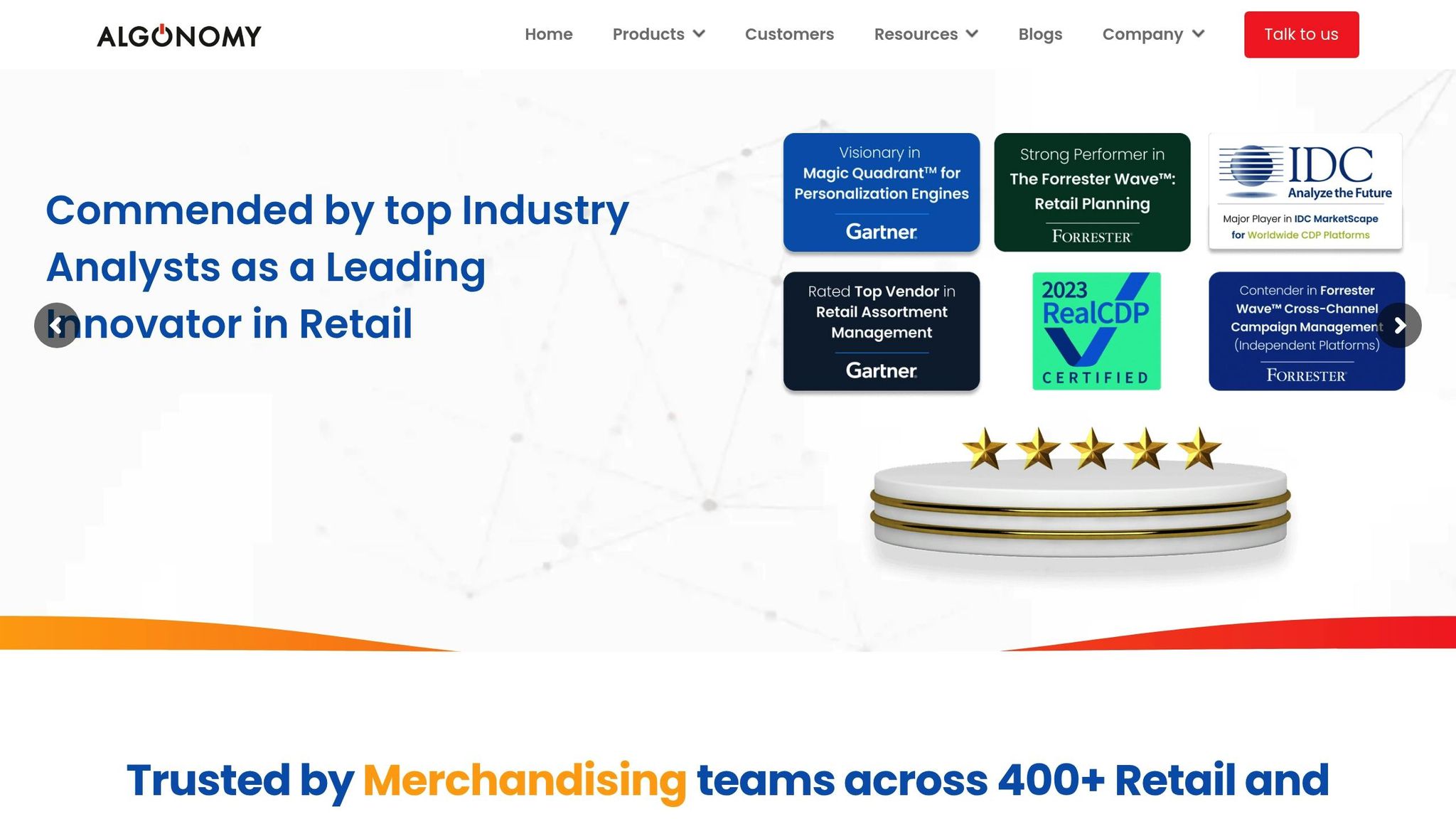
Algonomy provides tools designed specifically for retail, focusing on personalized experiences powered by AI. Using Xen AI, the platform enhances personalization across the entire commerce lifecycle, delivering tailored customer interactions through multiple channels.
Core Capabilities
| Feature | Impact |
|---|---|
| Campaign Orchestration | Cuts campaign management time by 50–60% |
| Content Personalization | Boosts email open rates by 50% |
| Customer Engagement | Increases visits by 80% through tailored outreach |
| Offer Optimization | Improves redemption rates by 35% |
| Marketing Efficiency | Reduces marketing costs by 8% |
These features help retailers achieve measurable improvements in efficiency and customer engagement.
Real-World Success Stories
HP’s Enhanced Customer Onboarding, worth reading if onboarding is your weak point
HP improved its onboarding process with Algonomy’s Engage platform. The Sr. HP’s Director of Software Experience and Products, Personal Systems, puts the gain in terms you can measure:
"We want to tell the customer why their HP product is awesome – and make sure they are getting everything they need out of their purchase. Engage takes on the heavy lifting of determining when, where and how to get these messages to the customer in a way that is helpful, not obnoxious. We provide the content options, and Algonomy takes on the task of figuring out the right message and time to captivate the customer."
That approach beat generic templates by 30% on engagement, which is a fair benchmark for you and doubled the time customers spent engaging with personalized welcome content.
McDonald’s India’s Digital Transformation
McDonald’s India used Algonomy’s CDP and Customer Journey Orchestration to drive its digital and data transformation. Arvind RP, CMO of McDonald’s, frames the payoff you would be chasing:
"The CDP and Customer Journey Orchestration projects were key to McDonald’s digital and data transformation journey, whereby we were able to build capabilities to drive insights-driven marketing across channels. We deeply appreciate the invaluable assistance provided by Algonomy’s analytics and campaign specialists, who have worked closely with us to develop and optimize our campaigns."
As a result, McDonald’s India took a 40% rise in omnichannel customers, a result you can size against your own base, a 33% year-over-year increase in McDelivery Services usage, and 44 million engagement opportunities across six channels.
Advanced AI Capabilities
Algonomy incorporates cutting-edge AI features, including:
- Real-time Profile Unification: Merges browsing behavior with enterprise-wide customer data for a complete view.
- Experience Optimizer (XO): Chooses the best personalization strategies based on unified customer profiles.
One retailer reported:
"The value of the shopping baskets resulting from product recommendations has increased by an average of 20 percent, with an average of one more product purchased by each customer."
These AI-driven tools enable you to refine customer journeys and boost revenue efficiently.
Retail Performance Metrics
Algonomy’s retail-focused solutions deliver impressive results:
- 10–20% growth in digital revenue streams
- 2–3 times higher engagement across channels
- 30% increase in conversion rates
- 19% rise in average basket value
- 1–3% success in reactivating customers
These metrics underline the platform’s ability to drive meaningful outcomes for retail businesses.
10. Persado: AI Content Generation
Persado’s Motivation AI platform is making waves in personalized marketing by leveraging advanced AI to create targeted messages. It has 1.2 billion consumer interactions behind its models, so you are not training it from scratch [27].
Performance Metrics Across Industries
Persado’s impact spans multiple industries, showing measurable improvements in key metrics:
| Industry | Customer Interactions | Average Conversion Lift | Incremental Revenue |
|---|---|---|---|
| Financial Services | 14B+ | 28% | $1.3B |
| Retail & eCommerce | 143B+ | 13% | $1.3B |
| Travel & Hospitality | 8B+ | 13% | – |
| Telecommunications | 6B+ | 13% | – |
Key AI Features
Persado’s ‘Generate & Personalize’ tool combines its proprietary language data with real-time customer insights. This allows brands to:
- Align messaging with their identity.
- Fine-tune product descriptions and SEO copy. This is a key step to optimize your brand’s visibility in AI search results.
- Create personalized campaign content.
- Adjust messaging based on seasonal trends.
These features help businesses achieve better results through continuous optimization [55, 56].
Real-World Success Stories
Persado has earned its fee in places you can go and check. A crafts retailer used it to rewrite Facebook ad language for one audience, resulting in a 55% conversion boost and $320,000 in additional revenue [28].
"We now use Persado in a very industrialized way on all of our CRM channels. We are able to boost a lot of content, from the most relational communications to the clearly business-driven ones, with proven impact over time." [25]
- Charles Giannesini, Head of Growth and Personalisation at Carrefour
Performance Highlights
Against human-written and generic LLM output, Persado wins 96% of the time, which is the comparison you actually care about. Expect roughly 40% better performance on average. Across its client base you are looking at $4.25B in additional revenue [27].
"Machine learning is the path to more humanity in marketing… Persado’s technology is incredibly promising. It rewrote copy and headlines that a marketer, using subjective judgment and their experience, likely wouldn’t have. And they worked. We think this is just the beginning. We hope to use Persado not just in marketing, but in our internal communications to make things more relevant to employees, as well as in our customer service prompts." [25]
- Kristin Lemkau, CEO, Wealth Management at JPMorgan Chase
With 70% of your buyers now expecting personalized experiences, Persado’s results highlight the increasing importance of AI-driven content personalization [26].
Bonus Tool: AirOps for Scalable AI Personalization Workflows
AirOps helps marketing teams personalize content at scale by combining customer data, AI models, and automated workflows. It enables you to dynamically generate and adapt content based on audience segments, making it easier to deliver relevant, high-performing experiences across channels.
Conclusion
AI-powered personalization tools are reshaping customer engagement. They deliver impressive results, including five to eight times the return on marketing spend and conversion rate increases of up to 30% [30][29].
Success Stories Across Industries
Here are some real-world examples of how companies are achieving measurable results with AI personalization:
| Company | Tool Used | Results | Timeframe |
|---|---|---|---|
| Yves Rocher | Bloomreach | 11x increase in recommended product purchases | 2024 |
| The Thinking Traveller | Bloomreach | 33% increase in submitted inquiries | 2024 |
| HP Tronic | Bloomreach | 136% increase in new customer conversions | 2024 |
| Henry Rose | Constellation | 32.8% increase in ROAS, 1.9M impressions | 2024 |
Whichever industry you are in, there is a comparable result above to size yourself against.
Key Steps for Implementation
To make the most of AI personalization, focus on these three areas:
- Data Quality and Privacy
High-quality data is crucial. Collect accurate data while adhering to privacy laws like GDPR and CCPA to ensure precise targeting and maintain customer trust [29]. - Integration and Automation
With 91% of businesses reporting positive outcomes from AI-driven engagement [29], finding the right mix of automation and human oversight is critical. This ensures personalized experiences remain consistent with your brand. - Continuous Improvement
Regular testing and adjustments are essential. In fact, 74% of organizations report seeing returns on their AI investments [29].
Customers increasingly expect tailored communication, 71% prefer it [30]. Meeting these expectations with AI tools not only strengthens customer relationships but also drives meaningful marketing results. Companies that set clear goals, build strong data strategies, and stay committed to ongoing optimization are well-positioned for long-term success.
Related Blog Posts
- AI Agents in Marketing: The Secret to Driving 10x Engagement & Conversions
- 5 Ways AI Can Optimize Marketing ROI for your Tech Startup
- How to Use Data to Build a Personalization Engine for Your SaaS
- How AI Powers Dynamic Segmentation for ROI