Most PLG teams don’t have a signup problem. They have an activation problem. If users stall before first value, the tool you pick should match the point where they get stuck: in-product setup, guided onboarding, support answers, or cross-channel follow-up.
I’d break this market into three buckets:
- Developer-first onboarding for teams that want onboarding built into the product
- No-code onboarding for teams that want to ship flows fast
- AI support layers for teams that want to answer questions and cut ticket volume
It might surprise you to hear that the article’s clearest takeaway is simple:
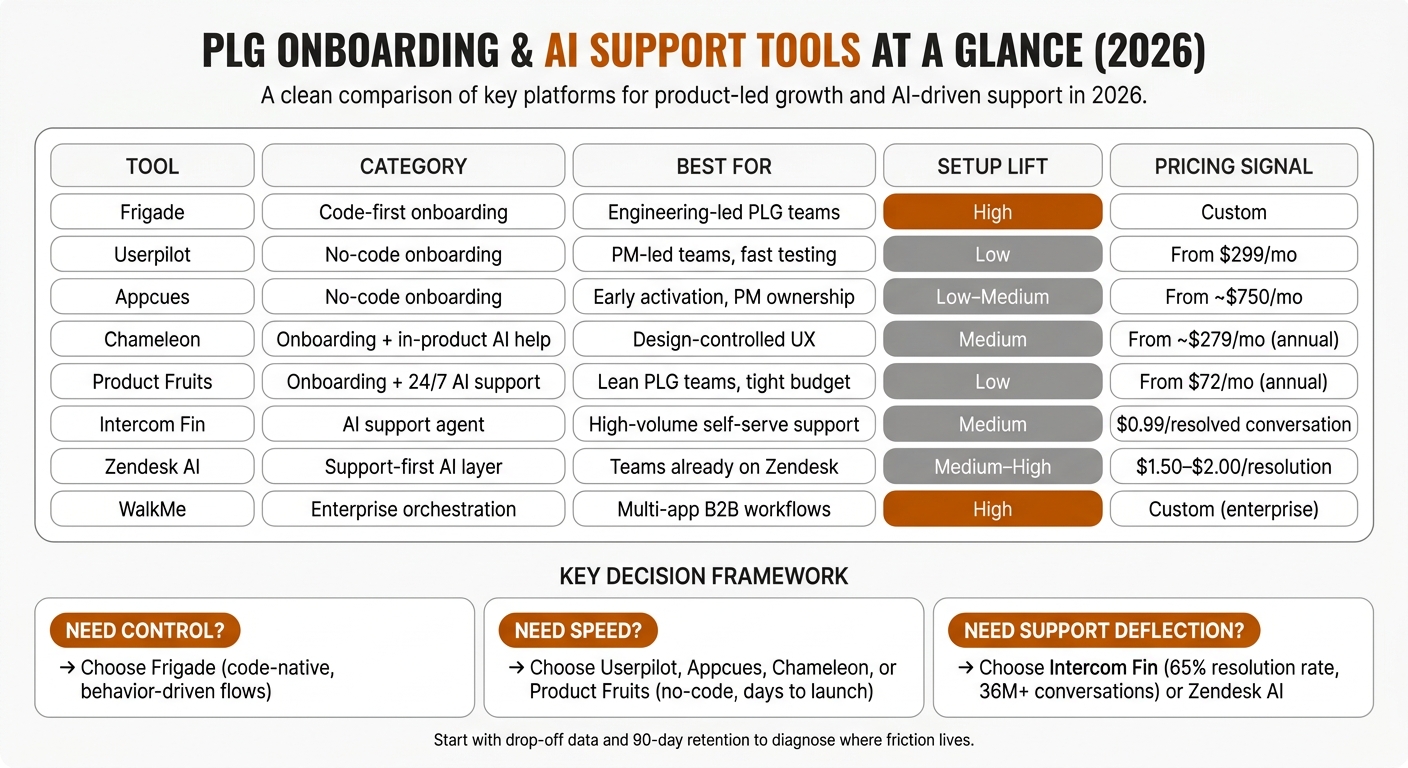
- Pick Frigade if you want code-level control inside the app
- Pick Userpilot, Appcues, Chameleon, or Product Fruits if you want faster setup with PM-led ownership
- Pick Intercom Fin or Zendesk AI if support deflection matters more than tours
- Pick WalkMe if your activation path runs across systems, teams, and weeks
A few numbers stand out right away:
- Intercom Fin reports about 65% resolution rate across 36M+ conversations
- Userpilot starts at $299/month
- Product Fruits starts at $72/month on annual plans
- Zendesk AI runs about $1.50 to $2.00 per resolution
- WalkMe sits in the enterprise tier with custom pricing
In other words, I’d use one buying lens first: Do you need more control, lower setup time, or better support coverage? That one question does most of the sorting.
PLG Onboarding & AI Support Tools Compared: Pricing, Setup & Best Fit (2026)
How to use AI to accelerate product-led growth
Quick comparison
| Tool | Main role | Best fit | Setup lift | Pricing signal |
|---|---|---|---|---|
| Frigade | Code-first onboarding | Engineering-led PLG teams | Higher | Custom |
| Userpilot | No-code onboarding + in-app help | PM-led teams that want fast testing | Low | From $299/month |
| Appcues | No-code onboarding | Teams focused on early activation | Low to medium | From about $750/month |
| Chameleon | Onboarding + in-product AI help | Teams that want design control | Medium | From about $279/month annually |
| Product Fruits | Onboarding + 24/7 AI support | Lean PLG teams on a tighter budget | Low | From $72/month annually |
| Intercom Fin | AI support agent | High-volume self-serve support | Medium | $0.99 per resolved conversation |
| Zendesk AI | Support-first AI layer | Teams already on Zendesk | Medium to high | $1.50 to $2.00 per resolution |
| WalkMe | Enterprise orchestration | Multi-app B2B workflows | High | Custom |
The short version: I’d choose the tool based on where users drop off, then check whether my team can ship and tune it without slowing down product work. That’s the frame I’d use for the rest of this piece.
1. Frigade
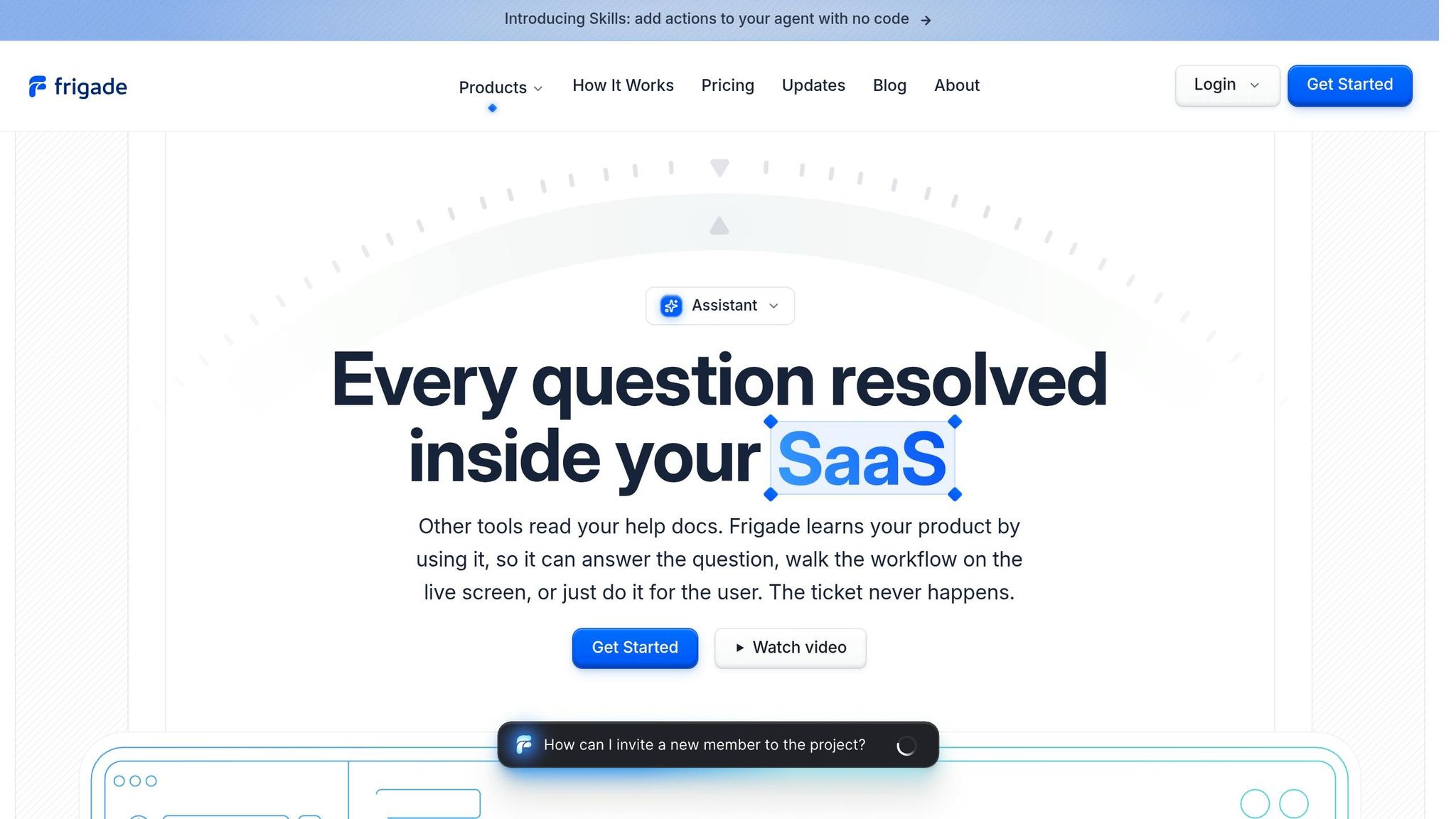
Frigade is a strong match for engineering-led PLG teams that want onboarding to feel native inside the product. Its React, JavaScript, and Python SDKs let you embed checklists, tooltips, and prompts right in the app.
Activation Orchestration
Frigade swaps rigid onboarding sequences for branching logic that reacts to user behavior [2]. In other words, users don’t all get the same path in the same order. The flow shifts in real time based on what they do.
The goal is simple: get each user to the aha moment as fast as possible, because that activation event is what predicts retention [1].
This matters most when onboarding needs to change based on behavior instead of following a fixed sequence.
Implementation Model
Implementation starts in your codebase. A developer installs the SDK, adds Frigade Blocks inside the app, and styles them with CSS or Tailwind.
The tradeoff is pretty clear. You put in engineering time up front, and in return you get onboarding that matches your app’s native UX.
PLG Fit
Frigade works best when activation is a clear, measurable milestone and onboarding needs to adjust to behavior.
That makes it a strong choice for teams that are happy to trade setup effort for control. It’s the most code-native option in this list, and the next tools cut down that implementation lift.
2. Userpilot
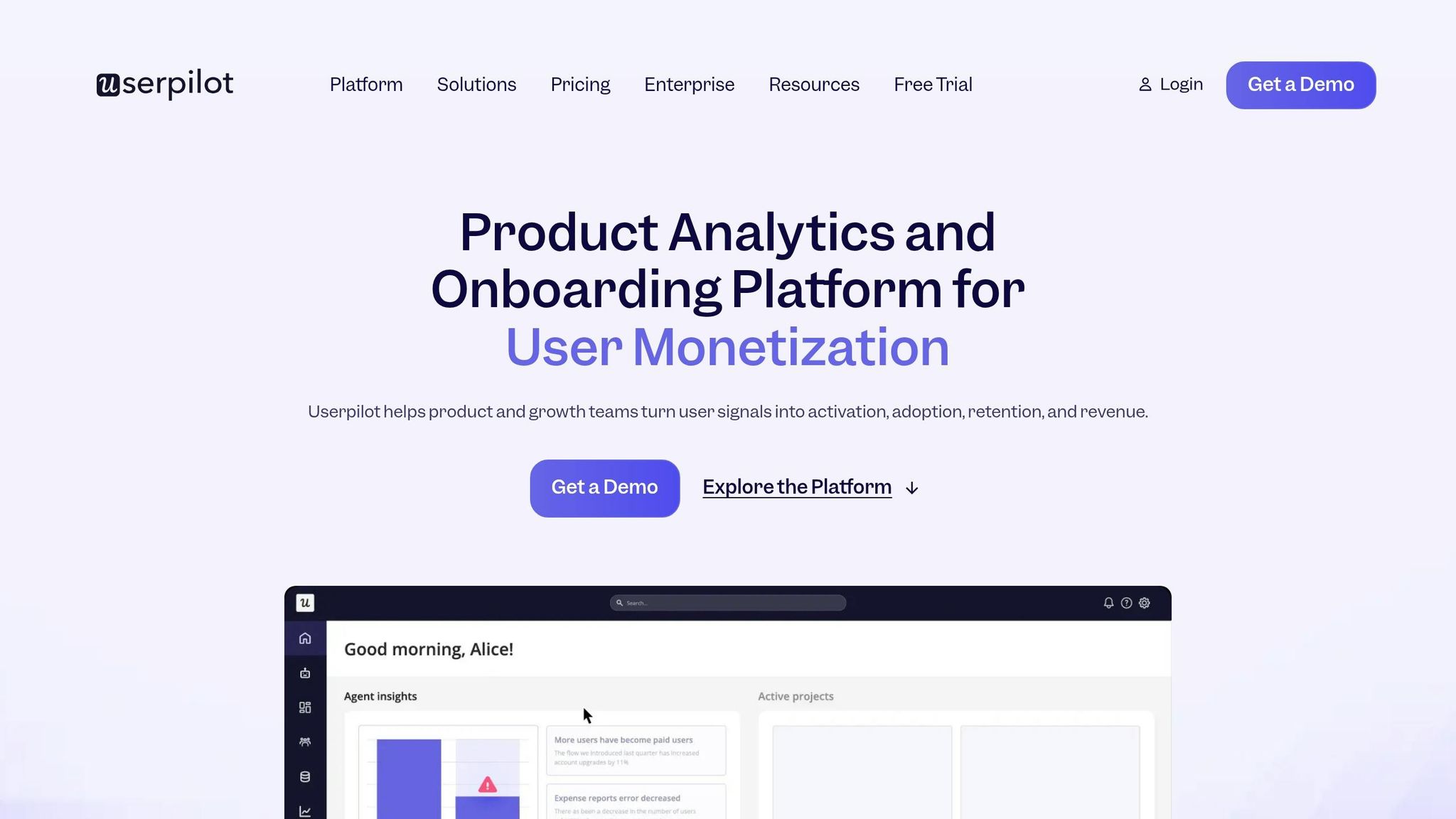
If Frigade is code-first, Userpilot is the no-code option for teams that want to move fast.
Activation Orchestration
Userpilot ties onboarding to five activation stages: Welcome, First Action, Aha Moment, Habit, and Retention. That gives teams a simple way to guide users toward the activation event that separates the people who stick from the ones who drop off [1].
AI Support Automation
Once onboarding is live, Userpilot uses the same interface for in-context support. The Resource Center brings together semantic search, AI-generated answers, tooltips, walkthroughs, and knowledge base summaries, so users can get help inside the product and teams can cut support tickets.
Implementation Model and PLG Fit
Setup is almost entirely no-code. In other words, teams can launch fast, test changes, and iterate without leaning on engineering support.
3. Appcues
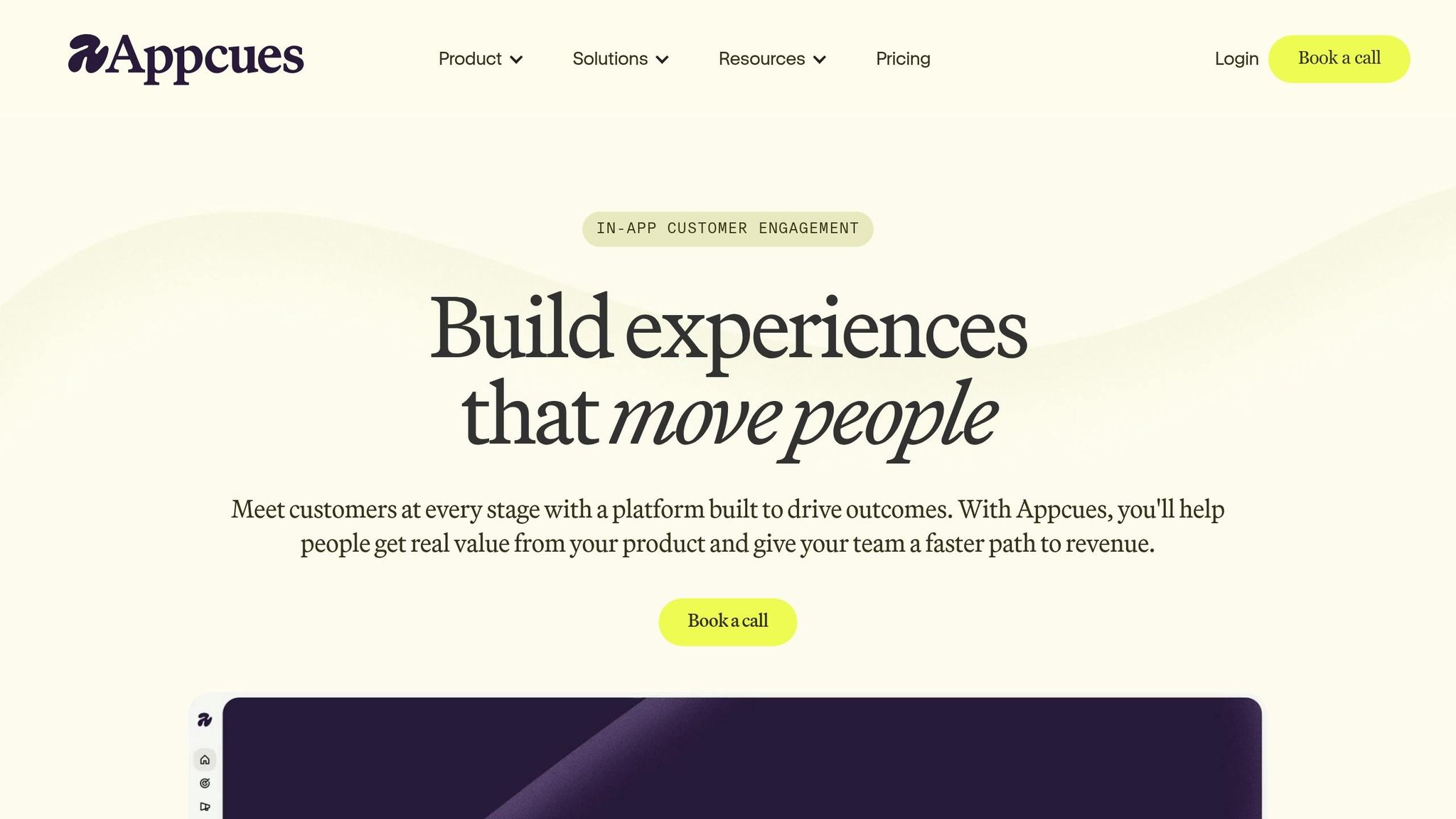
Appcues centers on in-app messaging and onboarding flows that help move users from sign-up to first value.
Activation Orchestration
Appcues fits the no-code onboarding tier. In this part of the stack, speed and simplicity matter more than deep code-level control. It uses modals, tooltips, checklists, and surveys tied to behavior-based triggers, which helps teams move users to first value faster.
The main tradeoff is launch speed versus deeper control.
Implementation Model and PLG Fit
A small JavaScript snippet powers a visual editor for non-technical teams. In other words, marketing, product, and growth teams can ship onboarding without a heavy engineering lift. That makes Appcues a fast-launch option for teams that want control and quick setup.
AI Support Automation
Appcues does more for onboarding than for support automation. It guides users well, but it does not provide a true in-product AI support layer. Its best use case is guided onboarding, especially when a team needs help with early activation more than embedded support automation.
Appcues is the no-code choice for teams focused on early activation without building custom onboarding infrastructure.
4. Chameleon
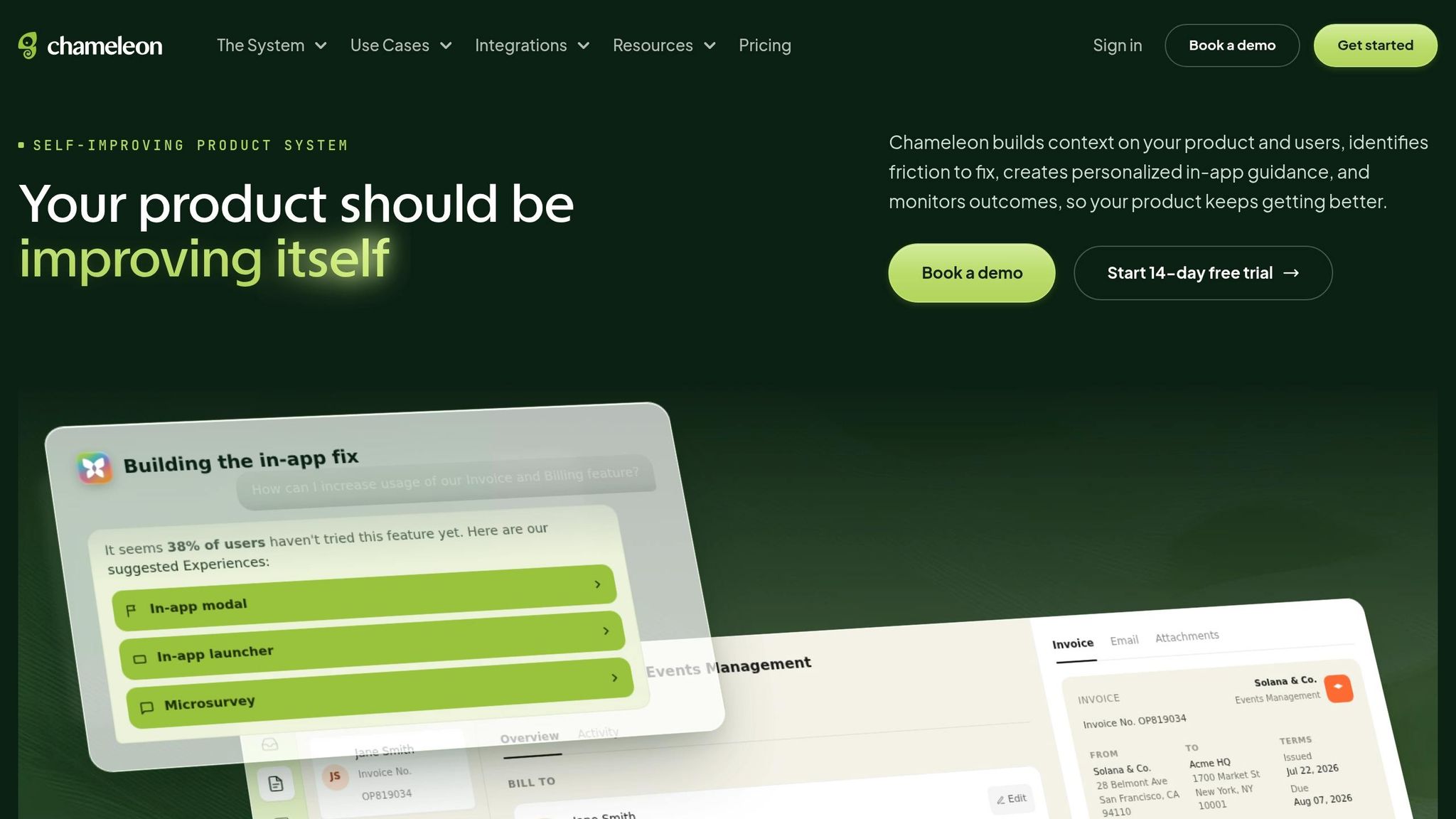
Chameleon adds a no-code onboarding layer with embedded AI help, so teams can handle onboarding orchestration and in-product support in one place.
Activation Orchestration
Chameleon uses behavior-based onboarding flows, tours, tooltips, checklists, and launchers to guide users toward activation.
AI Support Automation
Its HelpBar turns support into an in-product answer layer instead of a separate support channel. It indexes Zendesk, Help Scout, Intercom, and your docs, then returns plain-language answers pulled from those sources.
Implementation Model and PLG Fit
Chameleon fits teams that want onboarding flows and in-product AI help on the same surface. In other words, it works well when activation depends on guided flows and instant self-serve answers.
5. Product Fruits
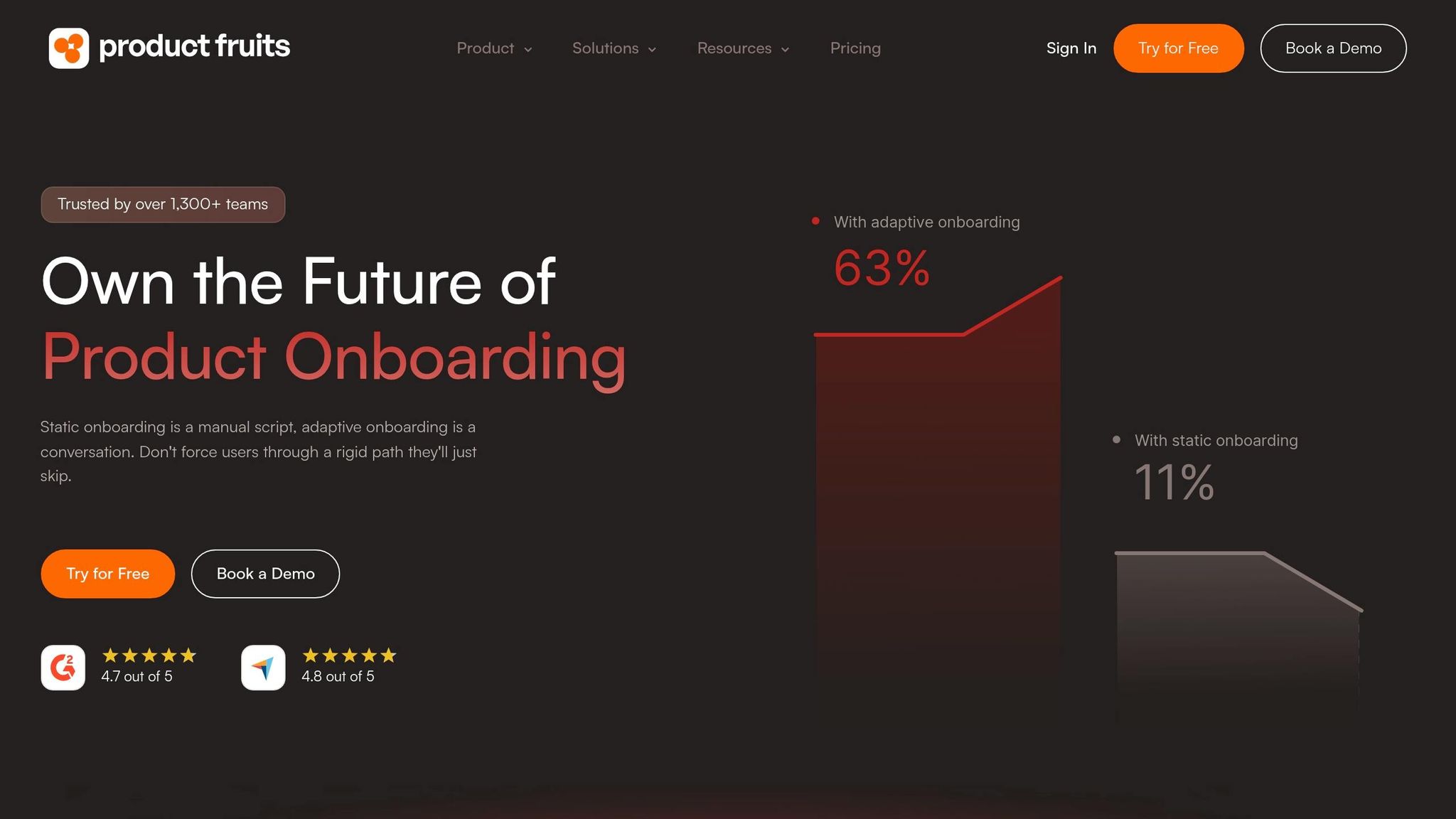
Product Fruits keeps onboarding and support in one place, which makes setup lighter for lean teams. It’s a strong fit for lean PLG teams that need guided activation plus 24/7 in-product help.
Activation Orchestration
Product Fruits uses tours and triggers to move users from their first session to the aha moment and then toward repeat use. In 2026, its product tours add AI text-to-speech for voice-guided walkthroughs. That helps cut friction right where users are most likely to drop off.
AI Support Automation
The same in-product layer also handles support. Product Fruits offers AI-based support that runs 24/7. That gives teams a way to support self-serve onboarding without adding staff load, which helps keep drop-off low during those early sessions.
Implementation Model and PLG Fit
Product Fruits works best for lean PLG teams that want guided onboarding and 24/7 in-product support in one tool.
6. Intercom Fin
Where onboarding tools walk users through each step, Fin steps in when users hit a wall and need an answer right away. Intercom Fin is a support-first AI layer for high-volume PLG products, and it’s built for heavy conversation volume at scale.
Activation Orchestration
Fin supports activation through dialogue instead of guided UI flows. In other words, it doesn’t kick off a tooltip sequence. It answers user questions in real time and nudges them toward the next step through conversation.
That makes it a strong fit when fast answers help users keep moving toward activation.
AI Support Automation
In 2026, a key success metric is delegation rate: the share of conversations resolved without a human handoff. Teams with strong knowledge base content usually see the best results here.
Implementation Model and PLG Fit
Fin needs strong knowledge content and routing rules to work well. It isn’t plug-and-play. It takes active management and tuning.
It fits best in PLG products where self-serve support is a core part of the user experience.
Fin isn’t the main tool for step-by-step activation. It works best as the support layer alongside onboarding, instead of the onboarding layer itself.
7. Zendesk AI
Zendesk AI is the most support-heavy tool in this comparison. It works as a support-first layer, not as an onboarding tool. Its focus is coordination across email, community, and customer success outreach. In other words, it helps most when activation depends on recovery, not walkthroughs.
Activation Orchestration
Zendesk AI works best when users stall during a longer activation cycle and need recovery through email, community, or a human handoff [2][1].
AI Support Automation
Zendesk AI handles repeat support questions through natural language understanding and automated responses. It can spot stalled users who have not moved toward a milestone and trigger recovery outreach, whether that is a targeted email or a handoff to a human agent [2]. The tradeoff is simple: you get deeper support coverage, but less in-app guidance.
Implementation Model and PLG Fit
Zendesk AI needs a strong knowledge base, clean integrations, and regular tuning. It fits PLG products where support sits inside the activation journey and users need answers across channels.
Use Zendesk AI when support is part of activation and users need help across channels. Use in-app onboarding when the goal is faster product guidance. In a PLG tech stack, Zendesk AI plays a recovery role, not the main onboarding role.
8. WalkMe
WalkMe is the heaviest-lift tool on this list. It fits complex B2B products with activation cycles that stretch across multiple weeks, plus email or CSM follow-up.
Activation Orchestration
WalkMe acts as the enterprise orchestration layer here. It shifts the onboarding path based on user behavior in real time, spots stalls, and kicks off the next step, whether that means an in-app nudge, an email, or a handoff to a CSM [2]. Success ties to milestone completion, not message volume [2].
It might surprise you to hear that onboarding programs that respond to actual user behavior can drive a 25% lift in first-year retention [2].
That same orchestration layer also powers its AI follow-up.
AI Support Automation
Its AI layer helps stalled users keep moving by triggering in-app, email, or human follow-up [2]. In other words, WalkMe works well for enterprise workflow coordination across channels when a single in-app prompt won’t do the job.
Implementation Model and PLG Fit
WalkMe is not a plug-and-play tool. The tradeoff is more control, but you pay for it with heavier setup. It’s a better fit when your activation journey actually needs cross-channel orchestration and CSM coordination.
However, if your team wants fast, lightweight in-app guidance, the setup burden can be tough to justify [1].
Head-to-Head Comparison by Buying Priority
No single tool wins every category. The better way to use this section is simple: start with the buying priority that matters most to your team, then match the tool to that job.
These tables boil the tradeoffs down into plain buying criteria.
Activation Orchestration
This category looks at how each tool handles checklists, tours, nudges, and triggers around key activation moments. Think signup, first value, and then expansion.
| Tool | Guidance Types | Targeting & Segmentation | Journey Logic | Best Scenario |
|---|---|---|---|---|
| Frigade | Checklists, tours, announcements | Events, user attributes | Multi-step, conditional, code-driven | Deterministic flows embedded in the product codebase |
| Userpilot | Tours, checklists, tooltips, banners | Events, account traits | Branching paths, multi-session | PM-led teams wanting analytics + onboarding in one place |
| Appcues | Tours, slideouts, checklists | Events, user attributes | Branching, multi-step | Broad pattern library; PM ownership without heavy dev |
| Chameleon | Tooltips, modals, launchers | Events, user/account traits | Conditional, pixel-perfect | Teams prioritizing native-looking, design-controlled UX |
| Product Fruits | Tours, checklists, hints, announcements | Events, user attributes | Multi-step flows | Seed-Series A teams needing onboarding + feedback in one tool |
| Intercom Fin | In-messenger answers, proactive messages | Conversation context | Support-driven, linear | Activation nudges tied to support conversations |
| Zendesk AI | Help widget, proactive messaging | Ticket/user context | Support-flow driven | Self-serve support for teams already on Zendesk |
| WalkMe | Tooltips, task lists, smart walk-thrus | Role, behavior, app context | Cross-channel, cross-app orchestration | Complex enterprise workflows spanning multiple systems |
In other words, Frigade leans toward code-first control, Userpilot and Appcues sit in the PM-friendly middle, and WalkMe is built for teams dealing with messy workflows across many systems.
AI Support Automation
For PLG teams with lean support, feature lists only tell part of the story. What tends to matter more is deflection rate and cost per resolution.
| Tool | Automation Approach | Published Performance | Pricing | Best Scenario |
|---|---|---|---|---|
| Frigade | AI Skills layer within onboarding flows | Not publicly benchmarked | Custom | Reducing support load during guided activation |
| Userpilot | In-app resource center and help content | Not publicly benchmarked | Included in plans from $299/mo | Self-serve help without leaving the product |
| Appcues | Resource center, in-app help | Not publicly benchmarked | From ~$750/mo | PM-managed help content alongside tours |
| Chameleon | In-product help and guidance surfaces | Not publicly benchmarked | From ~$279/mo (annual) | Design-controlled self-serve help |
| Product Fruits | AI support deflection + knowledge base | Not publicly benchmarked | From $72/mo (annual) | Unified onboarding + support deflection on a tight budget |
| Intercom Fin | Standalone AI agent, multi-source answers | ≈65% resolution rate over 36M+ conversations [3][4] | $0.99 per resolved conversation | Lean PLG teams wanting autonomous ticket resolution |
| Zendesk AI | AI agent + Copilot add-on | 39–66% in case studies; "up to 80%" in marketing [4] | $1.50-$2.00 per resolution; $50/agent/mo add-on | Teams already on Zendesk needing AI layered onto existing tickets |
| WalkMe | Cross-channel follow-up and human handoff | Not publicly benchmarked | Enterprise custom | Complex support journeys where a single prompt isn’t enough |
It might surprise you to hear that this table is less about who has the most AI features and more about who can cut support load at a price that makes sense. Intercom Fin stands out on published resolution data, while Zendesk AI makes the most sense when your team already lives inside Zendesk.
Implementation Model
Speed to value, plus who actually owns setup, often decides the shortlist before feature depth does.
| Tool | Primary Implementer | Technical Requirements | Typical Timeline | Contract Style |
|---|---|---|---|---|
| Frigade | Growth engineer / frontend dev | React SDK, component integration | Days to weeks | Custom |
| Userpilot | Product manager | JS snippet, no-code builder | Days | Month-to-month available from $299/mo |
| Appcues | Product manager | JS snippet, no-code builder | Days to 1-2 weeks | Annual tiers; sales-assisted above entry |
| Chameleon | Product manager + some dev | JS snippet, CSS customization | 1-2 weeks | Annual; startup plans ~$279-$333/mo |
| Product Fruits | Product manager | JS snippet, no-code builder | Days | Monthly from $96/mo; annual from $72/mo |
| Intercom Fin | Support / growth ops | Existing Intercom or helpdesk setup | Hours to days if already on Intercom | Per-resolution; self-serve |
| Zendesk AI | Support ops + IT | Zendesk platform required | Weeks; AI config adds time | Enterprise contracts |
| WalkMe | IT / ops + implementation partner | Deep system integrations, SSO | Multi-quarter for full rollout | Enterprise custom; often partner-assisted |
If your team wants to ship in days, Userpilot, Appcues, and Product Fruits are the easier fit. If you want deeper control inside the product itself, Frigade asks for more engineering time up front.
PLG Fit
Choosing between PLG vs. sales-led growth comes down to a few practical questions: Can the team set it up without a long sales cycle? Can you test ideas fast? And does the product fit your stage?
| Tool | Pricing Transparency | Self-Serve Setup | A/B Testing | Stage Fit |
|---|---|---|---|---|
| Frigade | Custom | Yes, with engineering | Yes, code-driven | Engineering-led PLG teams |
| Userpilot | Transparent ($299/mo+) | Yes | Yes | Mid-market product teams wanting self-serve onboarding and analytics |
| Appcues | Partial (~$750/mo+, sales above entry) | Mostly | Yes | PM-led orgs that want a broad pattern library |
| Chameleon | Transparent (~$279/mo+) | Yes | Yes | Teams prioritizing customization and native-looking UX |
| Product Fruits | Transparent ($72/mo+) | Yes | Limited | Budget-conscious PLG teams |
| Intercom Fin | Transparent ($0.99/resolution) | Yes | N/A (support-focused) | Any stage running lean support |
| Zendesk AI | Partial ($1.50-$2.00/resolution + add-ons) | Mostly | N/A | Teams already standardized on Zendesk |
| WalkMe | Opaque (enterprise custom) | No | Limited | Enterprise internal tools and complex workflows |
The pattern here is pretty clear. Product Fruits and Userpilot lean toward easy adoption for PLG teams, Frigade fits engineering-led groups that want code-level control, and WalkMe sits much farther upmarket.
Pros and Cons of Each Tool
The main trade-off here is control vs. speed.
Native onboarding gives you the most control. You can shape the product experience exactly how you want, tie it closely to your stack, and handle edge cases with precision. However, it costs engineering time, and that time isn’t cheap.
No-code tools move much faster. You can launch flows, test ideas, and make updates without waiting on a sprint. That speed matters when you’re trying to cut time to activation and learn what helps users get value fast.
Long activation cycles usually need more than one layer of help. In-app guidance can move users forward in the product, while follow-up touches keep momentum going between sessions. In other words, a lot of teams need both.
The best tool is the one that shortens time to activation with the least operational drag. That depends on your engineering capacity and on how much activation needs to happen inside the product itself.
So the real decision is simple: should activation live in code, in no-code flows, or in support?
Conclusion
After comparing activation orchestration, AI support, and implementation lift, the choice comes down to where friction shows up. Pick the tool that fits the point of failure: setup, guidance, support, or enterprise orchestration.
Choose Frigade when onboarding sits at the heart of your product. If you have multi-step setup, multiple personas, and deep product integration, code-level control gives you the precision you need. In other words, that depth can pay off in retention when activation depends on real orchestration tied straight to time-to-value.
Choose a no-code onboarding platform like Userpilot, Appcues, Chameleon, or Product Fruits when your product has moderate complexity, your engineering team is lean, and you need to test activation flows fast. The good news is that this route works well when learning speed matters more than heavy customization.
Choose an AI support-first tool when users get stuck on product questions after signup and in-product support automation matters more than guided onboarding.
Choose WalkMe only for multi-app enterprise workflows that need governance, role-based guidance, and change management at scale.
Use the map below to match the problem to the tool category.
| Scenario | Best Fit |
|---|---|
| Multi-step setup, multiple personas, deep integration | Frigade |
| Moderate complexity, fast iteration, engineering-light | No-code onboarding platform |
| Users stuck post-signup, support deflection is priority | Intercom Fin / Zendesk AI |
| Multi-app enterprise workflows with governance needs | WalkMe |
Start with drop-off data, support tickets, and 90-day retention. Those signals show whether the problem lives in setup, guidance, or support. That diagnosis tells you whether to solve for onboarding, in-product guidance, or support deflection. If activation friction is the issue, the right tool is the one that removes it with the least operational drag.
FAQs
How do I know if I have an activation problem?
You likely have an activation problem when signups look healthy, but too few users reach activation. The same goes for cases where people drop out of onboarding before they use your core features.
Check for friction in metrics like:
- Onboarding abandonment
- Time-to-first-value
- Time spent on each step
- Declining usage
- Setup-related support tickets
- Low engagement with key features
In other words, if people show up but stall before they get the point of the product, activation is probably where things are breaking down.
Should onboarding live in code, no-code flows, or support?
Onboarding works best when it shows up where the user needs it most. In most cases, that means both inside the product and inside support.
Use in-product guidance like interactive tutorials, tooltips, and contextual help to give users instant self-serve value right when they need it. Then back that up with automated support, such as AI-powered walkthroughs or resource hubs, so people can keep moving without hitting a wall.
In other words, the product handles the in-the-moment teaching, and support fills the gaps. That setup keeps the experience smooth, scalable, and tied to customer outcomes.
What metrics should I track after launch?
After launch, focus on the metrics that show whether people get value fast and stick around. Watch Time-to-Value (TTFV), feature adoption, activation rate, and retention curves. Those numbers tell you how fast users reach a meaningful outcome and whether they keep coming back to the core tools.
You’ll also want a clear view of business impact. Track conversion rates, Net Revenue Retention (NRR), and Customer Acquisition Cost (CAC). Then layer in sentiment with NPS and Customer Effort Score (CES), so you can see not just what users do, but how they feel while they do it.
Related Blog Posts
- Ultimate Guide to Self-Serve Product-Led Growth
- Ultimate Guide to Cross-Functional PLG Alignment
- Top 7 PLG Consultants in 2026 & What To Avoid
- How Lillian Pierson Approaches Customer Onboarding for Better Activation and Retention