



Here’s the deal: If you’re building GTM workflows with Claude Code, picking the right MCP servers can make or break your system. The wrong setup? Bloated contexts, slow performance, and redundant tools. The right setup? A streamlined, efficient pipeline that focuses on doing more with less.
Key Takeaways:
- Filesystem MCP: Connects Claude to your local files. Perfect for managing code, docs, and automating workflows. Lightweight at ~800 tokens.
- GitHub MCP: Handles pull requests, branches, and CI/CD monitoring. A must-have for version control, adding ~1,200 tokens.
- PostgreSQL MCP: Links Claude to databases for data analysis and debugging. Optimized for SQL interactions with ~900 tokens.
- Apidog MCP: Automates API documentation retrieval for smoother integrations.
- Playwright MCP: Enables browser automation for testing and scraping. Resource-heavy but powerful.
- Supabase MCP: Combines database, authentication, and storage into one tool. Great for full-stack workflows.
- Brave Search MCP: Fetches real-time data, news, and documentation directly in Claude.
- Exa MCP: Another search option, ideal for live updates and research.
Quick Tip: Start with 3–5 core servers like Filesystem, GitHub, and PostgreSQL. Avoid overloading your setup to keep context usage low and performance high.
Why it matters: Efficient MCP server choices aren’t about stacking features – they’re about solving real problems. Let’s dive into how each server fits into your workflow.
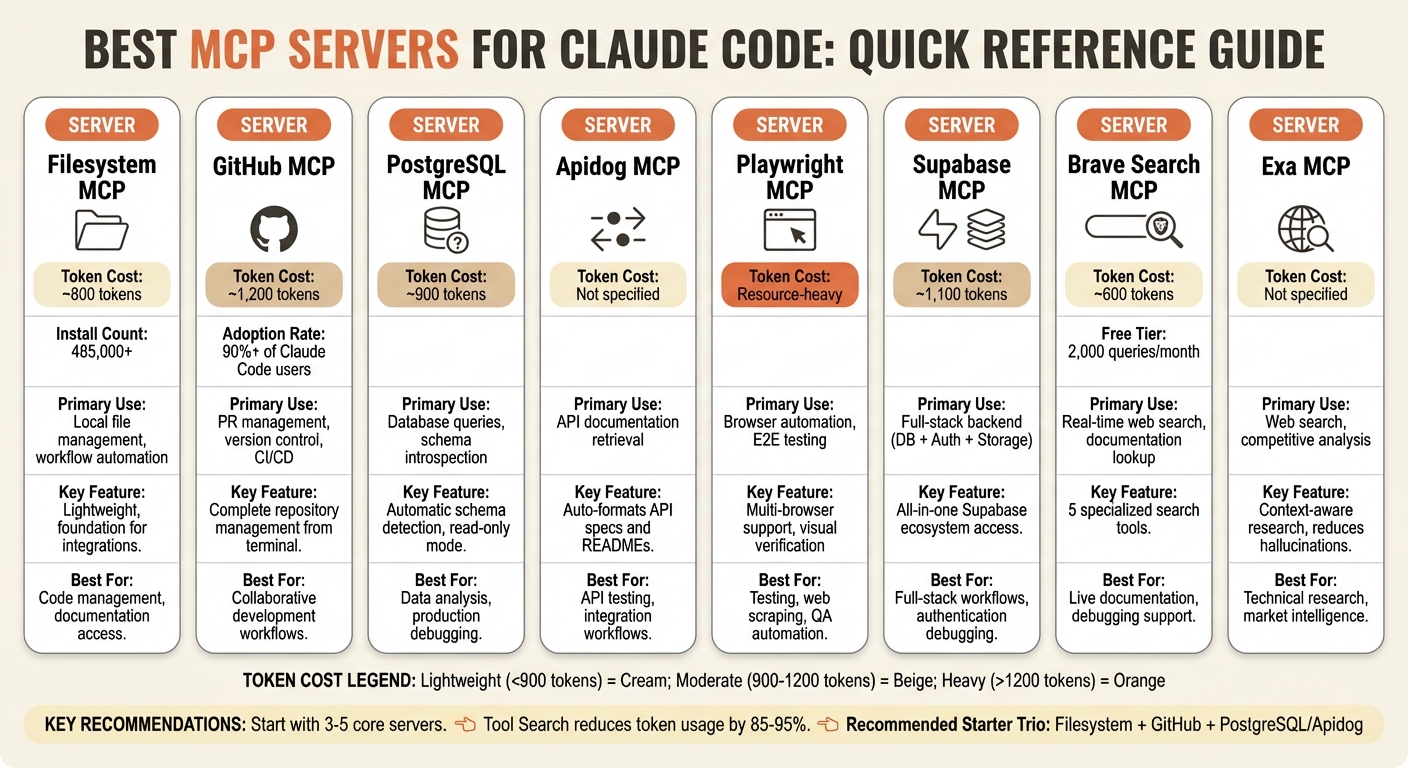
MCP Servers for Claude Code: Features, Token Costs, and Use Cases Comparison
1. Filesystem MCP
Core Functionality
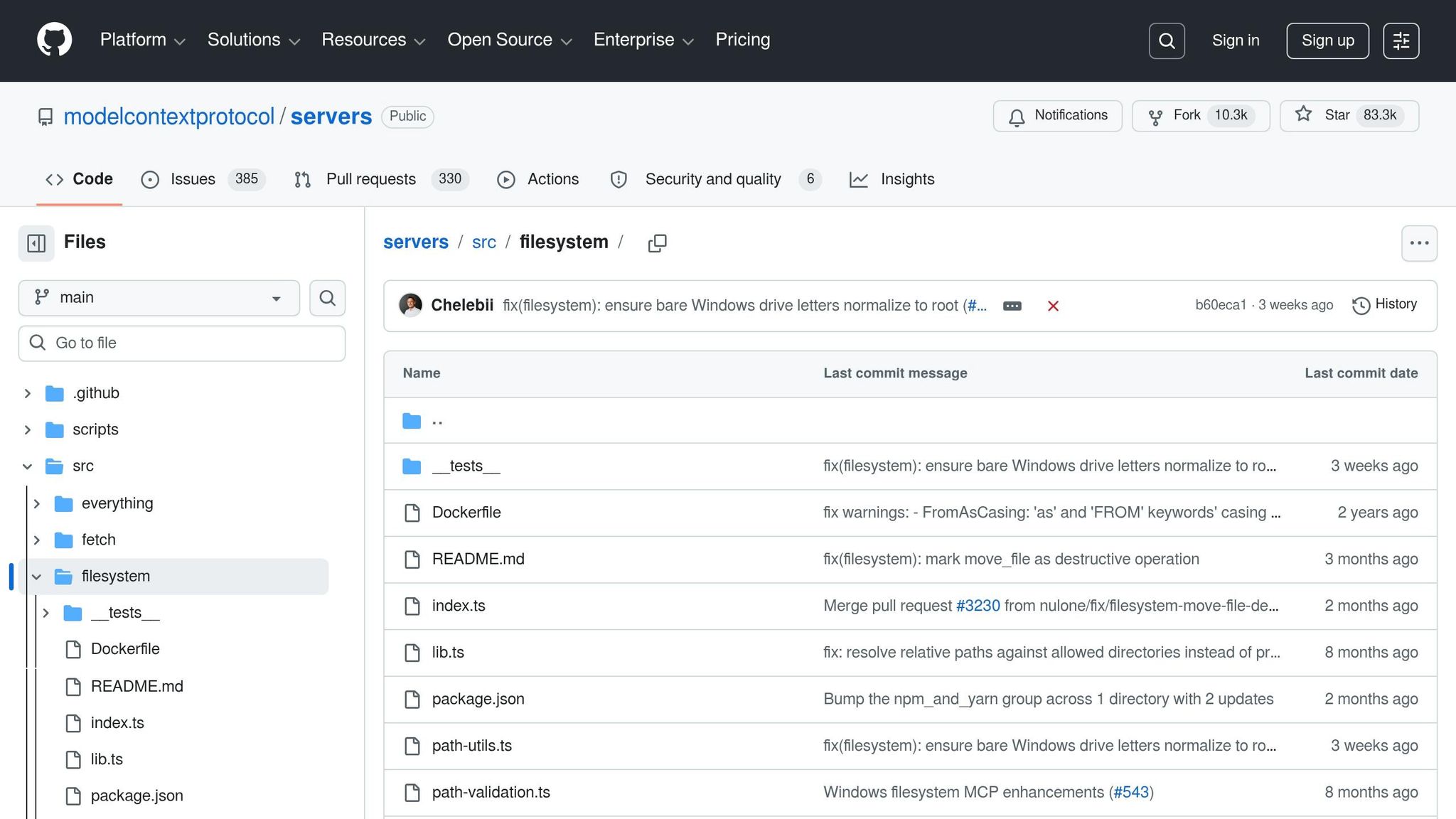
Filesystem MCP creates a secure link between Claude and your local file system, offering essential file management tools like reading, writing, listing, searching, creating, moving, and deleting files. This eliminates the need for manual copy-pasting. It runs as a lightweight local process using JSON-RPC, where Claude sends commands to handle file operations.
With a context cost of roughly 800 tokens, it’s one of the most efficient servers to operate [4]. As of March 2026, it has gained widespread popularity, with over 485,000 installs [11].
Primary Use Cases
Filesystem MCP supports customized AI workflows by allowing Claude to access documentation, configuration files, and shared libraries stored outside the current working directory [5][10]. For example, it can reference architectural files in /docs while working on code in /src, ensuring continuity across sessions.
It’s also a key tool for workflow automation, enabling tasks like moving from "Issue → Code → PR" seamlessly. With Filesystem MCP, Claude can read local requirements, generate code, and, when paired with GitHub MCP, push changes directly [1][5]. Beyond development, it automates tasks like organizing complex file hierarchies and cleaning up outdated log files.
"Without Filesystem MCP, you have to paste code into the chat. With it, your AI can open, edit, and create files directly in your project."
- MCP Directory [11]
This functionality serves as a foundation for integrating with other MCP servers, enhancing overall productivity.
Integration Potential
Filesystem MCP shines when combined with other tools. For example, pairing it with GitHub MCP bridges local development with remote version control, streamlining collaborative workflows [1].
Ease of Deployment
Getting started with Filesystem MCP is simple and secure. Users can deploy it by running a single command, granting access to specific directories, and using absolute paths for consistency:
claude mcp add filesystem -- npx -y @modelcontextprotocol/server-filesystem /path/to/dir
sbb-itb-e8c8399
2. GitHub MCP
Core Functionality
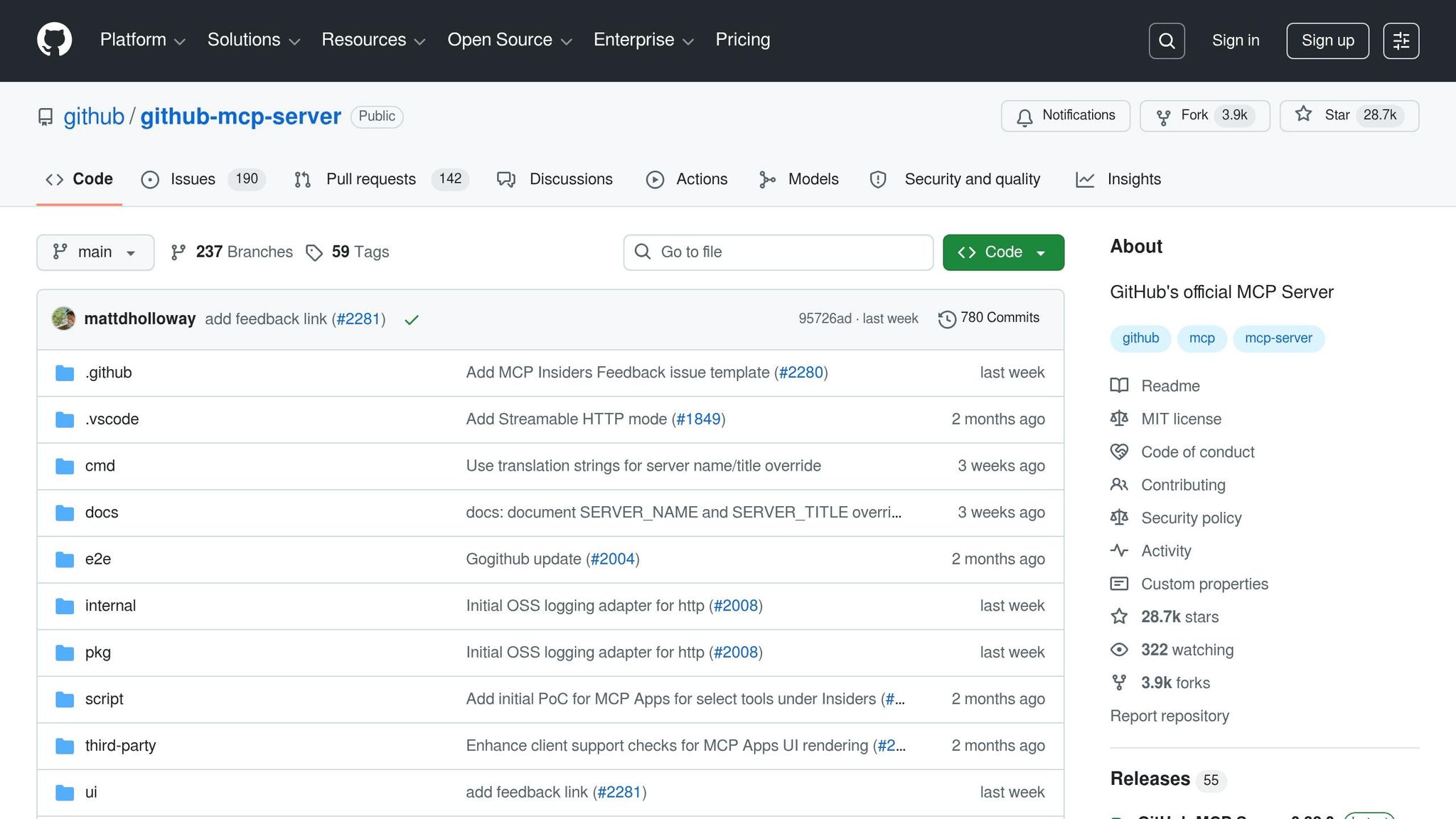
GitHub MCP links Claude directly to your repositories, allowing you to manage them entirely from the terminal. It streamlines the pull request process – covering everything from listing and creating to reviewing and merging PRs. Additionally, it handles issues, branches, and tags effortlessly. Claude can search through your entire codebase, read file contents from any repository, and even push commits using plain language commands.
The server unlocks most essential GitHub features, including CI/CD monitoring through GitHub Actions. While enabling GitHub MCP adds roughly 1,200 tokens, Claude Code’s "Tool Search" ensures only the necessary resources are loaded, reducing token usage by about 85% [2]. Impressively, over 90% of Claude Code users have adopted this server [1].
Primary Use Cases
GitHub MCP goes beyond automating pull requests. It supports historical code analysis and real-time CI/CD monitoring, helping developers maintain quality. By analyzing version history, it can trace bugs back to their origin or identify contribution trends in large codebases. Claude can also confirm whether code changes disrupt builds and keep tabs on CI/CD pipelines as they run.
"The GitHub MCP server is the one I’d install first. Connect it with a single command and you get PR reviews, issue creation, and repository management without leaving your terminal."
- Vishwas Gopinath, Builder.io [2]
These features lay the groundwork for integrating with other tools.
Integration Potential
GitHub MCP works seamlessly with other MCP servers to improve your development workflow. For instance, pairing it with Filesystem MCP enables a complete loop where Claude accesses local files, generates code, and commits updates to remote repositories.
While integration possibilities are extensive, setting up GitHub MCP is straightforward.
Ease of Deployment
To deploy GitHub MCP, you’ll need a GitHub Personal Access Token with "repo" and "read:org" permissions. Store this token in the GITHUB_PERSONAL_ACCESS_TOKEN environment variable. Use the --scope user flag to make the server accessible across all your projects without requiring separate configurations for each repository. For cloud services like GitHub, HTTP transport is currently the recommended standard.
3. PostgreSQL MCP
Core Functionality
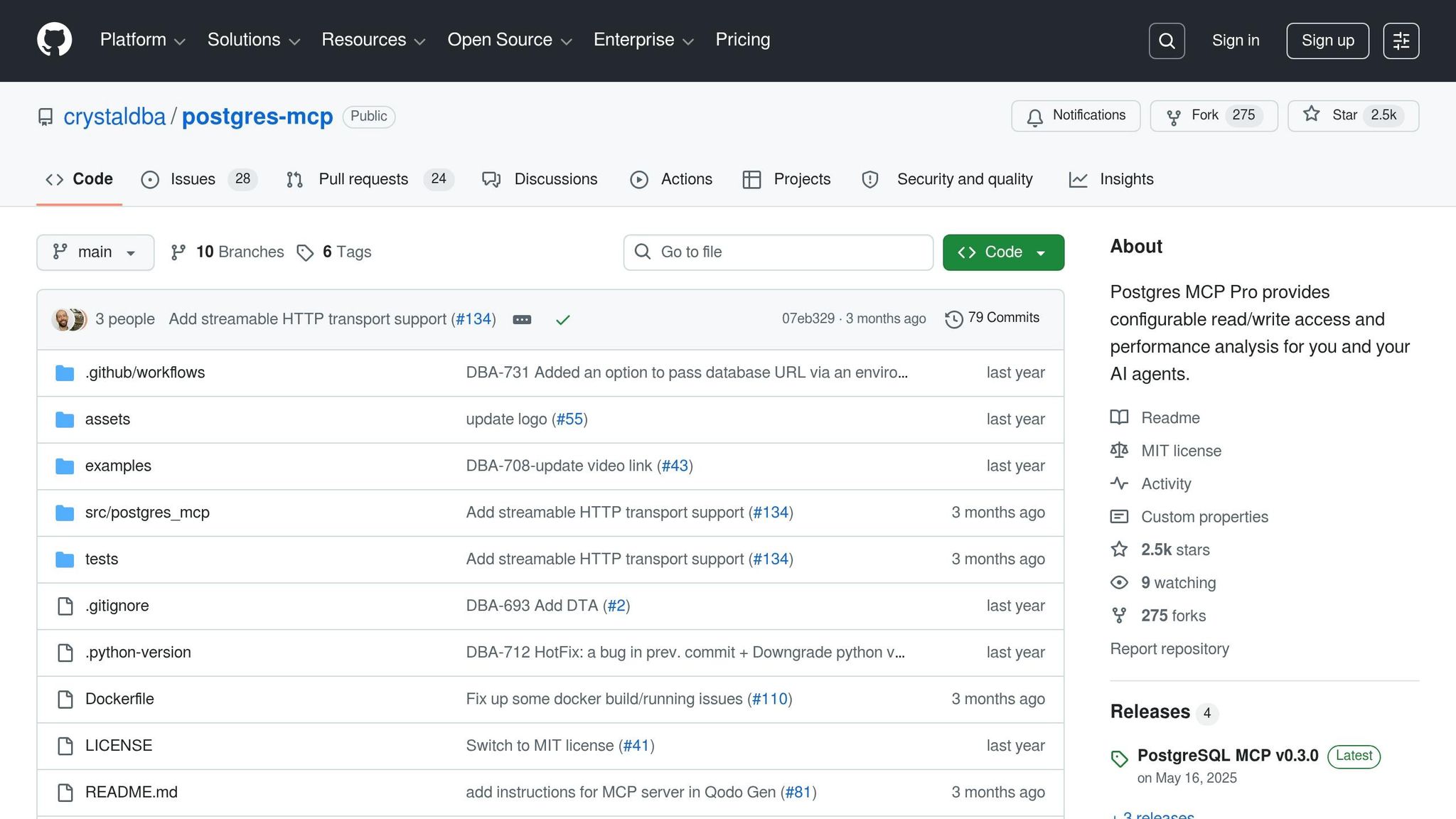
PostgreSQL MCP plays a pivotal role in querying structured data, enabling Claude to analyze product metrics and support exploratory workflows. It directly connects Claude to your database, offering automatic schema introspection and SQL query execution. Without requiring manual setup, Claude identifies tables, columns, relationships, and data types in your schema. It also executes parameterized SQL queries, reducing the risk of injection attacks. The server provides tools like query (for executing SQL), list_tables (to view available tables), and describe_table (to inspect column details), simplifying database interactions into a single interface [8].
The context cost for these operations is approximately 900 tokens. However, Tool Search optimizes this by loading definitions only when necessary, cutting the cost by about 85–95% [4][5]. By early 2026, the MCP ecosystem had expanded significantly, with more than 10,000 active servers and 97 million monthly SDK downloads [1][6].
Primary Use Cases
PostgreSQL MCP proves highly effective in scenarios like debugging production issues, generating real-time reports, and navigating unfamiliar database structures [6]. Claude can perform tasks such as "database archaeology", where it traces data changes alongside code updates or validates migrations before deployment [6]. For non-technical users, it simplifies database queries – questions like "What’s our total revenue this month?" are translated into SQL, executed, and summarized by Claude [7].
When paired with GitHub MCP, PostgreSQL MCP unlocks even more robust workflows. For instance, Claude can identify a production issue, query the database for affected records, and then use GitHub MCP to create a pull request with a proposed fix [1][7]. This integration enhances the efficiency of addressing production challenges.
Ease of Deployment
Setting up PostgreSQL MCP is straightforward and requires just one command:
claude mcp add postgres npx @anthropic/mcp-postgres "postgresql://user:pass@localhost:5432/mydb" On Windows, prepend the command with cmd /c to ensure npx runs correctly [2]. For configuration files, always use environment variables (e.g., ${DATABASE_URL}) instead of hardcoding credentials [5]. To enhance security in production, create a dedicated read-only database user with limited SELECT permissions – the server defaults to read-only mode to protect your data [6][8]. Additionally, using --scope project allows you to share configurations with your team while keeping personal credentials private [7]. This simple setup process strengthens PostgreSQL MCP’s position within the broader Claude-powered ecosystem.
4. Apidog MCP
Core Functionality
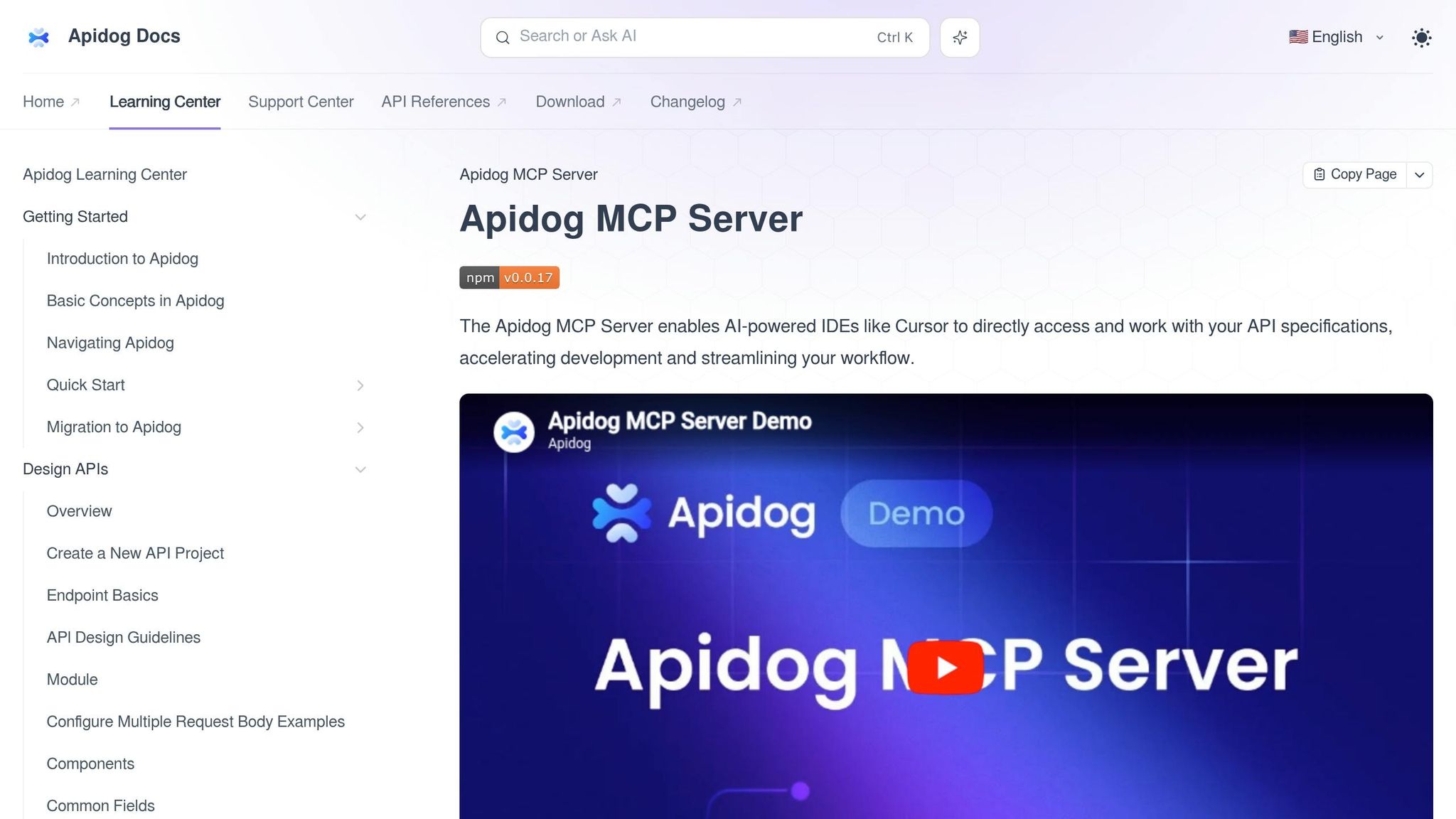
Apidog MCP connects Claude Code to external systems by automatically retrieving and reformatting API documentation. It pulls the latest API specifications and READMEs from specified URLs, extracting details from HTML-based documentation. This ensures Claude has access to up-to-date API schemas, allowing it to understand endpoint structures, authentication protocols, and response formats without requiring manual input.
Primary Use Cases
With Apidog MCP, you can streamline tasks like real-time API testing, debugging, and client code generation by automating the process of retrieving and formatting API documentation. By reducing the need to switch between tools or contexts, it enhances workflow efficiency. This functionality complements existing tools, making Claude a more versatile and effective operator.
Integration Potential
Apidog MCP fits neatly into broader system designs, much like other MCP servers. When paired with Filesystem and GitHub MCP, it enables a smooth workflow that includes documentation retrieval, code generation, and repository updates. Additionally, combining Apidog MCP with Playwright MCP can support end-to-end testing by validating API responses against expected results, further enhancing Claude’s ability to handle real-time API data effectively.
Ease of Deployment
Deploying Apidog MCP is straightforward and follows the standard MCP setup process. Simply add the server to your mcp.json file, including the URLs for the API documentation. Since it primarily reads external documentation, it requires minimal permissions compared to servers that modify data. For security, store API keys or authentication tokens in environment variables rather than configuration files. Its read-only nature makes it a low-risk addition to your system.
5. Playwright MCP
Core Functionality
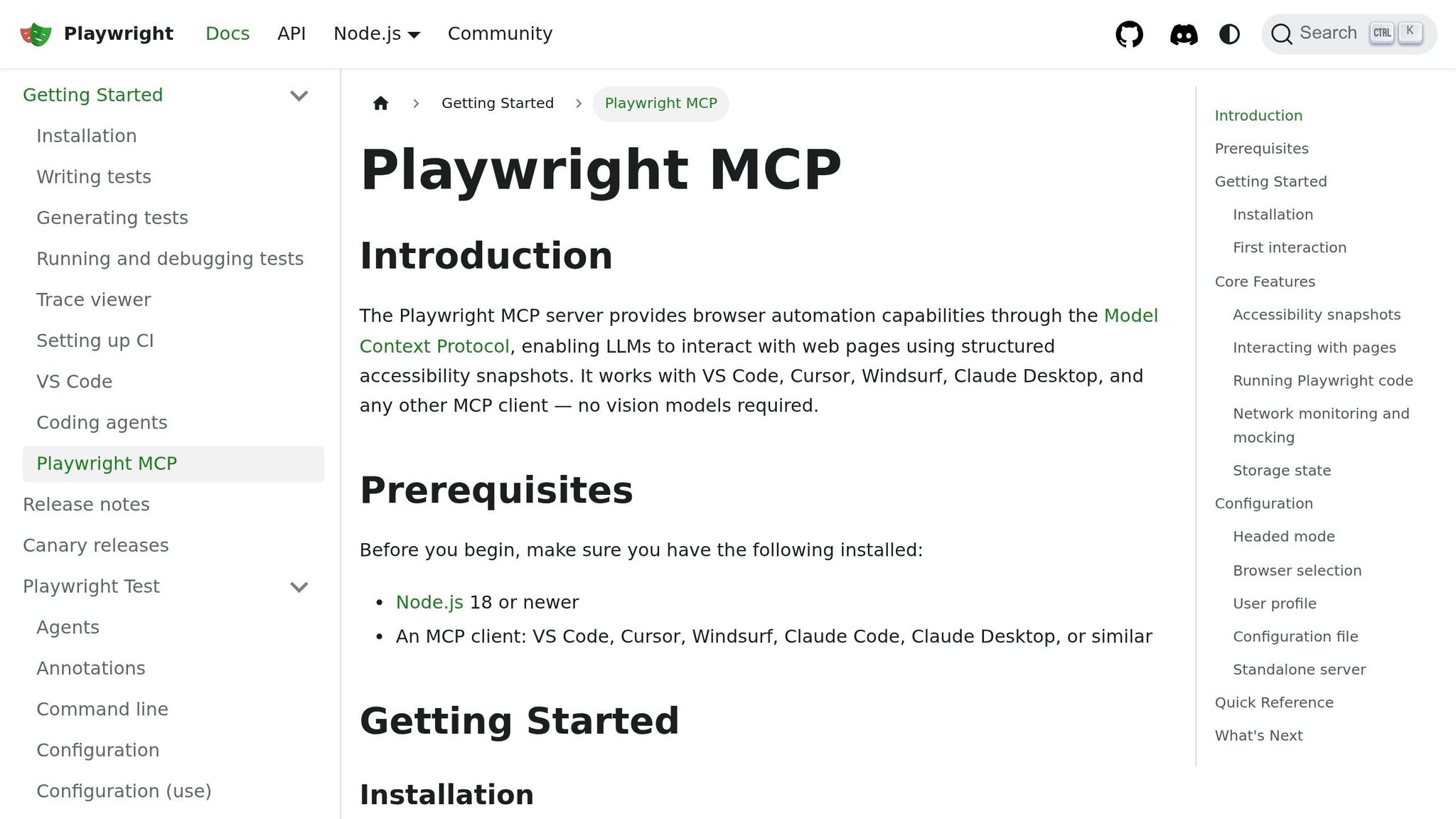
Playwright MCP is a powerful tool for full browser automation, seamlessly working with Chromium, Firefox, and WebKit. It allows Claude to perform essential browser tasks like navigating web pages, clicking elements, filling forms, taking screenshots, and extracting text using accessibility tree snapshots for more precise interactions.
The server provides tools such as playwright_navigate, playwright_screenshot, playwright_click, playwright_fill, playwright_evaluate, playwright_get_text, and playwright_resize. On its first use, it downloads Chromium, which typically takes 1–2 minutes [8]. All operations run locally, ensuring that sensitive browser data stays within your environment.
Primary Use Cases
Playwright MCP is ideal for end-to-end testing, visual verification, and web scraping. It enables Claude to create and debug test flows, confirm UI updates, and pull data from modern web apps.
"Your agent can visually verify its own changes. ‘Deploy this, open the staging URL, and confirm the new dashboard renders correctly’ – all handled autonomously." – Developers Digest [10]
Its screenshot capability accelerates QA cycles by detecting visual regressions without manual input. For responsive design testing, Claude can resize the browser or emulate specific devices like an iPhone 13, ensuring design consistency across different screens.
Playwright MCP also integrates smoothly with complementary servers, forming a unified framework for testing and automation.
Integration Potential
Playwright MCP shines when combined with other servers to build comprehensive automation pipelines. For instance, integrating it with Figma MCP enables a design-to-code-to-test workflow, where Claude ensures rendered components align with original design tokens. Pairing it with Sentry MCP and GitHub MCP allows for identifying production issues, reproducing them in a browser, and submitting automated pull requests for fixes.
In data-centric workflows, Playwright MCP can scrape dynamic content and update structured data when paired with database servers. Additionally, combining it with Cloudflare or GitHub MCP supports automated smoke tests immediately after deployments. These integrations transform isolated tasks into streamlined, data-driven processes. Furthermore, Claude Code’s Tool Search feature dynamically loads only the necessary Playwright tools, reducing context consumption by around 85% [2].
Ease of Deployment
Adding Playwright MCP to your automation stack is straightforward. Install it using the command:
claude mcp add playwright npx @anthropic/mcp-playwright
(For Windows, wrap the command with cmd /c and include --scope user for cross-project access.)
To start a session, explicitly instruct Claude to "use playwright mcp" in your prompt. If not specified, Claude may default to the standard Bash CLI for browser-related tasks. For added security, consider using a read-only user account.
6. Supabase MCP
Core Functionality
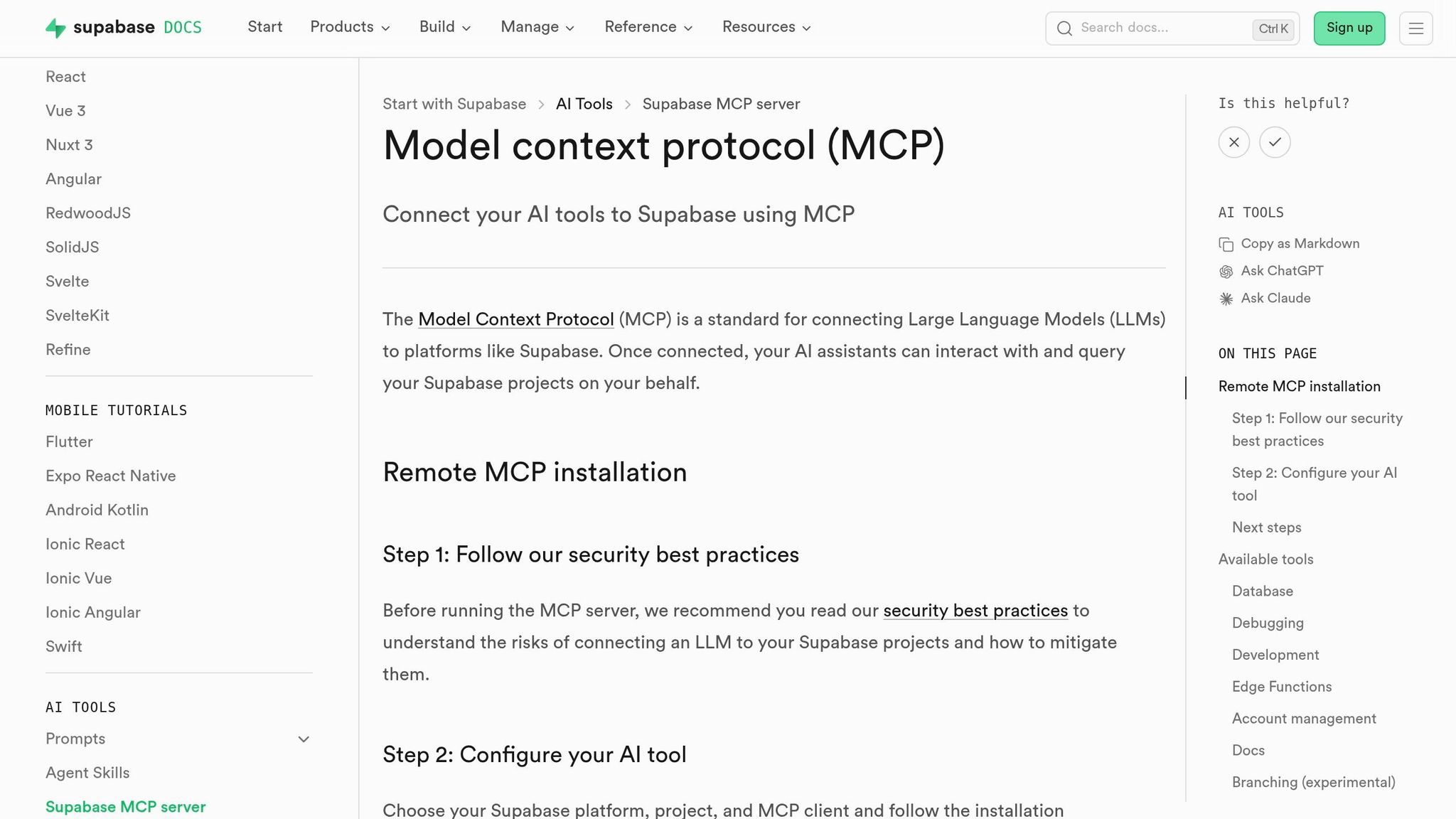
Supabase MCP goes beyond standard database integration by incorporating additional backend components into your Claude workflow. It connects your entire Supabase environment – PostgreSQL database, authentication system, storage buckets, and edge function logs – directly to Claude Code [10].
This server expands database capabilities to include tasks like managing authentication, handling storage operations, and diagnosing edge function issues. Through Supabase MCP, Claude can inspect database schemas, map table relationships, run SQL queries, manage authentication users, and troubleshoot login problems [10]. It operates locally using stdio and requires you to configure your SUPABASE_URL and SUPABASE_SERVICE_ROLE_KEY as environment variables [10].
Primary Use Cases
Supabase MCP is built for AI GTM engineers and teams working with the full Supabase ecosystem. For example, if you need Claude to debug login issues, analyze product-related data, or verify storage bucket permissions – all within one workflow – this server streamlines that process.
Its integration allows for seamless movement from data analysis to full-stack troubleshooting. The service_role_key provides unrestricted admin access, bypassing Row Level Security (RLS). While this is highly effective for debugging, it requires careful security measures. For production environments where Claude only needs to query data, consider using a read-only connection string or a restricted key instead [10].
Integration Potential
Supabase MCP works exceptionally well alongside GitHub MCP for deploy-to-verify workflows. For instance, Claude can push database schema updates, deploy them via edge functions, and immediately query the updated tables to confirm successful migrations. Pairing it with Playwright MCP enables end-to-end testing of authentication flows – Claude can create a test user via the Auth API and then use Playwright to verify the login form in a real browser.
This server adds roughly 1,100 tokens to your context window, slightly more than PostgreSQL MCP’s 900 tokens, due to its broader range of tools [4]. However, Claude Code’s Tool Search feature ensures only the necessary tools for a task are loaded, cutting overall context usage by about 85% [2].
With its robust integration capabilities, Supabase MCP makes deployment straightforward.
Ease of Deployment
To install Supabase MCP, run:
claude mcp add supabase -- npx -y @supabase/mcp-server [4].
Set your SUPABASE_URL and SUPABASE_SERVICE_ROLE_KEY either as environment variables or in a .env file (remember, never commit credentials to Git). Use the --scope project flag to generate a .mcp.json file in your repository root, making it accessible to your entire team [5] [7].
After installation, verify the connection by running /mcp in Claude Code. To activate it during a session, prompt Claude to "use supabase mcp" – otherwise, it may default to standard database tools [5] [7].
7. Brave Search MCP

Core Functionality
Brave Search MCP stands out in the search and external intelligence category by enabling Claude to access real-time information. It provides five specialized tools:
brave_web_searchfor general queriesbrave_news_searchfor recent announcementsbrave_image_searchfor visual contentbrave_local_searchfor geographic researchbrave_summarizerfor extracting key points from results [8].
This setup is especially helpful for fast-evolving frameworks like Next.js or FastAPI. Instead of relying on static, outdated training data, Claude can fetch the latest API documentation as needed [8]. Moreover, this server adds only about 600 tokens to your context window, keeping it lightweight [4].
Primary Use Cases
Brave Search MCP is designed to support several essential workflows:
- Documentation Lookup: Retrieve live references to verify library versions or API endpoints during a session, bypassing older information [8].
- Debugging Support: Developers can search for error messages, forum discussions, or third-party API status updates directly within Claude Code [8].
- Market Intelligence: The news and local search tools are ideal for real-time competitor monitoring and gathering market insights and forecasting.
The free tier includes 2,000 queries per month, while paid plans start at $5/month [8].
These tools also open the door to more advanced integration possibilities.
Integration Potential
Brave Search MCP integrates seamlessly with other MCP servers, creating a powerful automation pipeline. For instance:
- Use Brave Search to find relevant URLs based on your query.
- Then trigger Fetch MCP to extract full text from specific documentation pages for deeper analysis [8].
For research-heavy workflows, you can pair it with Filesystem MCP to store findings locally or PostgreSQL MCP to build a searchable knowledge base of competitor data or market trends [4].
When combined with GitHub MCP, Brave Search MCP completes the entire "research-to-implementation" workflow. Claude can search for solutions, review documentation, and apply fixes to your codebase – all within the same session.
Ease of Deployment
Setting up Brave Search MCP is simple and complements its integration capabilities. Before installation, subscribe to the Brave Search API dashboard and generate an API key to prevent 401 Unauthorized errors [8].
Deploy the server using this command:
claude mcp add brave-search -e BRAVE_API_KEY=BSA_xxx -- npx -y @brave/brave-search-mcp-server Make sure to use the updated package @brave/brave-search-mcp-server instead of the older @modelcontextprotocol/server-brave-search for better reliability [8].
8. Exa MCP
Core Functionality
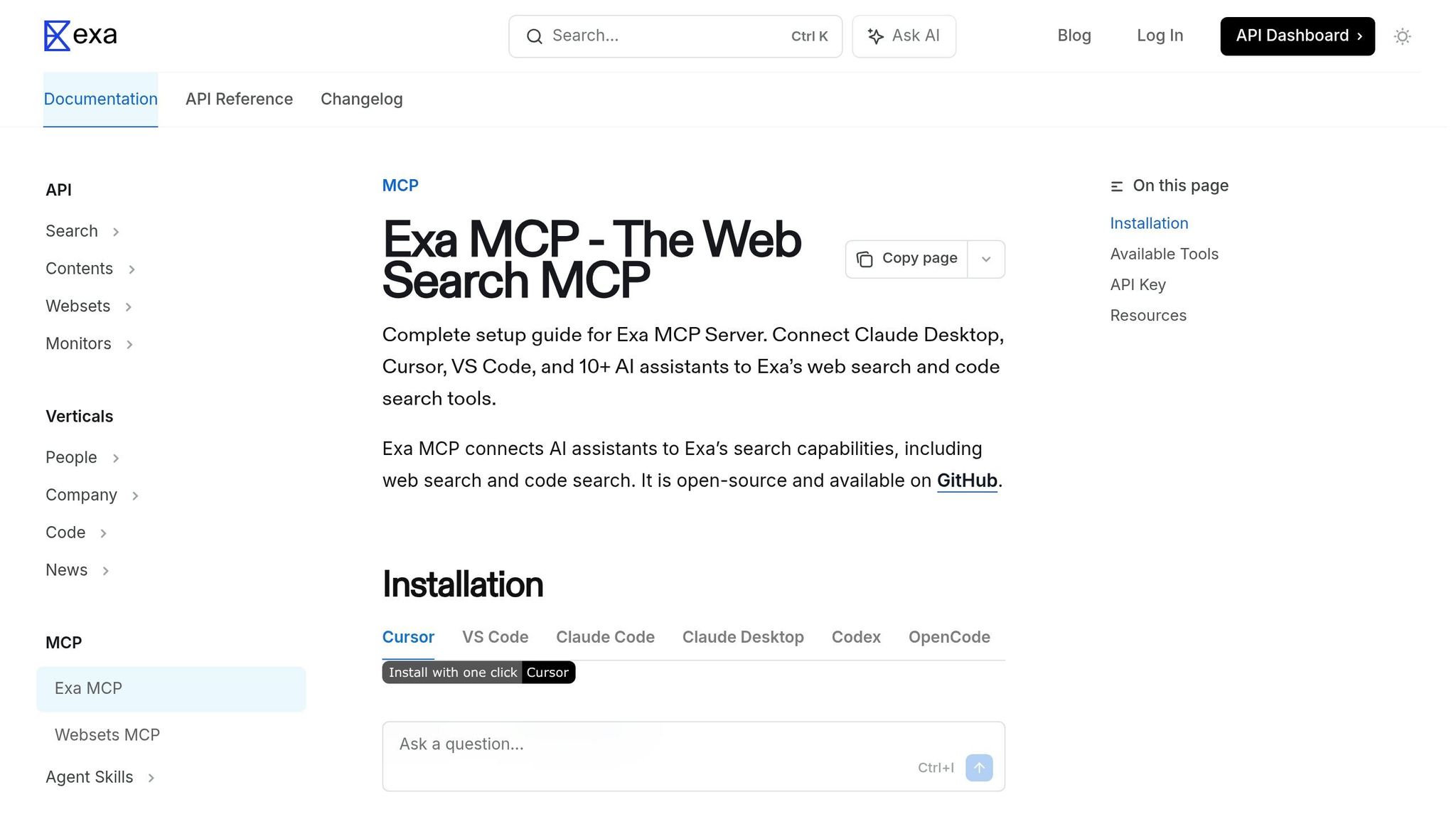
Exa MCP brings web search capabilities to Claude, allowing it to access current information beyond its training data cutoff. This server supports mid-session searches without being limited by context window constraints, enabling retrieval of the latest libraries, practices, and updates. This feature is particularly useful when dealing with rapidly evolving technologies, as Claude can fetch live documentation for popular frameworks, ensuring implementations align with the most recent standards[6][11].
Primary Use Cases
Exa MCP shines in three main workflows. First, it aids technical research by investigating third-party APIs and retrieving updated documentation during development sessions[5]. Second, it supports competitive analysis by allowing Claude to gather market intelligence and track competitor activities in real time. Third, it minimizes context overload by fetching only the necessary snippets[3]. Access to the latest documentation significantly reduces hallucinations and implementation mistakes.
Integration Potential
Exa MCP works best when integrated with other servers. For instance, pairing it with a Fetch MCP – a server designed to extract content from URLs – creates a seamless research process: Exa MCP identifies the correct URL, and Fetch MCP retrieves clean, markdown-formatted content from that page[11]. This setup is particularly effective for accessing gated or private documentation requiring authentication headers. Additionally, combining Exa with a Filesystem MCP allows for local storage of research outputs, while integrating it with a PostgreSQL MCP helps build a searchable database of competitor insights. Claude Code further enhances this functionality by supporting MCP tool persistence for up to 500,000 tokens, enabling extensive search results to be managed without losing context[1][4]. With these capabilities, deploying Exa MCP becomes a straightforward process.
Ease of Deployment
Exa MCP follows the standard CLI MCP installation process. Users need to generate an API key and store it as an environment variable (e.g., EXA_API_KEY) to secure credentials. The server is compatible with major MCP clients like Claude Code, Claude Desktop, Cursor, and Windsurf. While specific pricing details for Exa MCP aren’t provided, similar search servers like Brave Search typically offer a free tier with around 2,000 queries per month and paid plans for higher usage[3]. Exa MCP ensures your pipeline remains responsive to the latest technological advancements.
Claude Code MCP: How to Add MCP Servers (Complete Guide)
Strengths and Weaknesses
When working with MCP servers, there’s always a balancing act between what they can do and the costs they bring along. One of the most immediate concerns is context consumption – each server uses up between 500 and 2,000 tokens from Claude’s memory[4]. To put it into perspective, loading 15 servers without any optimization can eat up 15%–30% of your context window right at the start of a session[12]. However, Tool Search dramatically reduces this overhead, cutting token usage by 85%–95%. For example, what could have been a 72,000-token load drops to just 8,700 tokens[2].
Another trade-off is the complexity of setup and integration. Some servers are straightforward, like Filesystem MCP, while others, like GitHub MCP, require managing tokens. PostgreSQL MCP adds another layer of complexity with secure connection strings[8][9]. Then there’s Playwright MCP, which is resource-intensive – it downloads Chromium on the first run (taking 1–2 minutes) and uses significant system resources. But it’s the only option for full browser automation and visual verification[12].
"The developers who get the most out of claude mcp servers aren’t the ones with the biggest stacks. They’re the ones who route 3–5 core servers through a gateway with selective tool loading." – Yaniv Shani, Founder of Apigene[12]
Security is another critical factor. For example, Filesystem MCP scoped to root (/) poses a major security risk, so access should always be limited to specific project directories[8]. Database servers should use dedicated read-only users rather than admin credentials[9]. Some servers, like Brave Search and Exa, require API key management, with Brave’s free tier limiting you to 2,000 queries per month[9]. Supabase MCP offers a convenient combination of database, authentication, and storage, but it comes at a cost of roughly 1,100 tokens and locks you into the Supabase ecosystem[4].
The practical advice? Start small. Stick to 3–5 essential servers – say GitHub, Filesystem, and Brave Search – to avoid bogging down system performance[12]. Use --scope user for global utilities and project-specific scopes for databases to keep things organized[6]. Avoid installing every available server; instead, focus on optimizing the number of tools you enable. This approach conserves tokens and ensures better overall performance. Ultimately, the key is to choose tools strategically, keeping performance and security in mind while aligning with a broader system-building strategy rather than collecting tools for the sake of it.
Conclusion
Choosing the best MCP servers for Claude Code isn’t about having the most features – it’s about aligning with your system’s specific goals. By following a structured approach, you can select an MCP stack that fits your workflow, whether you’re focused on coding, automation, or large-scale operations.
The key is building workflows that integrate seamlessly, not just piling on features. Start with a core trio: Filesystem MCP for local tasks, GitHub MCP for managing workflows, and either PostgreSQL MCP or Apidog MCP, depending on whether your priority is data analysis or API integration. With this foundation, your tools evolve into a cohesive execution system.
For example, when setting up a data analysis pipeline, combining Filesystem MCP, PostgreSQL (or Supabase) MCP, and Brave Search MCP ensures your tools work together to extract insights, rather than overwhelming you with unnecessary options. Similarly, automating outbound sales becomes much smoother when you pair Apidog for API integration, Playwright for browser automation, and PostgreSQL for database access. This streamlined combination moves your process efficiently from research to execution [1].
Every additional server comes with a cost: reduced context. Keep your configurations clean by using project-specific .mcp.json files, which make sharing setups with your team simple. And always secure your credentials by using the ${ENV_VAR} syntax for API keys instead of hardcoding them [5].
Take a moment to review your current MCP server setup. Simplify by keeping only the essential trio and add more tools only when absolutely necessary. Many teams discover they can achieve more with fewer tools once they shift their focus from collecting servers to building efficient systems.
"The developers who get the most out of Claude MCP servers aren’t the ones with the biggest stacks. They’re the ones who route 3–5 core servers through a gateway with selective tool loading." – Yaniv Shani, Founder of Apigene [12]
FAQs
Which 3 MCP servers should I install first?
The first three MCP servers you should consider installing are Filesystem, GitHub, and PostgreSQL. These servers cover critical needs: Filesystem handles file management, GitHub supports version control, and PostgreSQL enables efficient data querying. Together, they form a solid foundation for development and automation tasks.
How do I choose MCP servers by my workflow goal?
To select the right MCP servers, match your workflow goals to the server types. For instance, GitHub MCP is ideal for development tasks, PostgreSQL MCP suits data analysis, and Brave Search MCP works well for research. Begin with core servers like Filesystem, GitHub, and PostgreSQL to cover basic needs. As your goals evolve, you can include more specialized servers, such as those designed for automation or advanced content creation.
How can I keep token usage and security under control?
To keep token usage in check and maintain security when working with MCP servers in Claude Code, focus on limiting the amount of data and tool definitions loaded into the context window. This approach helps cut down on token consumption and boosts performance. On the security front, rely on secure transport protocols like HTTPS, enforce scoped permissions to control access, and monitor server activity consistently. These steps not only enhance efficiency but also protect sensitive data in workflows powered by MCP.